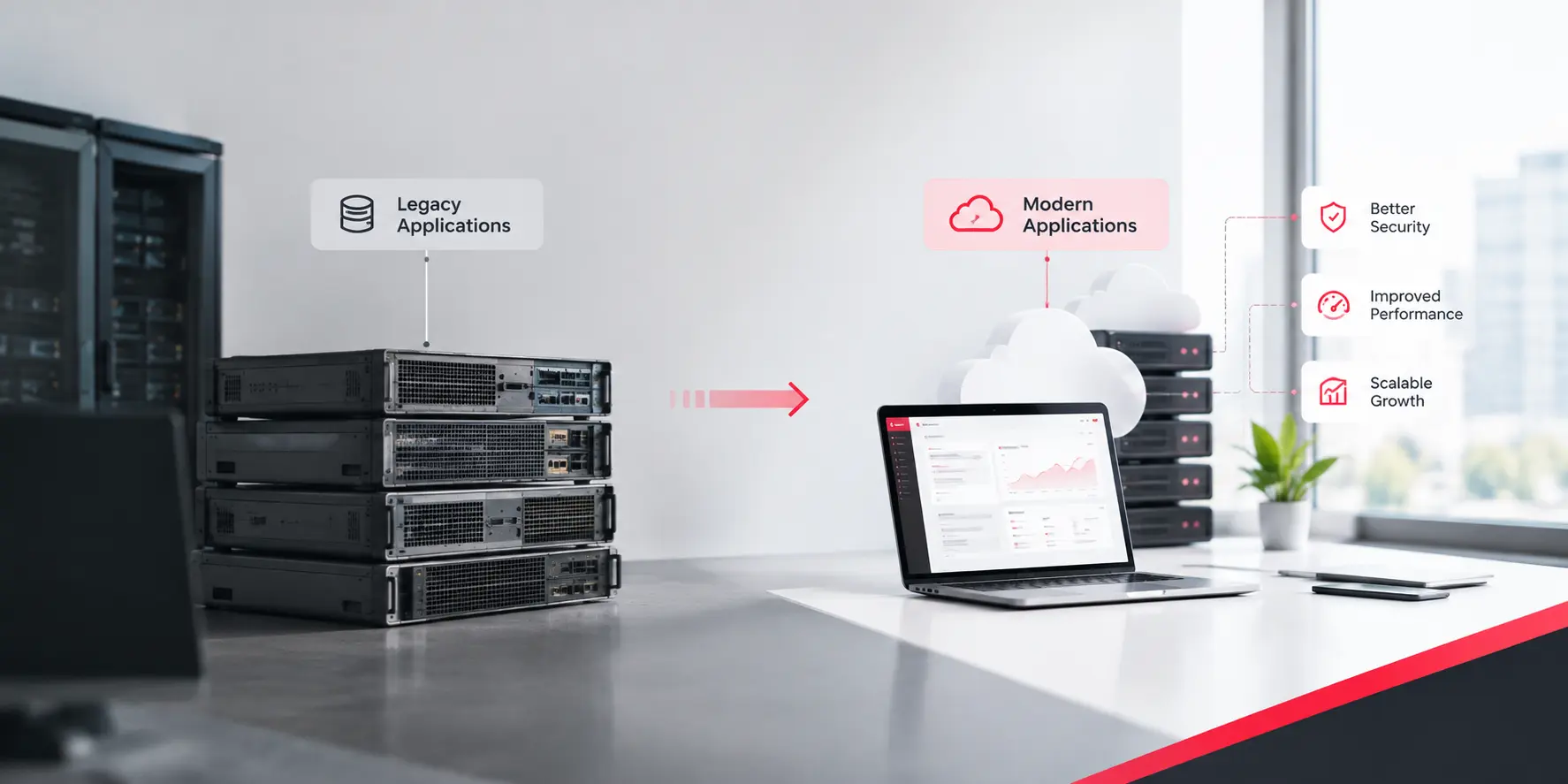
Key Takeaways
Ask an enterprise how many applications it runs, and you will usually hear a number, followed by a correction. Somebody remembers a reporting tool in finance. Somebody mentions a nightly job nobody owns.
That is why legacy application modernization best practices look different at enterprise scale. With ten applications, you can hold the picture in your head. With several hundred, you cannot.
This guide covers seven practices in the order we would apply them. If you want the basic sequence first, our step-by-step guide to legacy system modernization covers it. This post is about what changes when the estate is large.
Three things change as an estate grows. Dependencies multiply, because one application may feed a dozen others through files, queues, and direct database reads. Ownership blurs, because the people who built a system have often moved on. And risk spreads, because a safe change in one place can break a report or a partner feed somewhere else.
So the goal shifts. You are no longer modernizing an application. You are changing a connected estate.
Discovery is the unglamorous part, and it saves the most money. For each application, capture:
Then go beyond documents. Diagrams are often out of date, so look at what actually happens. Which jobs run? Which reports do people open? Talk to the users, who know the workarounds no specification mentions.
Give discovery a time box, or it becomes a project of its own. A modernization readiness assessment gives that time box a shape: what to look at, what to produce, and when to stop.
Every team has a favorite candidate, usually the system that annoys them most. Noise is not a ranking. Ask two questions about each application. What does leaving it as it is cost or risk? And how hard is it to change?
| Group | What it looks like | First Move |
| Do first | High risk if left alone, and easy to change | Start here with a small first slice |
| Plan carefully | High risk if left alone, and hard to change | Test early, then move in slices |
| Quick wins | Low risk if left alone, and easy to change | Use them to prove the method |
| Leave alone | Low risk if left alone, and hard to change | Monitor it, and retire it when its users are gone |
Do not open with your most critical system. Pick something that matters but will not sink you if the first attempt runs slowly. An early success earns the credibility that harder work needs. If aging code is slowing your releases, our post on why a slow release cycle is a technical debt problem may help you make the case.
Architecture planning is where enterprises overspend. A team draws a beautiful target state, then spends a year arguing about it. A more practical approach is to plan around seams, the natural joints where one part of the estate can be separated from the next. A good seam has a clear owner, a stable interface, and data you can name, such as billing or customer records.
An outside check helps before you commit. A platform architecture audit tests the plan against what is really running.
Most enterprise modernizations that slip, slip on data. Code can be rewritten in sprints. Data carries decades of odd formats.
Mismatched numbers are the first thing leaders notice, so read our post on why dashboard numbers do not match the database before any cutover. If old and new systems must trade data for months, a proper data integration layer is safer than one-off scripts.
You cannot prove a new system is correct unless you know what the old one did. Start with characterization tests: automated checks that record today’s behavior, quirks included, and then run the same checks against the new version. Where the old code has no tests, capture real inputs and outputs and compare them.
Then add regression tests for the rules you found in discovery, performance tests at realistic volumes, and integration tests with the partner systems that depend on you. Finish with parallel runs, where old and new process the same real work and you compare results before anyone relies on the new one.
When you find a bug in the old system, decide on purpose whether to copy it or fix it. Somebody downstream may rely on it.
Security is cheaper in the design than in a late review. Legacy systems often carry old libraries, shared accounts, and access rules nobody has reviewed for years. Fix them now, not later.
Regulated industries add deadlines on top.
Even with good tests, production will surprise you. A phased rollout limits the damage. Move users in rings: a small internal group, then a pilot team or region, then a wider group, then everyone. Pause and measure between rings.
For the routing pattern itself, modernizing a legacy SaaS platform without a big-bang rewrite explains how to move traffic in slices.
All seven practices follow one pattern. Learn what you really have. Choose where to start. Plan around seams. Rehearse the data. Test behavior. Build security in. Release in steps you can undo.
None of it is exotic. The hard part is doing it in order, across many systems and owners.
If you want a second pair of eyes, Book a Discovery Call and bring your ten most painful applications.
We will talk through where we would start, and how our legacy application modernization services would handle that first slice.
Frequently Asked Questions
What are the best practices for legacy application modernization?
Start with discovery of applications, data flows, and owners. Prioritize by risk and effort, plan around clear seams, rehearse data migration, test current behavior, build security early, and roll out in reversible phases.
How do you decide which legacy applications to modernize first?
Score each application on two questions: what leaving it as it is costs or risks, and how hard it is to change. Start with high-risk, easy-to-change systems, and avoid making your most critical system the first slice.
How long does enterprise legacy system modernization take?
It depends on how many applications you have, how tightly they connect, and how clean the data is. Plan in phases and report progress by slice. A whole portfolio is usually a multi-year program.
What is the biggest risk in legacy data migration?
Assuming the data matches the rules people remember. Real data holds duplicates and odd formats. Profile it early, rehearse the move more than once, and reconcile the results each time.
Can an enterprise modernize without downtime?
Often, yes. Running old and new systems side by side and moving users in phases keeps most work running. A short window may still be needed for the final data cutover, so plan it.
Get a clear roadmap, timeline and cost estimate from our experts.
Get Your Free Consultation
 AI & Automation
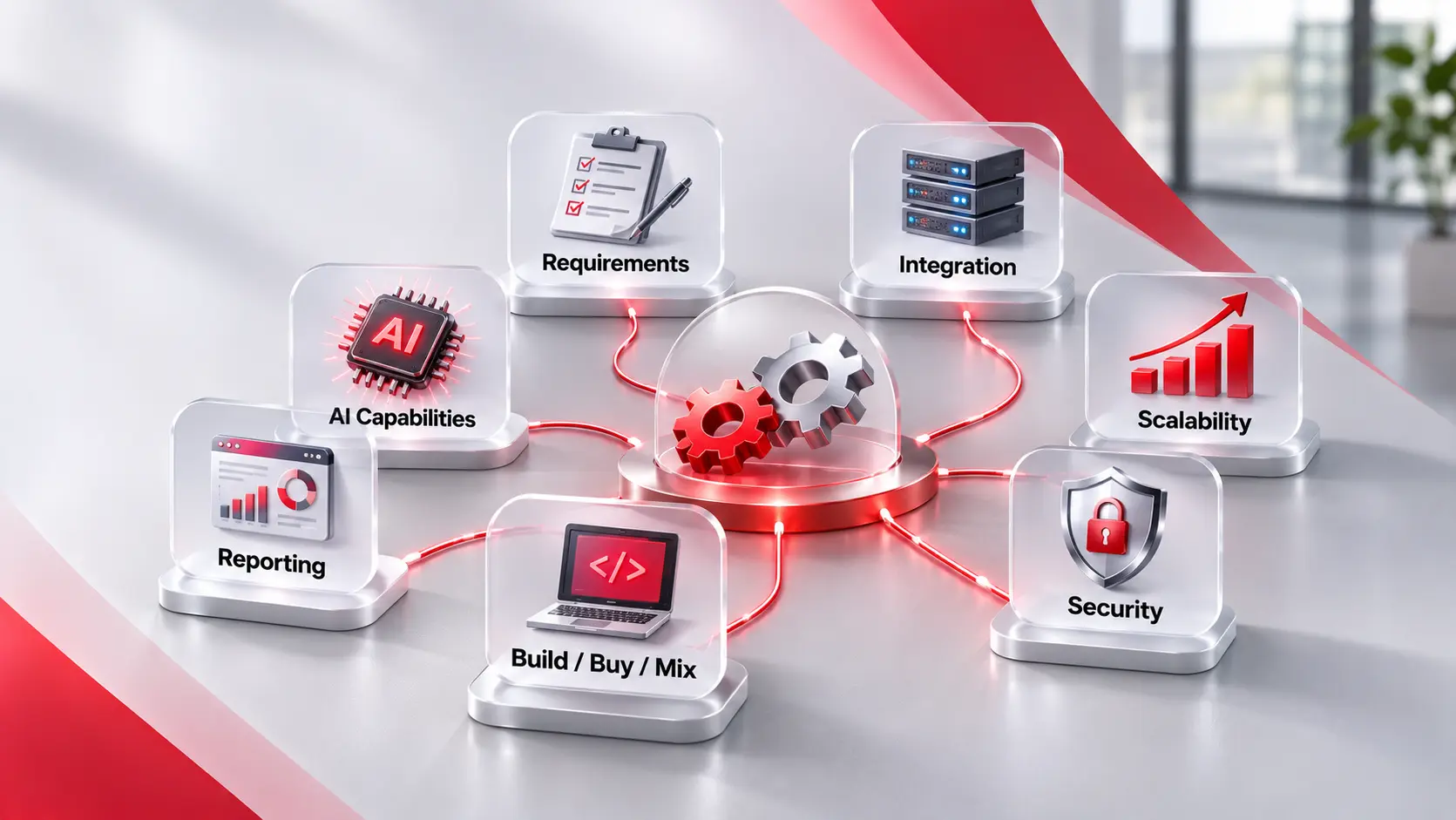
Key Takeaways Start with the job, not the tool. Write down the steps, the people, and the rules before you look at any product. Six checks matter most. Requirements, integration, scalability, security, reporting, and build versus buy. Test with your own work. A demo shows the best case. A trial with real tasks shows the […]
 System & Data Integration
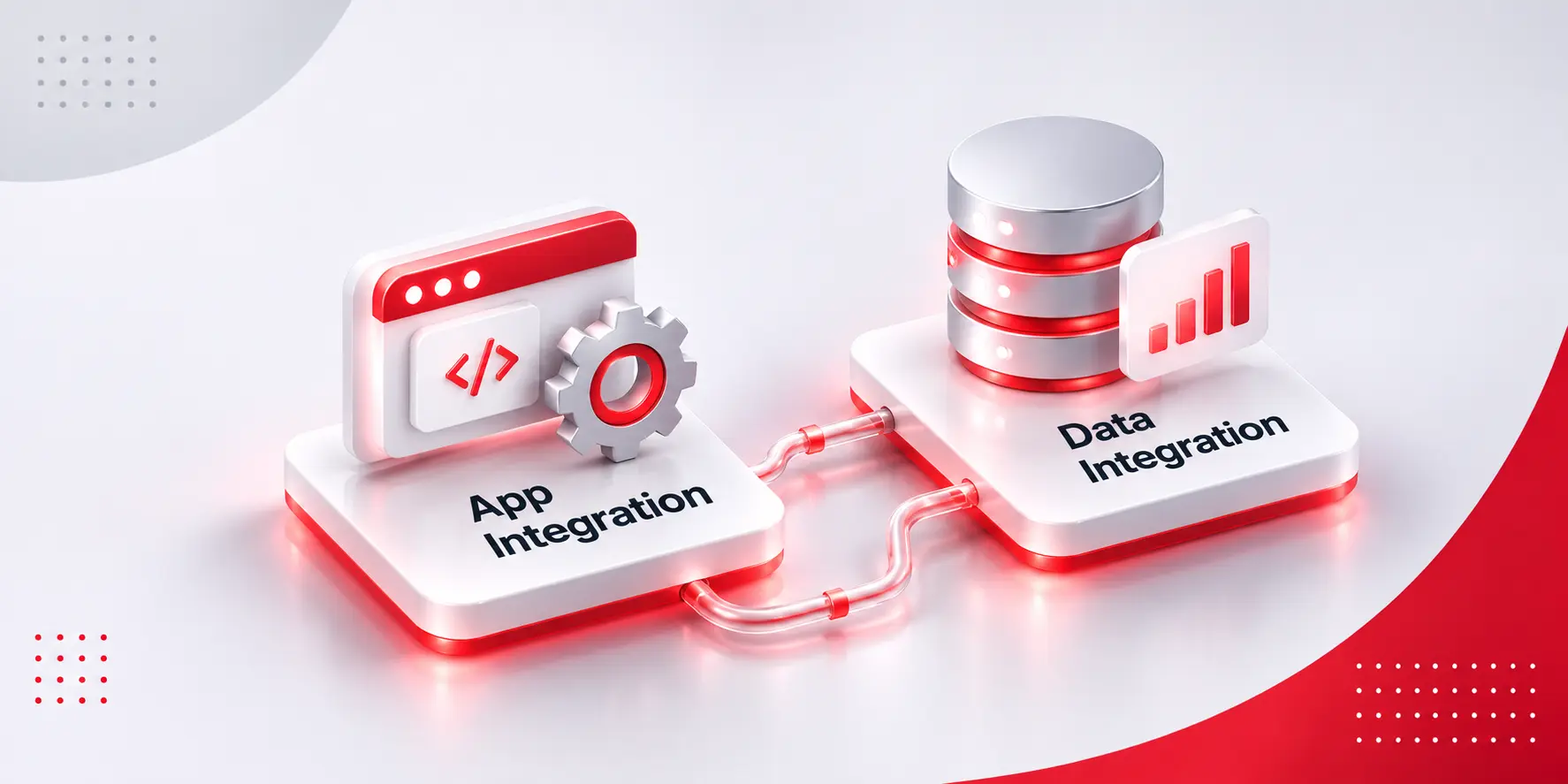
Key Takeaways System integration makes systems act. An event in one application triggers an action in another, usually in seconds. Data integration makes data trustworthy. It combines data from many sources into one consistent, usable set. The test is action or answer. If something should happen, you need application integration. If the numbers disagree, you […]
 AI & Automation
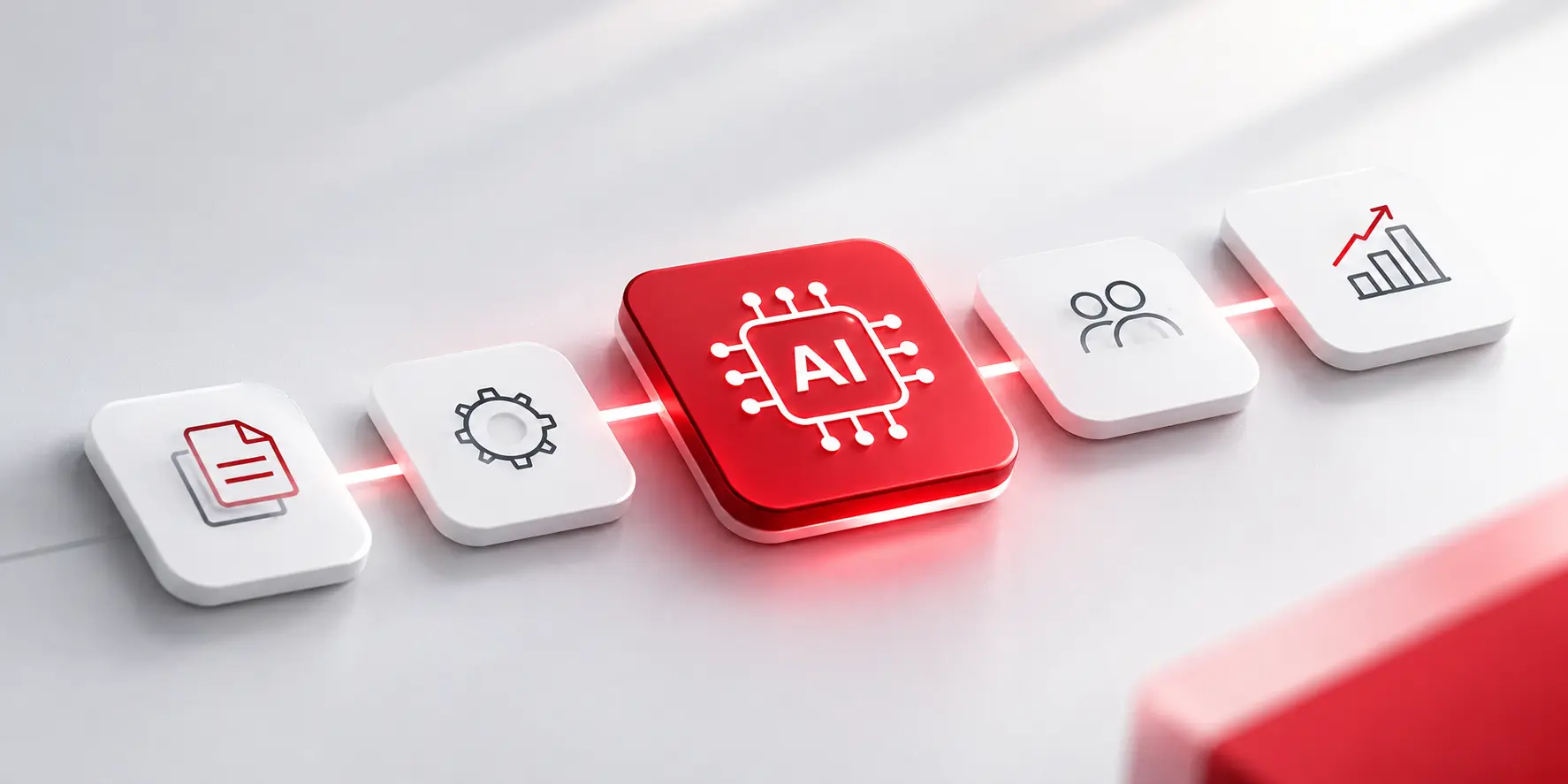
Key Takeaways It connects, not just automates. Value comes from linking systems, data, and decisions across a process, not from speeding up one step. AI handles messy input. Emails, PDFs, and chat messages can be read and routed. Rules-based tools and RPA need tidy, structured data. People stay in the loop where risk is high. […]