Key Takeaways
A finance lead receives invoices in dozens of formats. A support team reads the same five kinds of ticket all day. A sales team retypes lead details into a CRM. None of these jobs is hard. All of them are expensive, because people carry information between systems that do not talk to each other.
Traditional automation helped when the input was tidy. Most business information is not. It arrives as emails, PDFs, chat messages, and scans. That is why AI workflow automation business use cases are spreading beyond IT into finance, HR, sales, and operations.
The argument of this guide is simple. AI workflow automation is not about automating one task at a time. It is about connecting systems, data, and decisions so that work moves without handoffs.
Below you will find what it is, eight use cases, an implementation plan, the challenges to expect, and a way to measure results.
AI workflow automation uses artificial intelligence to run multi-step business processes that need judgment, not only fixed rules. Machine learning finds patterns and makes predictions. Natural language processing reads text. Language models summarize and draft. Automation tools then pass the result to the systems that act on it.
The difference shows in the input. Rules-based tools need structured data, such as a form field. RPA copies clicks across screens and breaks when a screen changes. An AI-powered workflow can read an unstructured email, work out what it asks for, and decide where it goes. People stay involved where errors are costly: large payments, hiring decisions, customer commitments, and legal matters.
| Rules-based workflow | RPA | AI workflow automation | |
| Best input | Structured data | Structured data on screens | Structured and unstructured data |
| Decision logic | Fixed if-then rules | Scripted steps | Predictions with confidence scores |
| When things change | Rules are rewritten | Bots often break | Adapts, but needs monitoring |
| Human role | Handles exceptions | Repairs bots | Approves high-risk and low-confidence cases |
Every use case below follows the path. Work arrives, AI interprets it, and rules validate it. A person approves it when needed, and systems execute it.
Support queues grow faster than teams, and agents spend time reading, tagging, and forwarding tickets. When a ticket arrives, AI classifies the topic, scores sentiment, and drafts a reply from approved knowledge articles. Simple, high-confidence questions are answered automatically. Angry or complex cases go to a senior agent with the draft and history attached. The result is faster first response and agents who work on hard problems.
Reps lose selling time to data entry, and good leads wait while weak ones get attention. A form fill creates a record. AI enriches it, scores fit against past won deals, assigns a rep, and updates the CRM. Follow-up emails are drafted for rep approval, and stalled deals trigger reminders. Pipeline data gets cleaner and hot leads get faster answers.
Recruiters read hundreds of resumes, and new hires wait on paperwork. AI extracts skills from applications, compares them with the role’s stated criteria, and ranks candidates for a recruiter to review. A person makes every hiring decision, and the criteria should be audited for bias. Once an offer is accepted, onboarding tasks reach IT, payroll, and the manager automatically.
Invoices arrive in many formats, and matching them takes manual effort. AI extracts the supplier, amounts, and line items, then matches them to purchase orders and receipts. Matches within the tolerance post automatically. Mismatches, unusual amounts, and possible duplicates go to an accountant. The same pattern supports expense checks, reconciliation, and fraud flags, where AI raises the alert and a person decides.
Campaigns slow down in segmentation, copy variants, and approvals. AI groups customers by behavior and drafts message variants for each group. Drafts pass through brand and legal review, approved content is scheduled, and results flow back to suggest changes. Interested leads enter a nurture sequence. Messages become more relevant and production cycles shorter.
Ticket queues and alert noise bury real incidents. When a ticket or alert arrives, AI classifies it, links related alerts, and estimates priority. It then suggests or runs a documented fix, such as a password reset or a service restart. Anything that touches production data waits for an engineer’s approval. Routine issues close faster, and engineers spend their time on genuine incidents.
Disruptions are found late because orders, inventory, and shipments sit in separate systems. One workflow combines them. AI forecasts demand, flags stock that will run short, and raises exceptions such as a delayed shipment. Standard reorders proceed within set limits, and larger or unusual orders go to a planner. Teams get earlier warning and fewer emergency purchases.
Contracts, forms, and policies hold facts that people retype or hunt for. A document arrives, AI identifies its type, extracts key fields, checks them against source records, and sends it to the right approver. Staff can also ask questions of approved internal documents and receive answers with sources. That works only when the documents are accurate, as we explain in why AI chatbots make things up.
The benefits are real, but they differ by process. Reduced manual work and faster cycles appear first in high-volume tasks such as invoice entry and ticket triage. Fewer errors follow wherever people used to copy data by hand. Better decisions come from patterns in lead scores or demand forecasts, though a person still decides. Customer experience improves where speed matters, and scalability follows because volume can rise without hiring in step. Logged workflows also give managers visibility into where work stalls.
Adoption alone does not deliver these gains. In McKinsey’s 2025 global survey, 88% of respondents said their organizations regularly use AI in at least one function. Yet only 39% reported any EBIT impact, and most of those said it was under 5% of EBIT. High performers were nearly three times as likely to say they had fundamentally redesigned individual workflows.
A sound AI workflow implementation moves from business question to pilot to scale, in this order:
Throughout, keep governance visible. Decide who owns each automated decision, what data the AI may see, and how access is limited. These choices are far cheaper to make before the pilot than after it.
AI implementation & workflow automation projects rarely fail on the model. They fail on everything around them.
| Challenge | Business effect | Practical response |
| Legacy integration | Old systems lack APIs, so automation stalls | Add an API layer, and modernize the worst blockers |
| Fragmented data | AI repeats the errors it reads | Name data owners and clean the sources used |
| Privacy and security | Sensitive data reaches tools unchecked | Limit access, mask data, and log use |
| Accuracy | Wrong outputs reach customers or ledgers | Use confidence limits and human review |
| Cost | Usage and integration costs grow | Start small and track cost per task |
| Adoption | Staff work around tools they distrust | Involve users early and show time saved |
| Governance | No one owns automated decisions | Assign owners and keep audit trails |
| Scaling pilots | Clean pilot data hides production problems | Plan integration and monitoring from day one |
The evidence supports caution. IBM’s 2025 Cost of a Data Breach research found that 13% of surveyed organizations had an attack affecting their AI models or applications. Of those, 97% lacked proper AI access controls.
Gartner expects over 40% of agentic AI projects to be canceled by the end of 2027, citing rising costs, unclear business value, and weak risk controls.
Our post on why enterprise AI pilots never reach production covers the decisions behind that pattern.
Measure the same workflow before and after. The core metrics are time saved per workflow, less manual processing, cost savings, fewer errors, and faster completion. Add employee productivity and customer response time. Then track the automation success rate, meaning the share of cases completed without human help.
| Item | Assumption or result |
| Invoices per month | 4,000 |
| Manual handling today | 9 minutes each, or 600 hours, at $30 per hour = $18,000 |
| After automation | 80% pass with a 1 minute check, 20% are exceptions at 10 minutes, about 187 hours = $5,600 |
| Monthly labor saving | $12,400 |
| Monthly run cost (software, usage, support) | $3,500 |
| Net monthly benefit | $8,900 |
| One-time build cost | $60,000, repaid in about 7 months |
Agentic AI, meaning systems that plan and take multi-step actions, is the biggest shift. Gartner predicts that by 2028, 33% of enterprise software applications will include agentic AI.
It also expects at least 15% of day-to-day work decisions to be made autonomously, up from almost none in 2024. That is a prediction, not a result. Gartner also warns of agent washing, where vendors relabel chatbots and RPA as agents.
The practical implications are modest. Intelligent document processing and multimodal AI, which reads images and audio as well as text, widen the range of inputs a workflow can handle. Human-AI collaboration remains the working model, and connected enterprise platforms decide how far autonomy can safely go.
Building Scalable AI-Powered Business Workflows
Deploying one AI tool does not create an automation ecosystem. Scaling needs shared foundations. These are an architecture that reuses components, APIs that connect applications, an enterprise data layer, and legacy applications modern enough to reach. Security, governance, and continuous monitoring must cover every workflow, not each one separately.
The change is organizational as well as technical. Deloitte’s 2026 State of AI in the Enterprise survey of 3,500 senior leaders found that 60% had redesigned jobs around AI to at least a moderate degree.
Only 15% described those changes as extensive or complete. Teams that connect AI development with data integration and platform modernization avoid building isolated automations that cannot share data.
Conclusion: Making AI Workflow Automation Work for Your Business
Successful AI workflow automation starts with the right use case, a suitable technology, connected systems, and measurable objectives. It depends on business alignment, infrastructure readiness, and continuous optimization, not on the model alone.
If you are weighing where to begin, Book a Discovery Call and bring one workflow you would like to improve. We will talk through where AI development and intelligent automation would fit, what the integration involves, and whether your systems are ready.
Frequently Asked Questions
What are the common use cases for AI workflow automation?
The most common are support triage, lead management, resume screening, invoice processing, marketing segmentation, IT ticket handling, supply chain exceptions, and document extraction.
How does AI workflow automation work?
Work arrives and AI reads it. Rules validate the result. A person approves it when risk or doubt is high, and connected systems carry out the action. Every step is logged.
How do you implement AI workflow automation?
Choose one repetitive workflow, record a baseline, check data and systems, design the integrations and human controls, pilot beside the manual process, then monitor and scale.
What is the difference between AI workflow automation and traditional automation?
Traditional tools follow fixed rules on structured data. AI workflow automation can read unstructured input, make predictions with confidence scores, and route uncertain cases to people.
Which business processes are best suited for AI automation?
High-volume, repetitive processes with clear outcomes and accessible data, such as invoices, tickets, and document intake. Avoid starting with decisions that carry legal or safety risk.
What challenges do businesses face when implementing AI workflows?
Legacy system integration, poor data quality, security and governance gaps, accuracy limits, cost control, employee adoption, and pilots that fail to scale.

 AI & Automation
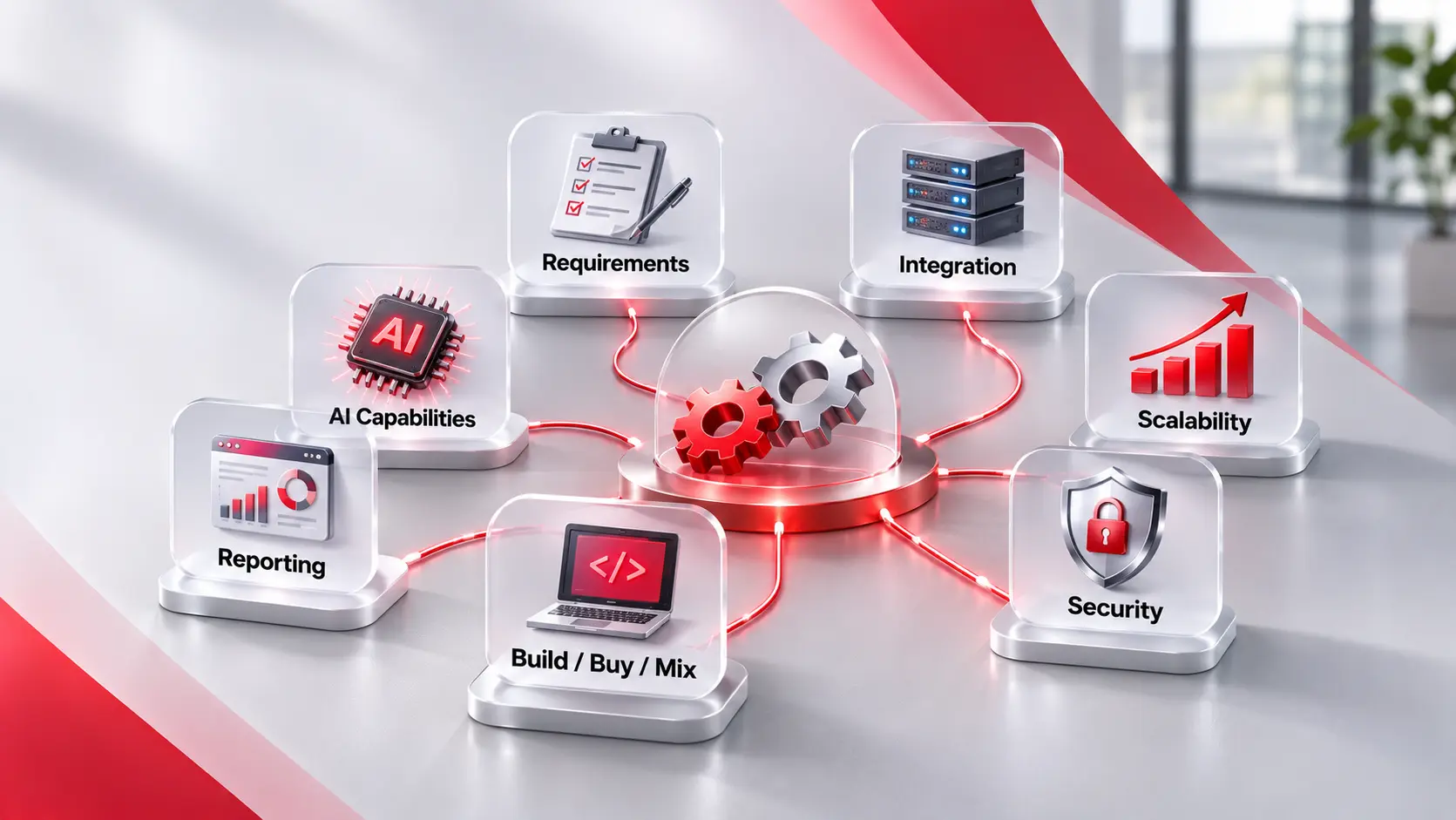
Key Takeaways Start with the job, not the tool. Write down the steps, the people, and the rules before you look at any product. Six checks matter most. Requirements, integration, scalability, security, reporting, and build versus buy. Test with your own work. A demo shows the best case. A trial with real tasks shows the […]
 AI, AI & Automation
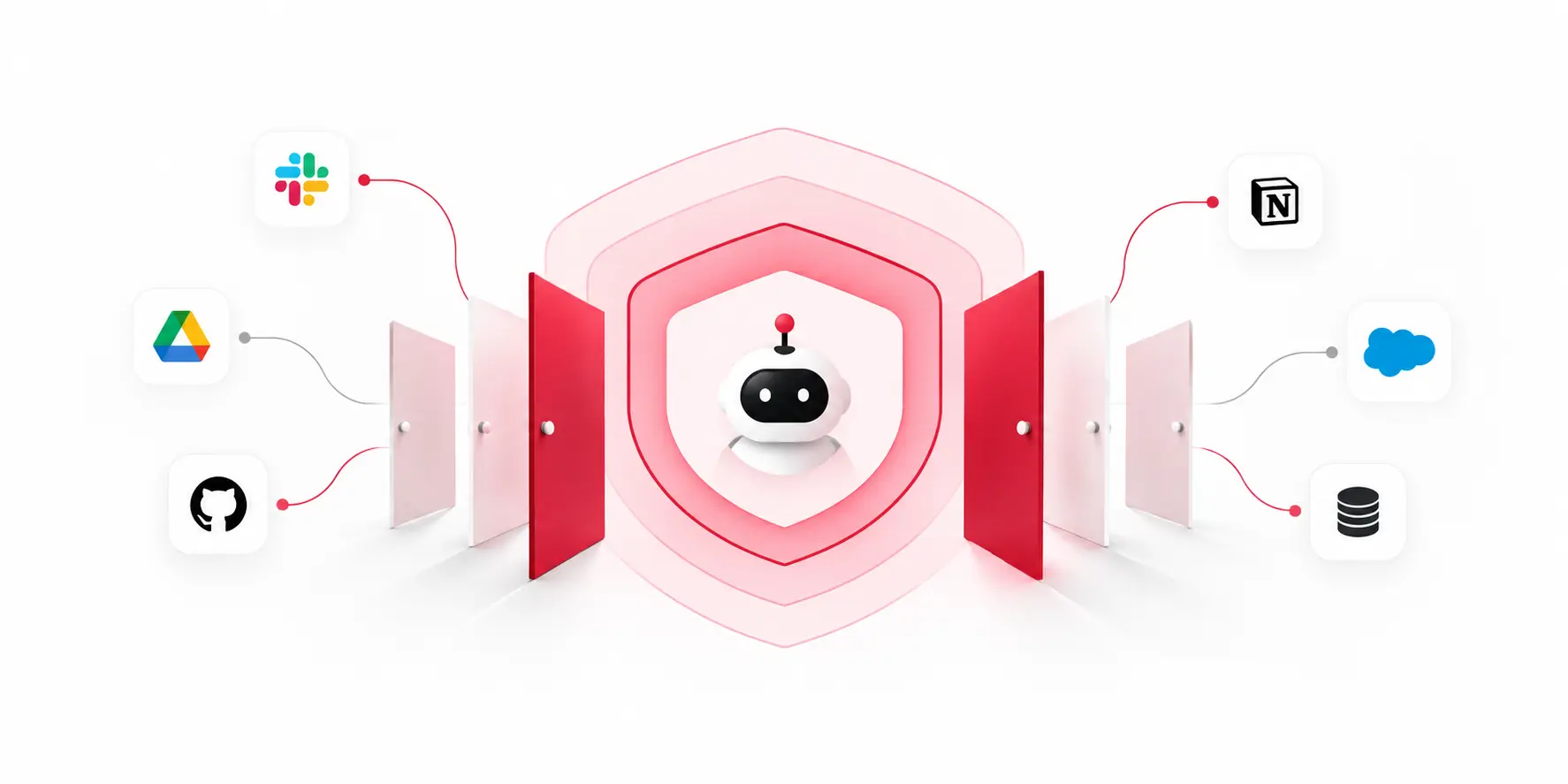
Key Takeaways Every server is a door. Each MCP server you connect gives an agent a way into a system you own. Access is the main risk. The protocol connects tools. Your permissions decide what the agent can do. Check six things. Access scope, server source, local servers, token handling, destructive actions, and logging. Use […]
 AI & Automation
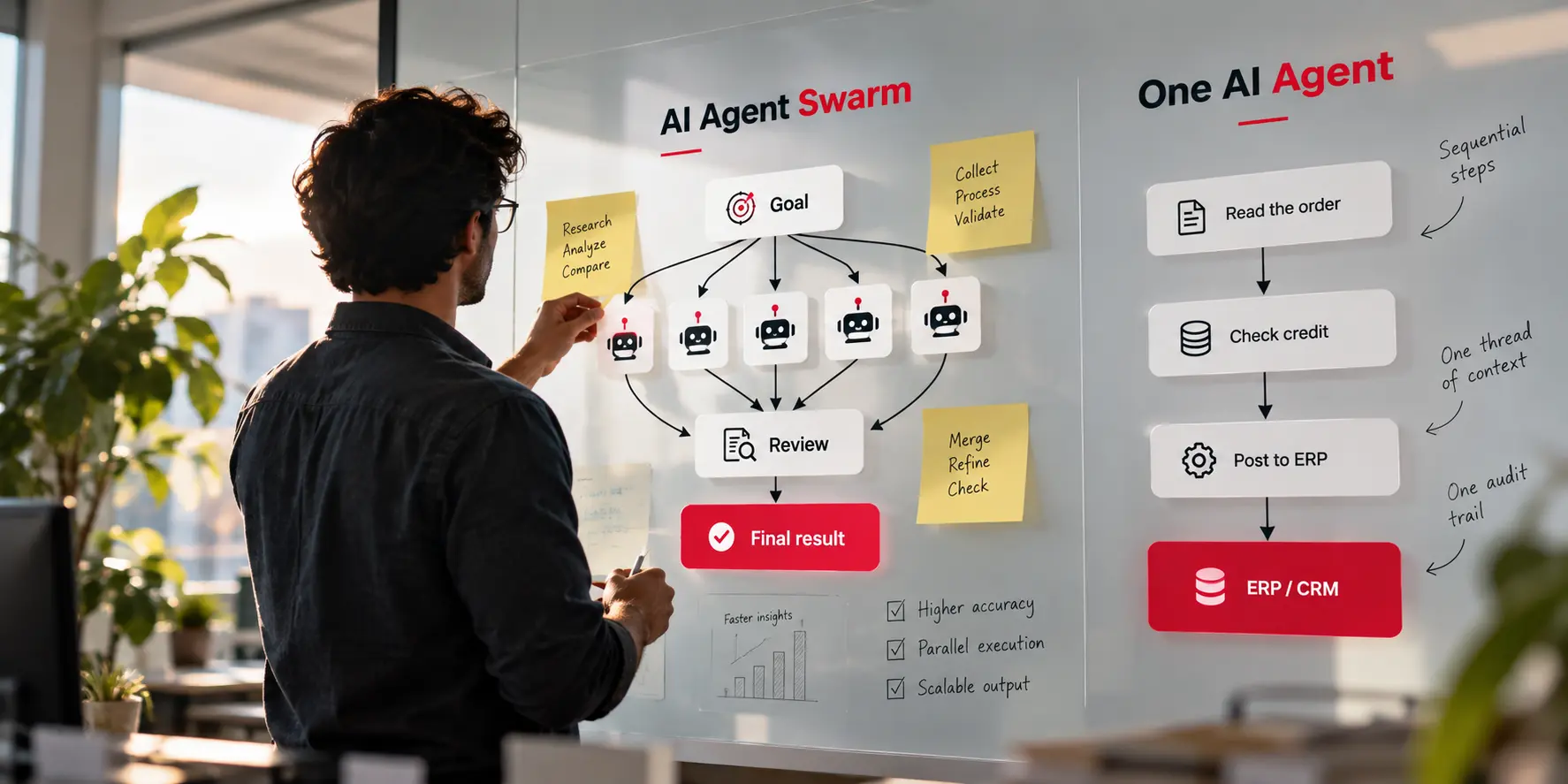
Key Takeaways A swarm is a design choice, not an upgrade. It is a group of agents that split a goal, and it pays off only when the work divides cleanly. More agents can lower results. Google Research found a large gain on parallel work and a 39% to 70% loss on step-by-step planning. Cost […]