
Build Software That Helps People Actually Get Work Done

Most adoption problems are not user problems. They are software problems. The interface does not match the workflow. The product does what it was built to do, but not what users actually need it to do.

LN Webworks engineers products, applications, and mobile experiences that align with how work actually happens, not how it was scoped.

Request a Product Workflow Audit

Service Snapshot Product Engineering

BEST FOR

Teams where the product ships but workflows, adoption, or integrations are not keeping up.

PRIMARY CTA

Request a Product Workflow Audit

ENTRY OFFER

Product Workflow Audit · Workflow Mapping Session · Platform Architecture Audit

DPF FIT

Execution stage · Automation readiness stage

MODELS

SaaS · Digital Health · Higher Education

12+

Years of delivery

1,000+

Global projects

4.9★

On Clutch

95%

Client retention

The Product Works in Demos. The Operation Tells a Different Story.

There is a difference between a product that ships and one that gets used as intended. Most teams notice the gap once support volume grows faster than the user base, onboarding completion drops, or workarounds become standard practice.

Signs Your Software Is Not Matching the Operation What It Actually Signals
Users have built workarounds outside the product Spreadsheets, Slack, and email are doing the work the software should be handling automatically.
Onboarding completion rates are dropping Activation suffers, and retention follows. Users are not reaching the point where the product earns continued use.
Support burden is driven by usability, not bugs Users cannot complete basic tasks without help. The interface is creating friction at critical workflow moments.
Mobile experience lags behind desktop performance Roles, permissions, and workflows do not feel native on mobile. The product was built for one environment and deployed to another.
Integrations between the product and other systems are fragile Onboarding, lifecycle, and reporting depend on manual sync. The architecture was not designed for clean integration.
Feature delivery is slowing Dependencies, ownership, and workflow impact are unclear. Technical debt is absorbing engineering capacity that should go toward the product.

Product, Application, and Mobile Engineering by LN Webworks

LN Webworks builds and improves digital products, applications, portals, and mobile experiences engineered to support how teams actually work, not just how the spec was written.

What This Helps You Improve
  • Product workflow clarity and task completion
  • Onboarding completion and time-to-value
  • Application architecture for growth and integration
  • Role-specific user experiences across web and mobile
  • Operational fit between the software and the workflow
  • Automation readiness for the next stage
What This Will Not Do
  • A redesign without engineering depth
  • A feature factory shipping tickets without workflow context
  • A build that ignores the operation around the product
The Distinction That Matters

We start by mapping the workflow before we build the product. We engineer the architecture for where the business is going, not where the spec was last updated. And we transfer capability so your team owns the platform when we are done.

Built for Teams and Businesses That Operate on Automation and Features

SaaS and Platform Companies

Lifecycle Workflows Inside the Product, Not Around It

Build, extend, or improve products where onboarding, lifecycle workflows, and customer-state changes occur within the product, not around it.

Digital Health Organizations

Clinical Workflows With Reduced Manual Coordination

Build patient-, staff-, or provider-facing applications that align with clinical workflows and reduce manual coordination across systems.

Higher Education Institutions

Applications That Connect Cleanly With Core Systems

Build student, faculty, or administrative applications that connect cleanly with LMS, CRM, and student information systems.

What You Will Achieve

  • 1

    Higher task completion and reduced workarounds across critical workflows

  • 2

    Better onboarding and activation rates tied to real workflow progress

  • 3

    Lower support burden driven by usability improvements, not patches

  • 4

    Cleaner integration between the product and adjacent systems

  • 5

    Mobile experiences that work where users actually access the product

  • 6

    A foundation that supports automation when the team is ready to move

How We Sequence the Design Work

Discovery and Research
  • User journey and task-flow mapping for critical workflows
  • Workflow gap analysis between current and ideal state
  • Accessibility audit and remediation prioritization
Design and Engineering
  • Onboarding flow design and engineering
  • Role-specific experience design across web and mobile
  • Wireframes and prototypes for engineering handoff
  • Design system documentation for consistent implementation
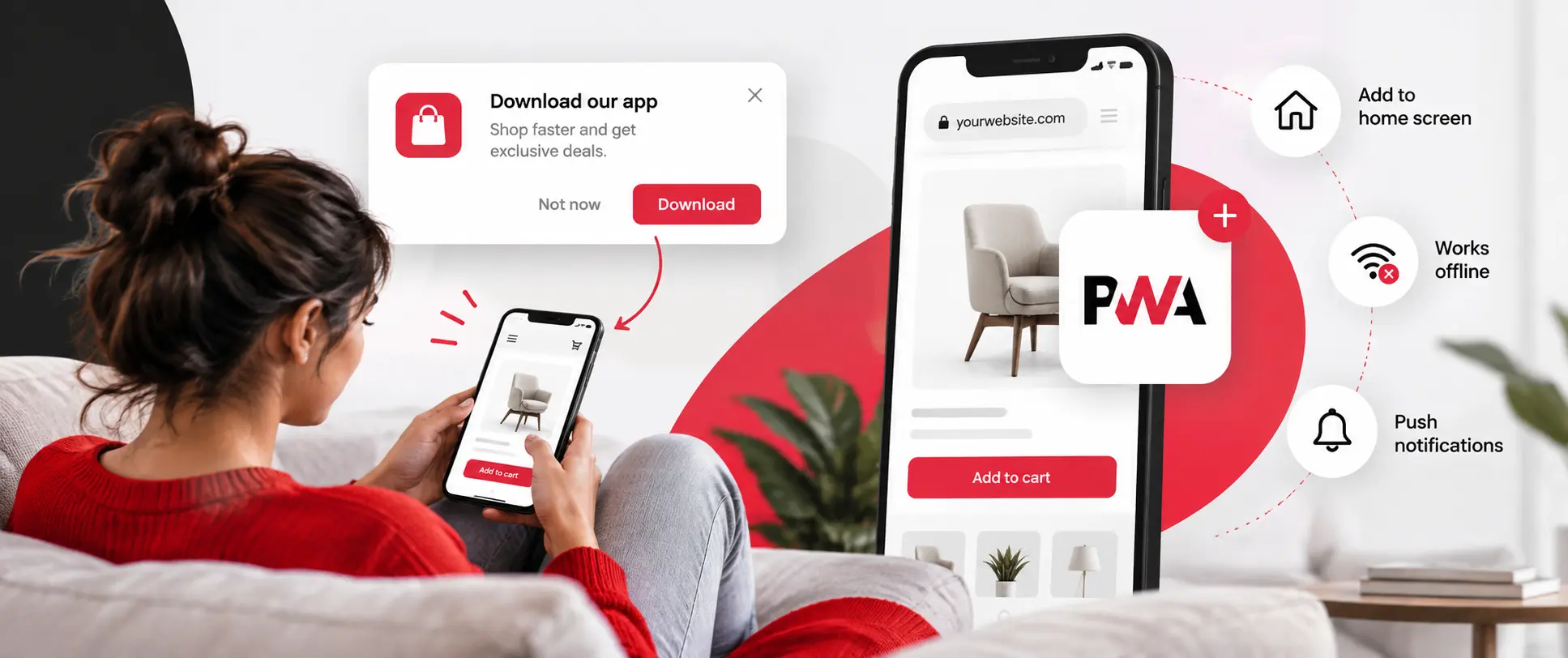
  • Mobile experience engineering and PWA-readiness assessment
Adoption Systems
  • In-product guidance, contextual help, and progressive disclosure
  • Adoption measurement instrumentation
  • Iteration loops based on real usage data, not assumptions
What Changes After This Work

Technically Functional Is Not the Same as Operationally Adopted

Adoption holds. Support volume drops.

The interface reflects how the team actually works. Users reach activation. Workarounds stop becoming habits. The product earns ongoing engagement rather than tolerating abandonment.

Primary StageUX Design
UX design that reflects real workflow functionalities across devices.
Secondary StageAdoption
Adoption systems that support automation and intelligent workflows.
Transition SupportedFunctional to Adopted
From technically functional software to operationally adopted software.

Three Starting Points Depending on Where the Gap Is

Product Workflow Audit

Recommended

Best when adoption is lower than expected and the gap between the product and the workflow is unclear. Maps where users drop off and what should be improved before any redesign begins.


Best when: activation rates are unclear and the team needs a decision-ready signal before engineering investment.

Accessibility and UX Audit

Compliance First

Best when accessibility compliance is the primary concern. Identifies specific gaps, prioritizes by impact and effort, and produces an actionable remediation plan.


Best when: WCAG requirements are in place but the product has not been audited against them.

Onboarding Flow Audit

Activation Focus

Best when activation rates are dropping and the onboarding sequence needs structured improvement before broader UX investment is made.


Best when: users are signing up but not reaching the activation milestone.

Experience Work That Moved Adoption Metrics

Client What Was Done Outcome
RheumNow Redesigned learner dashboard and CME tracking workflow Course completion improved as the path from enrolled to certified became clear
My Telehealth Improved content structure, navigation, and patient access pathways Reduced support load from patients unable to find what they needed
Kavneet Academy Designed a coaching platform with mock test functionality Engagement improved because the experience matched the actual study workflow
Octave Apparel Conversion-focused storefront with performance engineering Measurable improvement in browse-to-checkout experience

Signals That Point to a Design or Adoption Problem

If two or more of these describe your situation, a Modernization Readiness Audit is likely the right first step. It gives your team a clear view of platform risk, the right modernization path, and what should be addressed first — before any commitment is made.

Recommended next step

Redesign without diagnosis usually creates a new version of the same gap. Start with a UX Workflow Audit. It gives your team a clear view of where users are dropping off and what should change before engineering begins.

Request an Accessibility and UX Audit

Adoption is lower than expected and the cause is not clear
Support volume is driven by users who cannot complete basic tasks
Onboarding completion is dropping before users reach activation
Role-specific needs are not reflected in the interface
A new build is planned and the team wants clarity on experience before engineering begins
Accessibility requirements are in place but the product has not been audited
Mobile usage is expected but the experience was designed for desktop

Frequently Asked Questions

1. What is experience design?

Experience design is the practice of engineering how users interact with a product or platform across the full journey. It includes user research, workflow and interface design, accessibility, mobile experience, and adoption systems that ensure the design holds after launch.

UX design typically focuses on the interface and user research. Experience design is broader. It addresses the workflow the product supports, the role-specific needs of different users, the accessibility standards, the mobile experience, and the adoption systems that drive long-term use.

Yes. We conduct WCAG-aligned accessibility audits and produce remediation plans prioritized by impact and effort. Accessibility is treated as engineering work, not a checklist exercise.

A Product Workflow Audit takes 2 to 4 weeks. An onboarding optimization engagement typically runs 6 to 10 weeks. A full design system build ranges from 12 to 20 weeks, depending on the breadth of the product surface.

Start with a Product Workflow Audit if adoption is the issue. Start with an Accessibility Audit if compliance is the priority. Both produce a decision-ready signal before any design or engineering investment begins.

Understand the Experience Gap Before You Redesign

If adoption is the problem, redesign without diagnosis usually creates a new version of the same gap. Start with a UX Workflow Audit and get a clear view of what needs to change before engineering begins.

Privacy Overview

This website uses cookies so that we can provide you with the best user experience possible. Cookie information is stored in your browser and performs functions such as recognising you when you return to our website and helping our team to understand which sections of the website you find most interesting and useful.