MCP Security for Business: What to Check Before You Connect an AI Agent?
Hem Kant
·
04 Nov, 2026
MCP is a way for an AI agent to use your tools, and that is exactly why MCP security needs a review. Every server you connect is a door into a system you own, and most teams add the first few doors faster than they write down who holds the keys.
We have explained what MCP is in simple terms, six risks to check before you connect an agent, and a four ring model for granting AI agent permissions in a safe order
MCP stands for Model Context Protocol. It is an open standard, introduced by Anthropic in November 2024, that lets an AI agent talk to tools and data in one consistent way. Before it, each tool needed its own custom connection. Now a server built once can work with any compatible client.
There are three parts. The host is the app running the AI model. The client sits inside the host and connects to servers. A server exposes tools the agent can use, data it can read, and saved prompts. Local servers run on a machine and remote servers run over the network.
That convenience is the point, and it is also the risk. An agent that can reach your CRM, your files, and your billing system through three servers can do real work. It can also do real damage when something goes wrong. Our AI and automation work starts from the same idea: agents should act within clear permissions, with human checkpoints where a mistake would be costly.
The protocol describes how to connect. It does not decide what an agent may do once connected. That depends on the permissions you give each server, and many servers hold far more access than any single task needs.
Agents also act on text. A web page, an email, or a record in your database can carry instructions that the agent follows as if you had written them. This is called prompt injection, and it turns every piece of outside content into a possible steering wheel. Tool descriptions can be poisoned in the same way, and a server that was safe when you approved it can change its behavior later.
Credentials are the third piece. A server often holds a long lived key to a system, and an agent inherits the access of whoever set it up. If that person is an administrator, the agent is one too. Prefer narrow tokens that expire quickly, and give each agent its own identity so you can trace what it did and cut it off without disturbing anyone else.
Here is the list of six MCP server security risks, what each one looks like in practice, and the question to ask before you connect a server
| Risk | What it looks like | Question to ask |
| 1. Too much access | Admin rights or wildcard scopes granted up front | What is the least access this task needs? |
| 2. Unvetted servers | A third party server that changes after approval, or a lookalike package | Who built it, and can we pin the version? |
| 3. Local servers | A server that runs commands with your machine rights | Is it sandboxed, and did someone read the start command? |
| 4. Loose tokens | A server that accepts tokens issued for something else | Does each server accept only tokens made for it? |
| 5. Destructive actions | Delete, pay, or send with no approval step | Which actions need a human to confirm? |
| 6. No logging | Tool calls that leave no record | Can we see every call, input, and output? |
The MCP project publishes its own security guidance, and it lines up with these rows. It says servers must not accept tokens that were not issued for them, which is row four. It recommends starting with minimal scopes and asking for more only when needed, which is row one. For local servers, it asks clients to show the exact command before running it and to sandbox the process, which is row three.
Row six is the one teams skip. Without a record of tool calls, you cannot investigate an incident or prove what an agent did. Good logging also needs consistent identifiers across systems, a theme in our piece on how a growing SaaS platform should govern its APIs.
Not sure which of the six applies to your setup? Our AI development team can review it before you connect anything
The safest way to roll out an agent is outward from the center. Below image shows four rings, from reading data to acting in ways that cannot be undone.
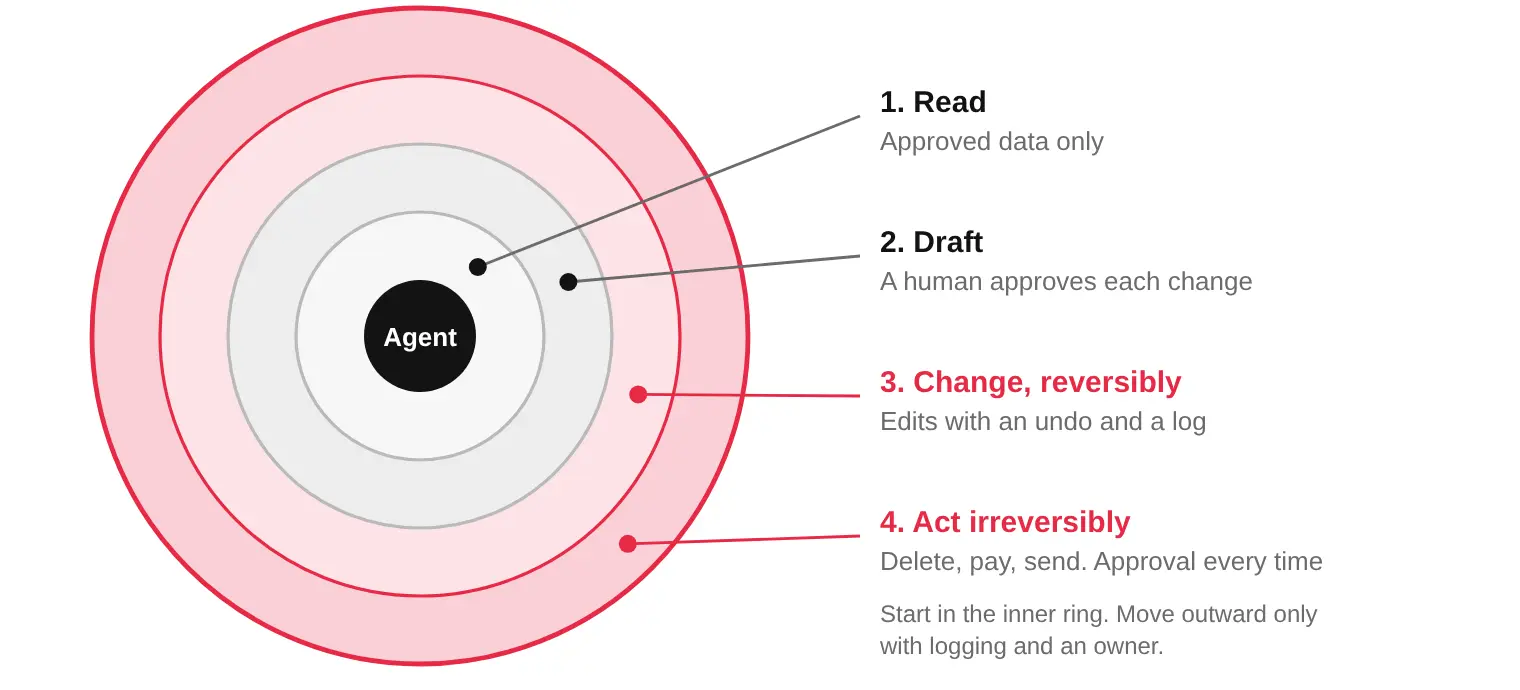
In ring one, the agent only reads approved data. In ring two, it drafts changes and a person approves each one. In ring three, it makes changes that can be undone, with a log and a way back. Ring four covers actions such as deleting records, moving money, and sending messages to customers and those need approval every time
Move outward only when the inner ring has run cleanly, with logging and a named owner. Most useful agents never need ring four. Those that do should still pause for a human.
Test each ring before you widen it. Give the agent a document that contains a hidden instruction and check that it does not act on it. Then revoke its access and time how long that takes. If revoking takes a day, the ring is too wide.
Connections matter as much as rings. Each server touches real systems through real accounts, so the integrations behind it need the same care as any other. Our data integration services include an integration audit and monitoring, which is where an inventory of those connections starts.
Security reviews fail when nobody owns the list. Choose one person who approves new servers, and keep a short register of what is connected, who asked for it, and what it can reach. Employees who install servers on their own laptops with personal accounts are the quiet gap, because company data can leave without a trace.
Treat a new server the way you treat a new vendor. Ask who built it, how it is updated, and what it can see. If the answers are vague, stay in ring one or do not connect it at all. Pin the version you approved, and review the server again whenever it updates, because a quiet change in behavior is the risk you cannot see.
Everything above fits on a single page. Write these five rules and review them every quarter:
If you cannot write these five rules today, you have found your first task.
List what your agent can touch. Send us every tool, database, and account an AI agent can reach today, and what it is allowed to do there. We will sort each one into the four rings and flag what needs approval or removal. Book a Discovery Call with our team →
Frequently Asked Questions
What is MCP?
MCP stands for Model Context Protocol, an open standard that lets an AI agent connect to tools, data, and services in one consistent way. Anthropic introduced it in November 2024, and other AI vendors have since added support.
Is MCP safe for business use?
The protocol is not the main risk. Risk comes from which servers you connect, how much access each one holds, and whether anyone reviews what the agent does. A narrow, logged, well vetted setup can be run safely.
What is the biggest MCP security risk?
Broad access combined with untrusted text. An agent that can read outside content and also write to your systems can be steered by instructions hidden in that content. Limiting what the agent can change limits the damage.
Should we run MCP servers locally or remotely?
Local servers run with the same rights as the program that launched them, so they need sandboxing and a clear review of the command that starts them. Remote servers need strong authentication and tokens issued for that server only.
How do we limit the damage if something goes wrong?
Give each server the least access it needs, start read only, require human approval for changes that cannot be undone, and log every tool call with its input and output. Make sure access can be revoked quickly.
What is MCP security?
MCP security is the set of checks that control what an AI agent can reach and do through the servers you connect. It covers access scope, server source, local servers, token handling, destructive actions, and logging.
What is the difference between MCP and an API?
An API connects to one specific service. MCP is an open standard that lets an AI agent use many tools in one consistent way, so a server built once can work with any compatible client. MCP does not replace your APIs, and your permissions still decide what the agent can do.

 AI, AI & Enterprise Strategy
Key Takeaways Most wrong answers are right answers to the wrong file. The model quotes what search hands it. Search ranks by match, not trust. An old policy can outrank the current one. Four document failures cause most of it: stale, duplicate, conflicting, and unofficial files. An assistant exposes every folder its users can open, […]
 AI & Automation
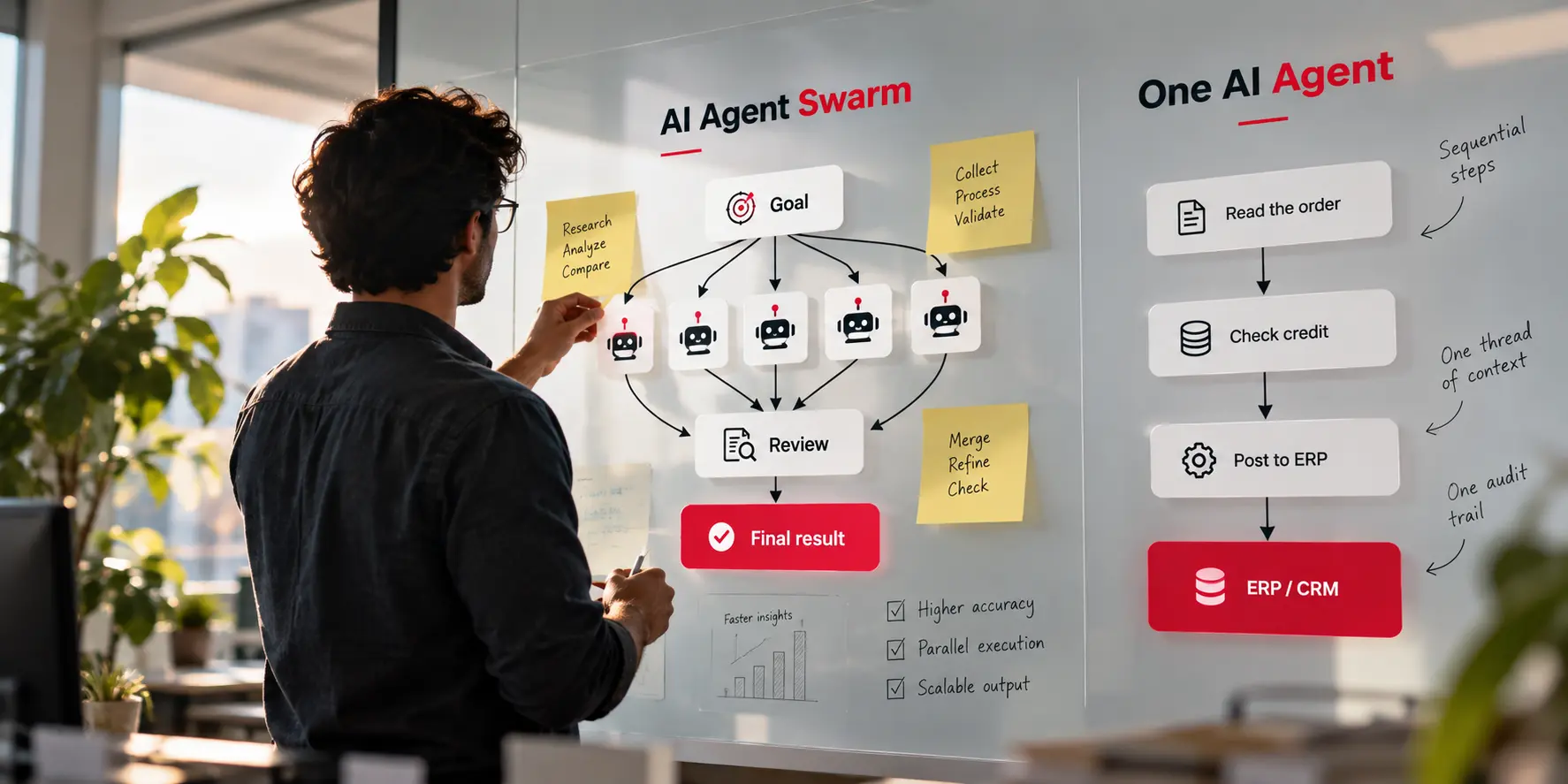
Key Takeaways A swarm is a design choice, not an upgrade. It is a group of agents that split a goal, and it pays off only when the work divides cleanly. More agents can lower results. Google Research found a large gain on parallel work and a 39% to 70% loss on step-by-step planning. Cost […]
 AI & Automation, Digital Marketing
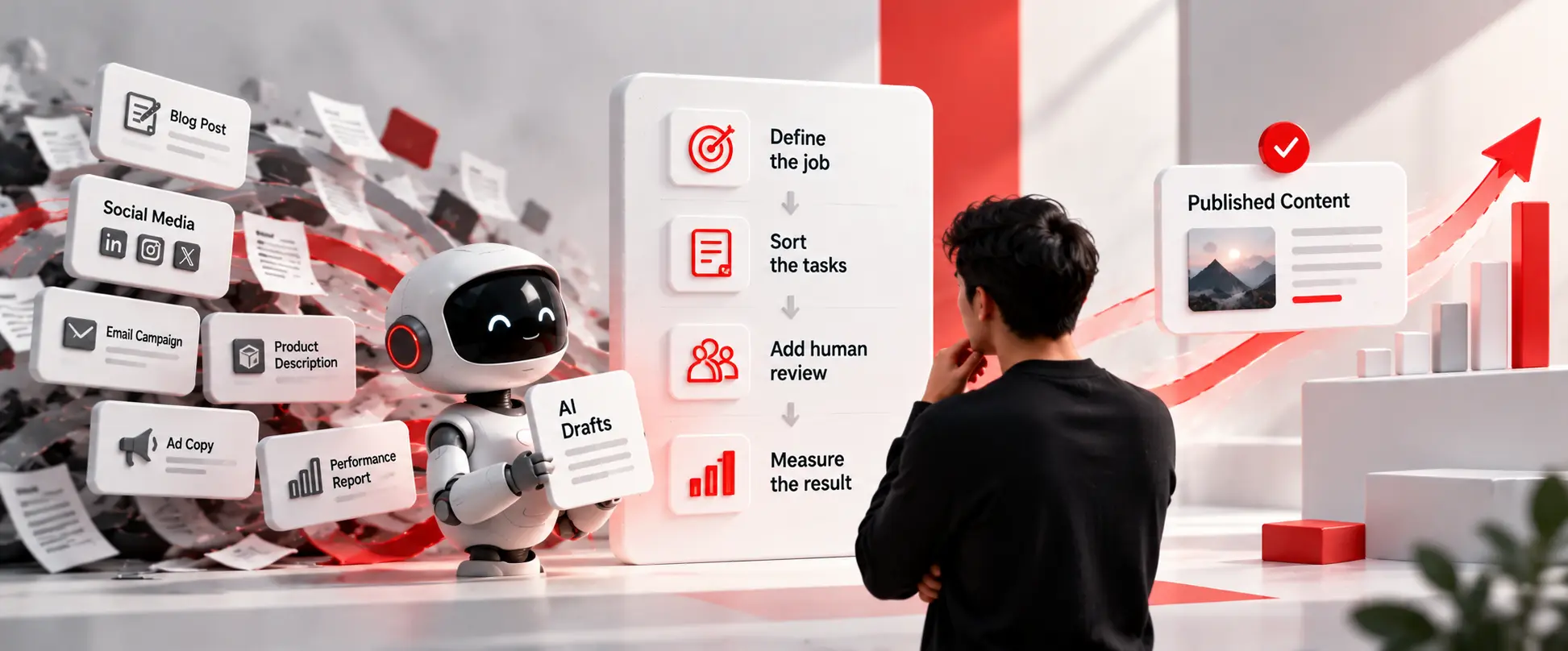
Key Takeaways Adoption is not the problem. One 2026 B2B survey found about 95% of marketers use AI, yet only about 39% said it improved performance. The tool is rarely the cause. Teams buy licenses first and decide the jobs later, with no number to judge the result. Sort tasks before you automate them. Ask […]