Key Takeaways
A team spends a quarter connecting the CRM and the billing system. Orders now flow between them in seconds. Yet at month end, finance still builds the revenue report by hand, because the two systems disagree about who the customers are and what counts as revenue.
Nothing went wrong with the build. The team bought one kind of integration and needed another. They connected the applications, so actions now travel between them. Nobody integrated the data, so the numbers still disagree.
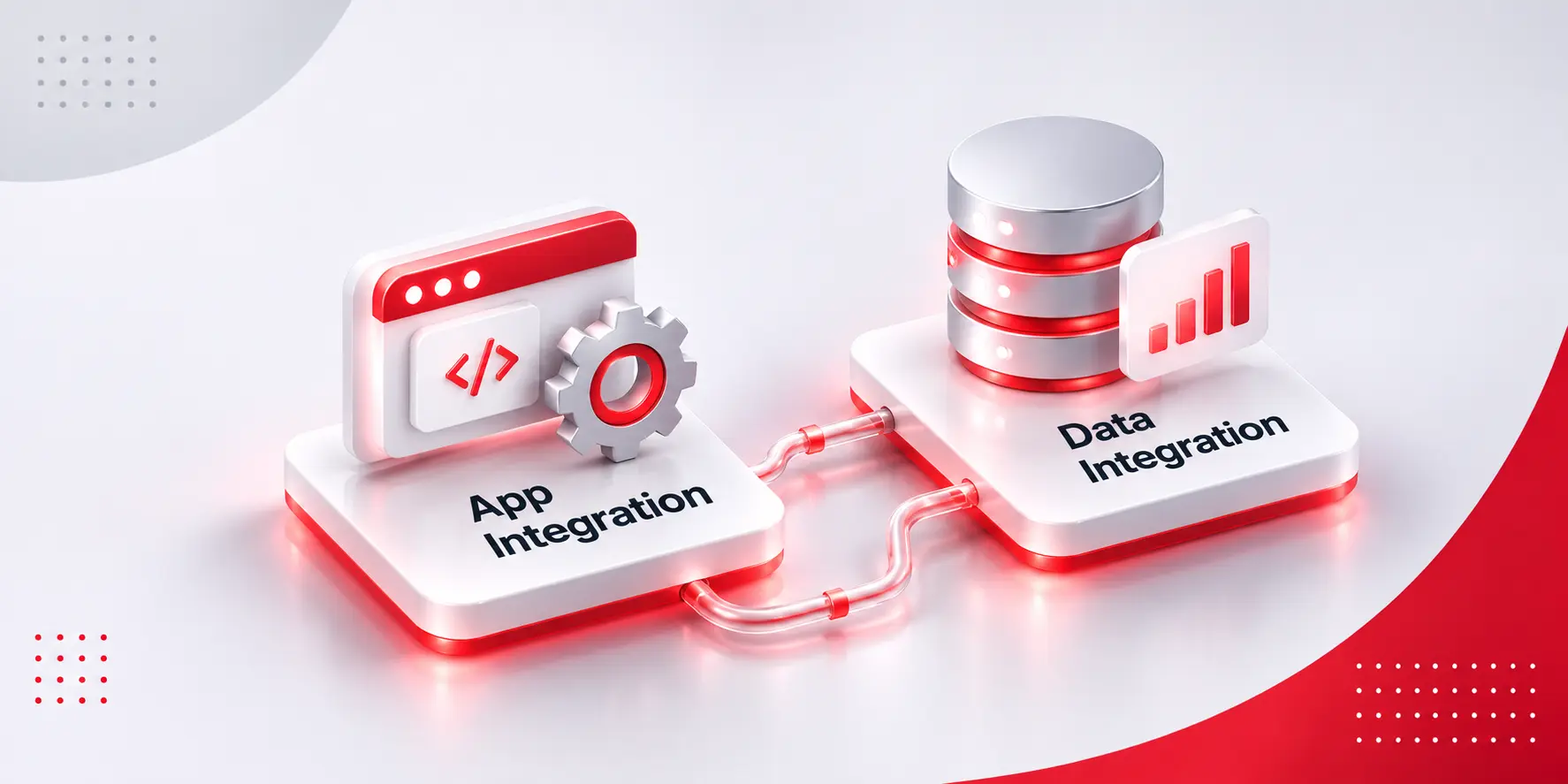
That gap is the whole story of application integration vs data integration. Both connect systems, but they solve different problems, run on different architecture, and fail in different ways.
Mixing them up is expensive, because the fix for one does nothing for the other. Below you will find clear definitions, examples, the types of data integration, and six questions to help you choose.
System integration connects applications so one can trigger actions in another. A customer places an order on your website. The order system creates the order, the warehouse system receives a pick request, and the customer gets a shipping email. Nobody retypes anything. System integration and application integration describe the same job in this guide: making software work with other software.
It usually runs through APIs, webhooks, message queues, or an integration platform. The focus is the process. A business event happens in one system, and something must happen in another, often within seconds. The question it answers is “what should happen next?”
When it breaks, the person who notices is the one waiting for the action, such as a customer who never got a confirmation.
Data integration brings data from many sources into one consistent, usable form. Say you want a single view of each customer. The CRM holds contacts, billing holds payments, support holds tickets, and the product holds usage logs. Data integration collects these, matches the records for the same customer, cleans the formats, and stores the result in a warehouse or data lake for reporting and AI.
The unit of work is a data set, not a single event. It runs on a schedule or a stream, and it cares about quality: duplicates, definitions, and history. The question it answers is “what do we know, and can we trust it?”
When it breaks, analysts and executives notice, usually because two dashboards disagree. Our post on why dashboard numbers do not match the database shows how that happens.
Data integration comes in a few styles. Each trades freshness against effort.
Some vendor lists also place application integration under data integration, which is one reason the terms blur. The next section separates them.
| Application (system) integration | Data integration | |
| Main goal | Make one system act when another does | Make data consistent and usable |
| Typical trigger | A business event, such as an order | A schedule, a change, or a stream |
| Speed | Seconds, often real time | Minutes to days, or streaming |
| Unit of work | A transaction or message | A data set |
| Typical tools | APIs, webhooks, queues, integration platforms | ETL or ELT pipelines, CDC, warehouses |
| Failure looks like | A missed action, such as an order that never ships | Conflicting numbers and reports nobody trusts |
| Usual owner | Application and platform teams | Data and analytics teams |
Here is a quick test. If the problem is “something should happen,” you need application integration. If the problem is “we cannot agree on the numbers,” you need data integration.
Application integration shows up wherever work crosses a system boundary:
Data integration shows up wherever someone asks a question that spans systems:
Because every decision made on unreliable numbers is a quiet expense. Four reasons stand out:
Most enterprises need both, arranged in layers:
Take an online retailer. The order flow uses application integration: website, order system, warehouse, shipping. The same orders also feed data integration. They flow into a warehouse and are joined with returns and ad spend, so merchandising can see which products really make money.
Shared definitions matter at every layer. If sales and finance define an active customer differently, no pipeline can fix that. Neither replaces the other. Build only the first, and reports disagree. Build only the second, and orders still get retyped. Older systems without APIs are the usual blocker, which is why we wrote about modernizing a legacy SaaS platform without a big-bang rewrite.
Two traps are worth avoiding. The first is point-to-point sprawl, where every new connection is built by hand and nobody can draw the whole picture. The second is a data pipeline that reads an application’s database directly. It works until the next upgrade changes the tables and the numbers quietly go wrong.
If you cannot answer these yet, review the architecture before buying tools. A platform architecture audit is a reasonable first step.
Application integration moves work between systems. Data integration makes the data from those systems worth trusting. Mixing them up is how teams build an API sync when they need trustworthy reporting, or the reverse.
If you have an integration request that three people describe in three different ways, Book a Discovery Call and bring it. We will help sort out what is really being asked, and how our system and data integration services would approach it.
What is the difference between application integration and data integration?
Application integration makes one system act when another does, usually in real time. Data integration combines data from many sources into one consistent set, usually for reporting, analytics, and AI.
System integration vs data integration: which do you need first?
Start with the pain. If work is retyped or delayed between systems, begin with system integration. If reports disagree, begin with data integration. Many teams end up needing both.
Is ETL the same as data integration?
No. ETL is one type of data integration. Others include ELT, replication, change data capture, streaming, and virtualization.
Can an API handle data integration?
Partly. APIs can move data between systems, but pipelines are built for volume, history, cleaning, and matching, which APIs alone do not handle well.
Do you need an integration platform?
Not for one or two connections. Once you manage several systems, a shared platform or integration layer is easier to monitor, secure, and change than many custom links.
What is the most common integration mistake?
Treating every request as the same problem. Teams build a real-time sync when the real need is trusted reporting, or build a warehouse when the need is an automated action.

 AI & Automation
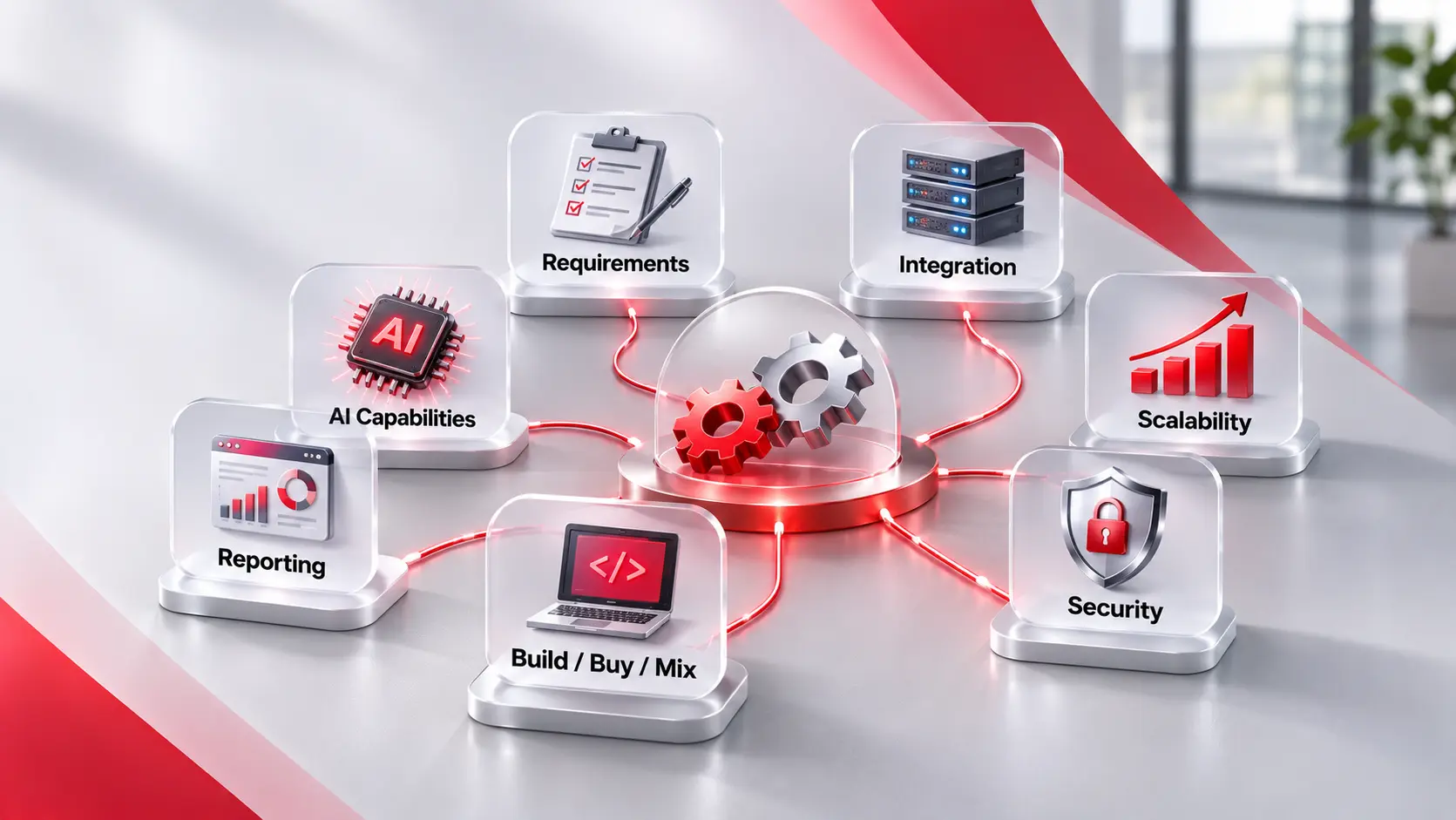
Key Takeaways Start with the job, not the tool. Write down the steps, the people, and the rules before you look at any product. Six checks matter most. Requirements, integration, scalability, security, reporting, and build versus buy. Test with your own work. A demo shows the best case. A trial with real tasks shows the […]
 AI & Automation
Key Takeaways It connects, not just automates. Value comes from linking systems, data, and decisions across a process, not from speeding up one step. AI handles messy input. Emails, PDFs, and chat messages can be read and routed. Rules-based tools and RPA need tidy, structured data. People stay in the loop where risk is high. […]
 Legacy & Application Modernization
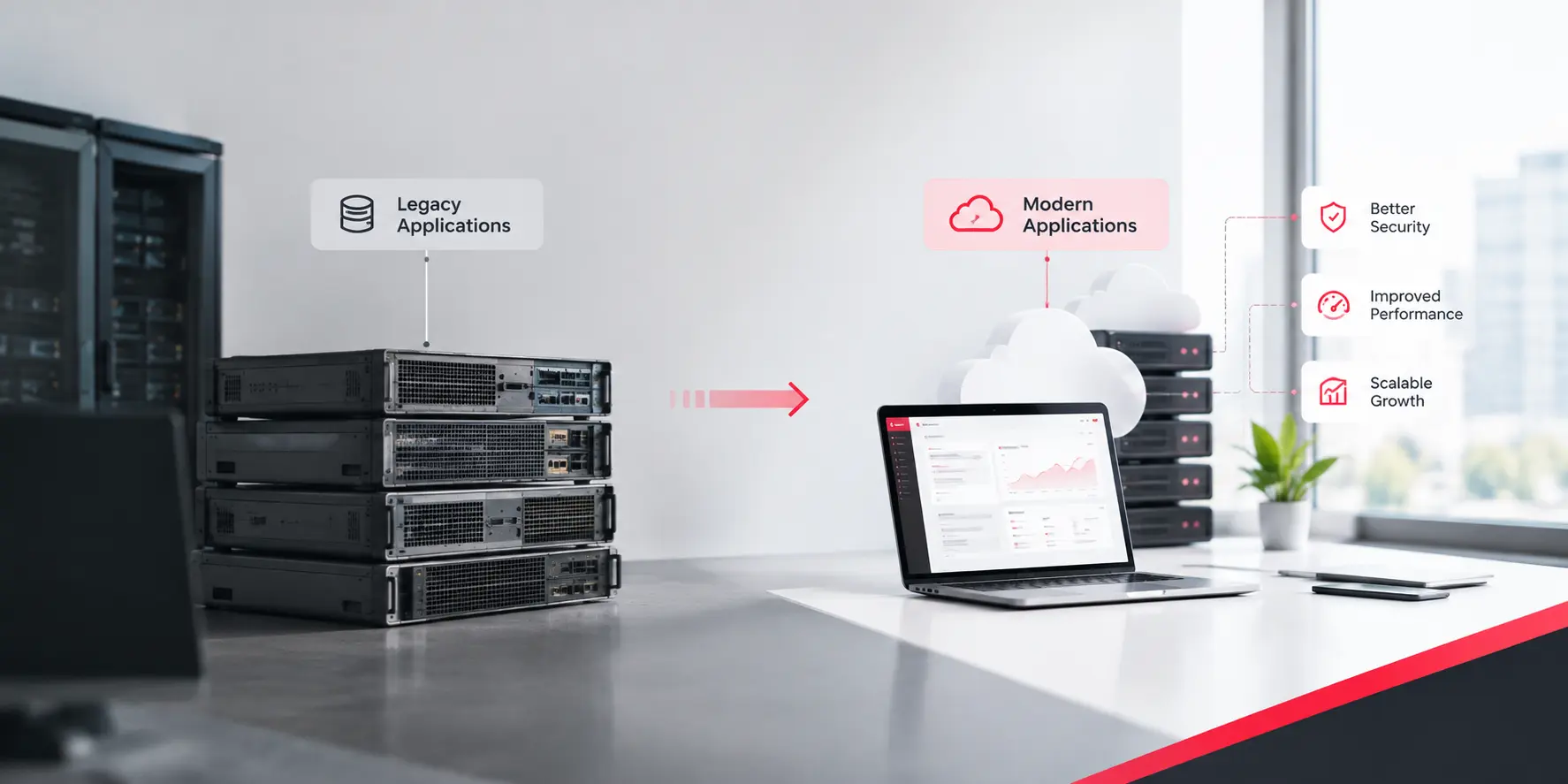
Key Takeaways Enterprise modernization is a portfolio problem. The hard part is how applications depend on each other, not any one codebase. Discovery comes first. Map applications, data flows, owners, and hidden jobs before choosing a target. Rank by value and risk, then start small. Pick a first slice that matters but will not sink […]