Custom CRM vs. Off-the-Shelf: What Does a Growing SaaS Company Actually Need?
Hem Kant
·
16 Sep, 2026
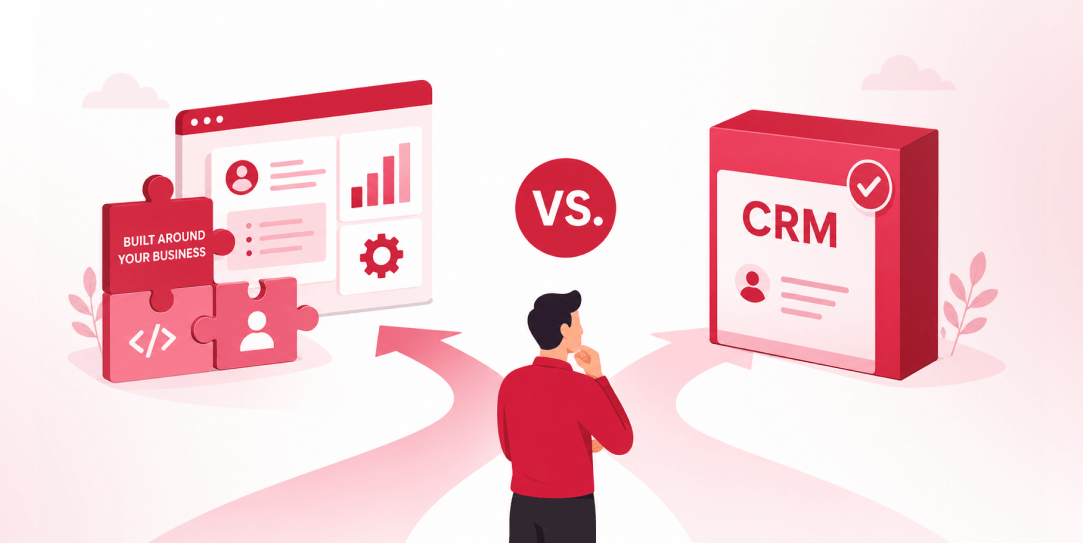
SaaS CRMs win on speed. Custom wins on fit and ownership. This isn’t a pitch for either one.
Every early-stage SaaS company hits this decision within the first year, usually right after the founder realizes a spreadsheet isn’t a CRM.
The default answer is almost always a SaaS CRM: HubSpot, Salesforce, Zoho, sign up in an afternoon, start tracking deals by dinner. That’s often the right call.
It’s also not automatically the right call forever, and the point where it stops being right is more predictable than most founders assume.
| OFF-THE-SHELF SAAS CRM | CUSTOM-BUILT CRM |
| Set up in days, not months. No infrastructure is required to manage updates, which happen automatically. | Higher upfront cost and longer time to first use. Nothing ships until it’s actually built. |
| Built for the broadest possible market, which means features you don’t need alongside gaps in the ones you do. | Built around your actual sales motion and data model from the start, without fitting your process to someone else’s schema. |
| Data is technically yours, practically the vendor’s to hold. Migrating years of records out is a real project. | Data lives in your own database, queryable and exportable without a migration project later. |
| Cost typically increases 15 to 30 percent per year as you add seats, unlock premium tiers, and add connectors. | Integrates directly with your stack without a middleware layer, adding cost and failure points. |
The SaaS CRM’s list price is rarely the number that matters. The real cost accumulates around it: premium tiers unlocked for reporting the free plan didn’t include, third-party connectors bought because two tools won’t talk to each other natively, and per-seat pricing compounding as headcount grows. None of that shows up in the “starting at $X/month” line that got you to sign up in the first place.
Custom development flips that structure. The cost is front-loaded and visible: you know roughly what you’re paying before you start. What it doesn’t do is scale per seat, and it doesn’t require a workaround every time your process doesn’t match the vendor’s assumptions about how a sales team should operate.
If you already have some system in place and aren’t sure which of these costs you’re actually carrying, that’s exactly what a modernization readiness assessment is built to map out before you commit either way.
Where the numbers typically land: the break-even point between a custom build and an equivalent SaaS subscription usually falls between 18 and 36 months, depending on team size and complexity.
Below that horizon, SaaS is almost always cheaper in practice. Past it, the math starts favoring custom, assuming the SaaS platform’s costs keep growing the way they typically do.
Four questions do most of the work here, more than any general build vs. buy advice will:
A simple, repeatable process (lead, demo, close) fits a standard CRM’s default stages well. A motion with parallel tracks, unusual approval chains, or heavy customization per deal starts fighting the tool almost immediately.
Per-seat pricing is a rounding error at five users and a real budget line at fifty. Model your headcount plan against the vendor’s actual pricing tiers, not just the plan you’re on today.
Every integration you’d otherwise buy as a connector is native in a custom build. If your CRM needs to sync tightly with billing, product usage data, and support tickets, the connector costs add up fast, and connectors are also where things quietly break.
For most early-stage companies, this is a preference. For companies in regulated spaces, or ones planning to build proprietary intelligence on top of customer data, it’s closer to a requirement.
Here’s what applying that framework actually looks like.
A ten-person SaaS company with a straightforward inbound-to-close motion and no unusual compliance requirements will almost always land on SaaS: the questions above all point in the same direction.
A fifty-person company managing three distinct sales motions across different customer segments, syncing constantly with a billing platform and a product-usage data warehouse, and adding fifteen seats a quarter, is answering all four questions the other way.
Most companies don’t fall as cleanly on one side as either of those examples. That’s exactly why the framework matters more than a default answer.
If your team is under ten people, your sales motion is genuinely linear, and you’re still validating product-market fit, a SaaS CRM is very likely the correct answer, not a placeholder for the real custom system you’ll build later.
Speed and low upfront cost are real advantages at that stage, and building custom tooling before you know your own process well enough to encode it is a common, expensive mistake in the other direction.
There’s a version of this mistake that looks like diligence but isn’t: spending months mapping out a custom CRM’s requirements before the company has actually run its sales process long enough to know what those requirements really are.
Custom development rewards a team that already understands its own workflow well enough to specify it. It punishes a team still discovering that workflow by locking in assumptions that turn out to be wrong, at a cost far higher than a SaaS platform’s monthly bill.
The reason this decision is worth revisiting deliberately, rather than defaulting into whatever you signed up for in year one, is the same reason architecture debt compounds quietly in platforms generally: a tool that fits at ten people and a simple process doesn’t automatically keep fitting at fifty people and three sales motions.
The companies that get surprised aren’t the ones that chose SaaS early. They’re the ones who never revisited the choice once the original assumptions stopped being true.
This decision rarely resolves as a clean binary in practice. A common middle path keeps the SaaS CRM as the system of record for straightforward pipeline tracking, while building custom tooling around the specific workflows that don’t fit its assumptions: a proprietary scoring model, a non-standard approval chain, or a data layer that unifies CRM activity with product usage in ways the vendor’s native reporting was never built to handle.
That approach captures most of SaaS’s speed advantage while avoiding the worst of the ‘bend your process to fit the tool’ problem in the one or two areas where it actually hurts. This same build-vs-buy tension shows up in eCommerce too- see our comparison of custom vs. template-based eCommerce websites
The risk with this middle path is scope creep in the other direction: enough custom pieces bolted onto a SaaS core, and you end up paying for the subscription and maintaining custom integrations, without capturing either option’s real advantage. It works when the custom layer is deliberately scoped to a specific, well-defined gap. It stops working when it becomes the default answer to every friction point, one integration at a time, until nobody remembers why the system is built the way it is.
The discipline that keeps a hybrid approach honest is the same one behind sequencing a legacy platform migration instead of gambling on a full rewrite: scope each piece deliberately, or the “temporary” patchwork becomes the permanent architecture.
The framework above assumes you are deciding in a reasonably clear-eyed way, but most companies don’t revisit this choice until something forces the question: a failed integration, a compliance requirement the CRM can’t support, or a founder finally adding up what the platform costs across every seat and add-on.
By that point, the switching cost has usually grown well past the sticker price of migration.
Years of deal history, notes, and custom fields don’t move cleanly between systems. Sales reps who’ve built muscle memory around one tool’s workflow lose productivity during retraining, at exactly the moment you need pipeline visibility the most.
And the integrations you built to patch the SaaS platform’s gaps need to be rebuilt against whatever comes next, whether that’s a different SaaS tool or a custom system. None of that is a reason to avoid ever switching. It’s a reason to decide on a schedule you control, using the framework above, rather than waiting for a crisis to make it for you.
If you’re trying to figure out which side of that line you’re actually on, that’s a conversation worth having before you sign another year of licensing, or before you commit budget to a build you haven’t scoped against your real sales motion yet.
And if you do decide to build, the framework for choosing who builds it matters just as much as the build-vs-buy decision itself.
Not Sure Which Side of the Line You’re On?
Book a discovery call, and we’ll walk through your actual sales motion, growth plan, and integration needs, not a generic build-vs-buy script.

 SaaS Development
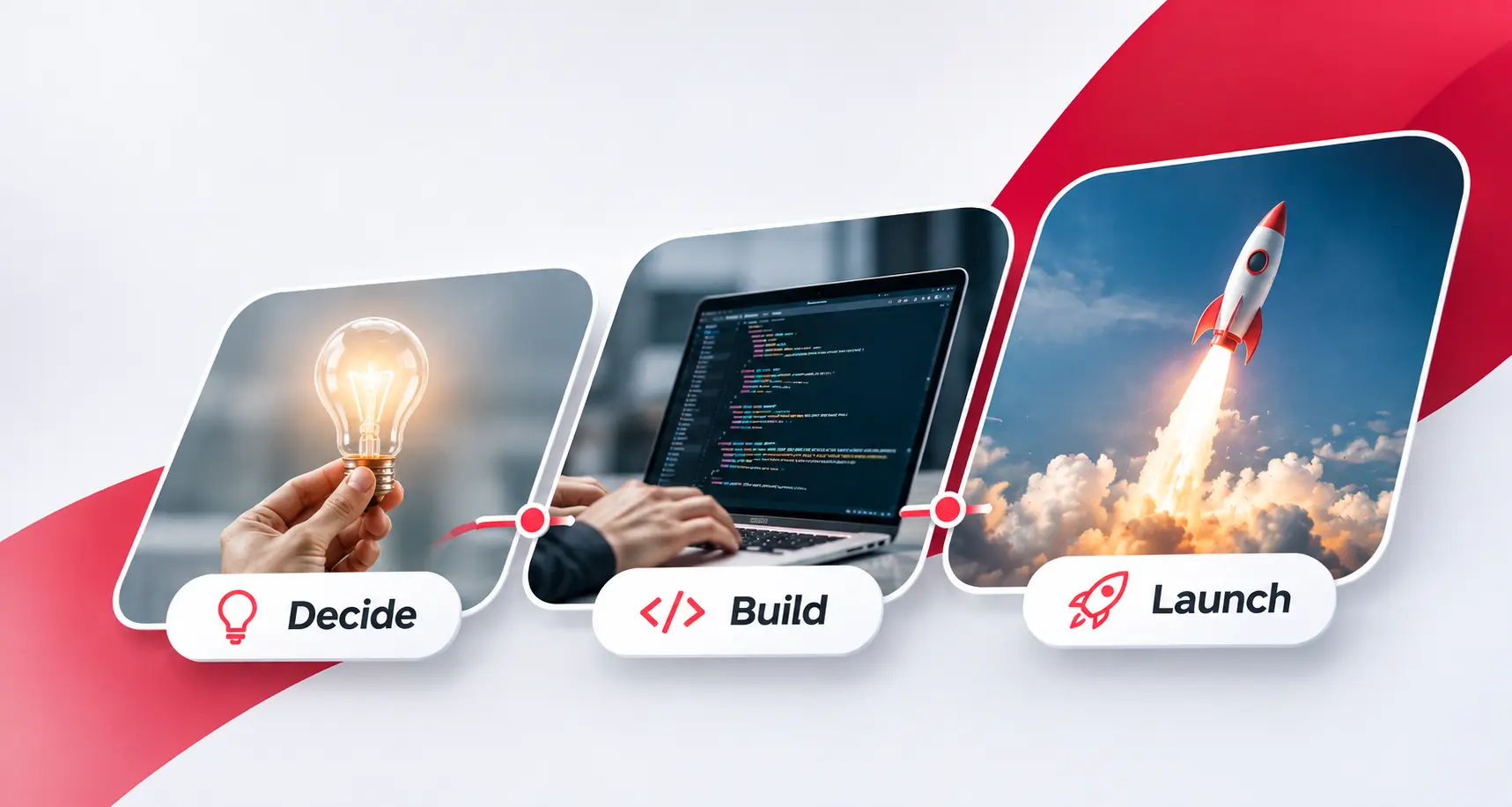
Key Takeaways Order matters more than speed. SaaS products are usually delayed by rework, not by slow typing. Three phases of five steps: decide, build, and launch. Each phase ends with a gate, a plain statement you can check before moving on. Four foundations are costly to retrofit: tenancy, access control, billing, and measurement. Launch […]
 Build vs. Buy, Platform Strategy, SaaS Development, Thought Leadership
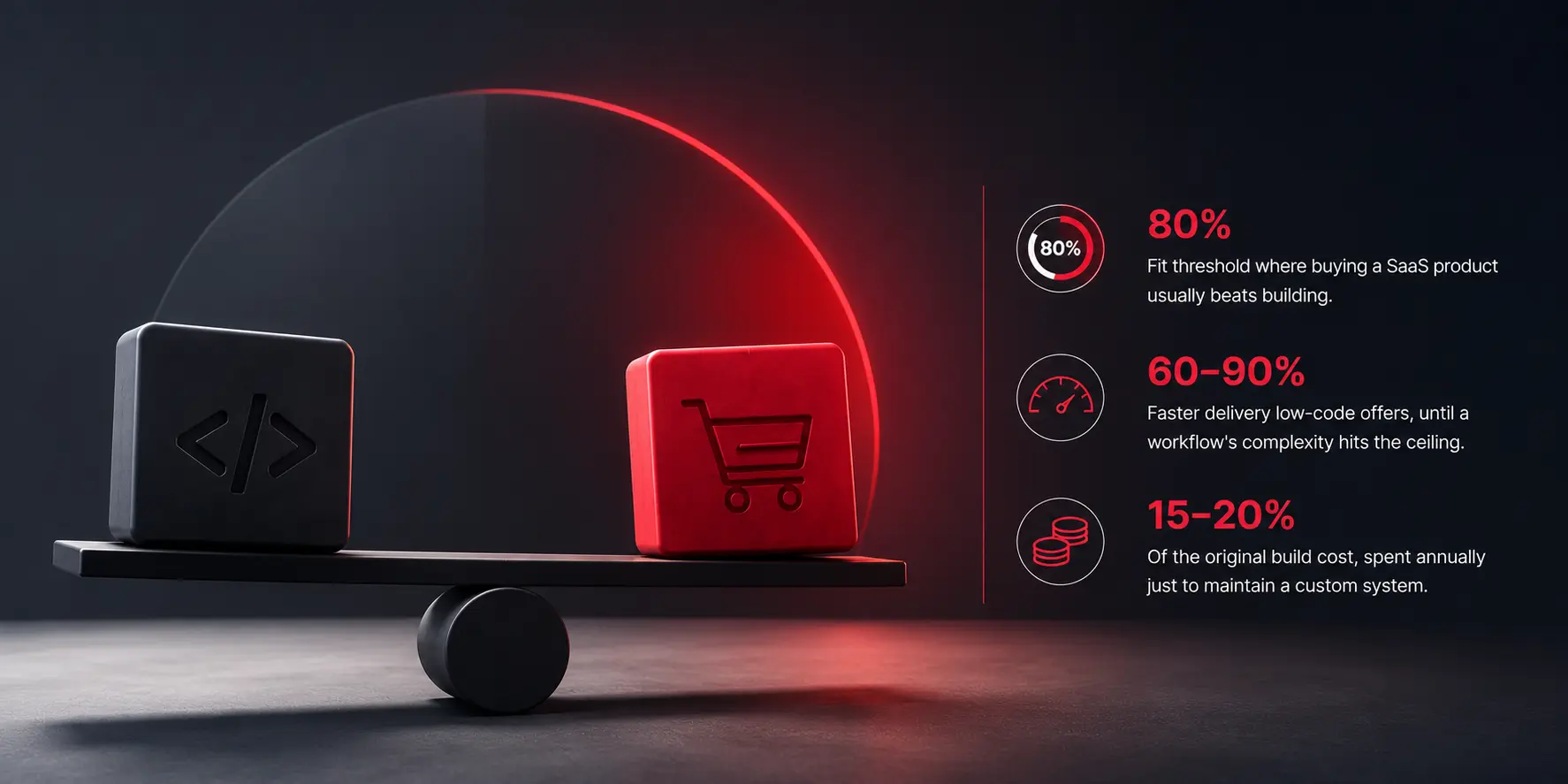
We deal with the clients on a daily basis when they ask us if we should build this or buy it. And trust us this conversation feels like a new decision the first time a business has it. But it rarely is. The same underlying math shows up whether the system in question is a […]
 AI & Enterprise Strategy, Artificial Intelligence, SaaS Development, Web Development
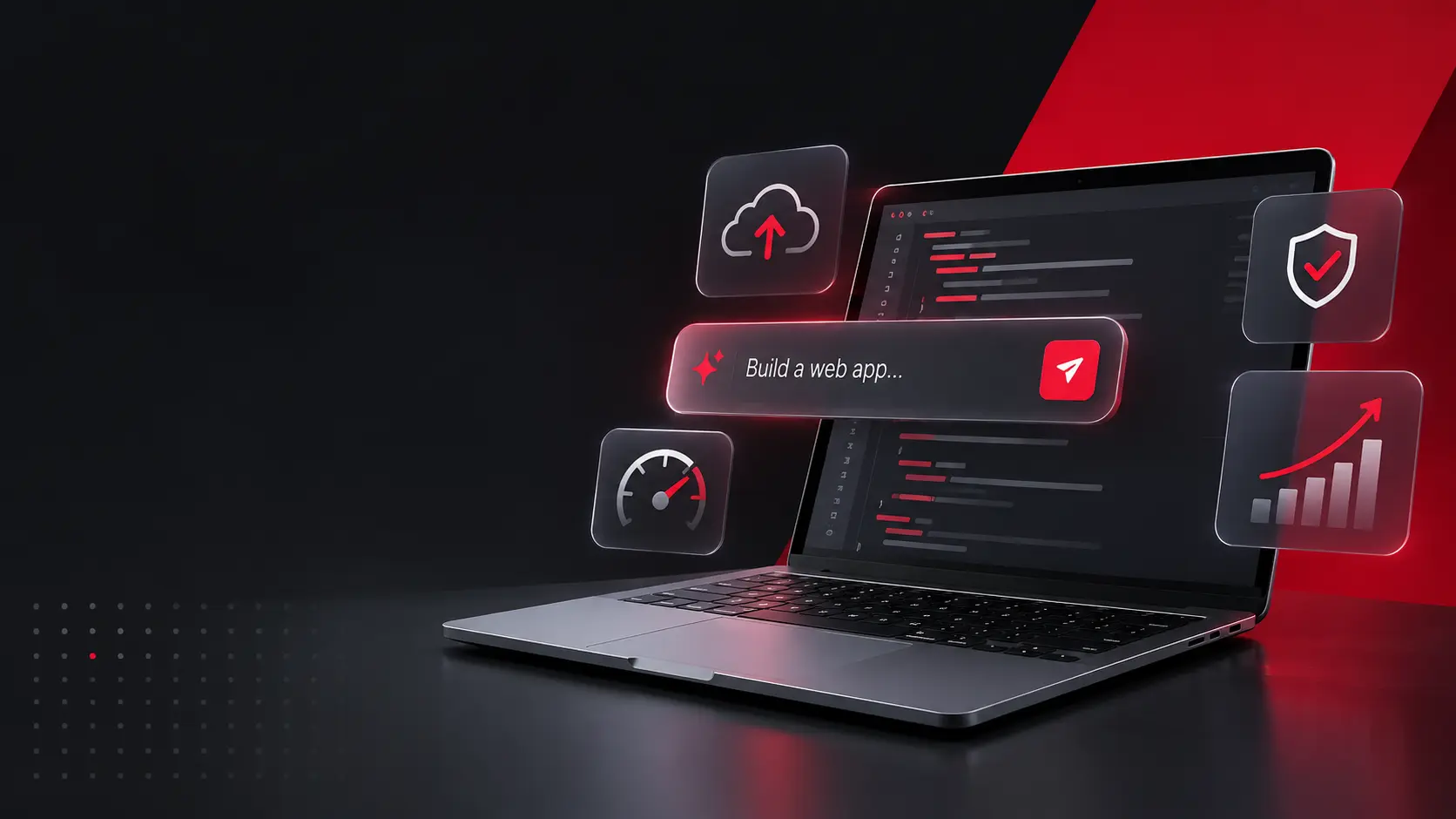
A year ago, “vibe coding” was a term for weekend prototypes. It is not that anymore. Prompt-to-app platforms have made it possible to describe a working application in plain language and have one generated in minutes, and that capability has moved from novelty to default across a huge share of new software, including a meaningful […]