How to Automate Manual Data Entry Between Business Systems?
LN Webworks
·
01 Oct, 2026
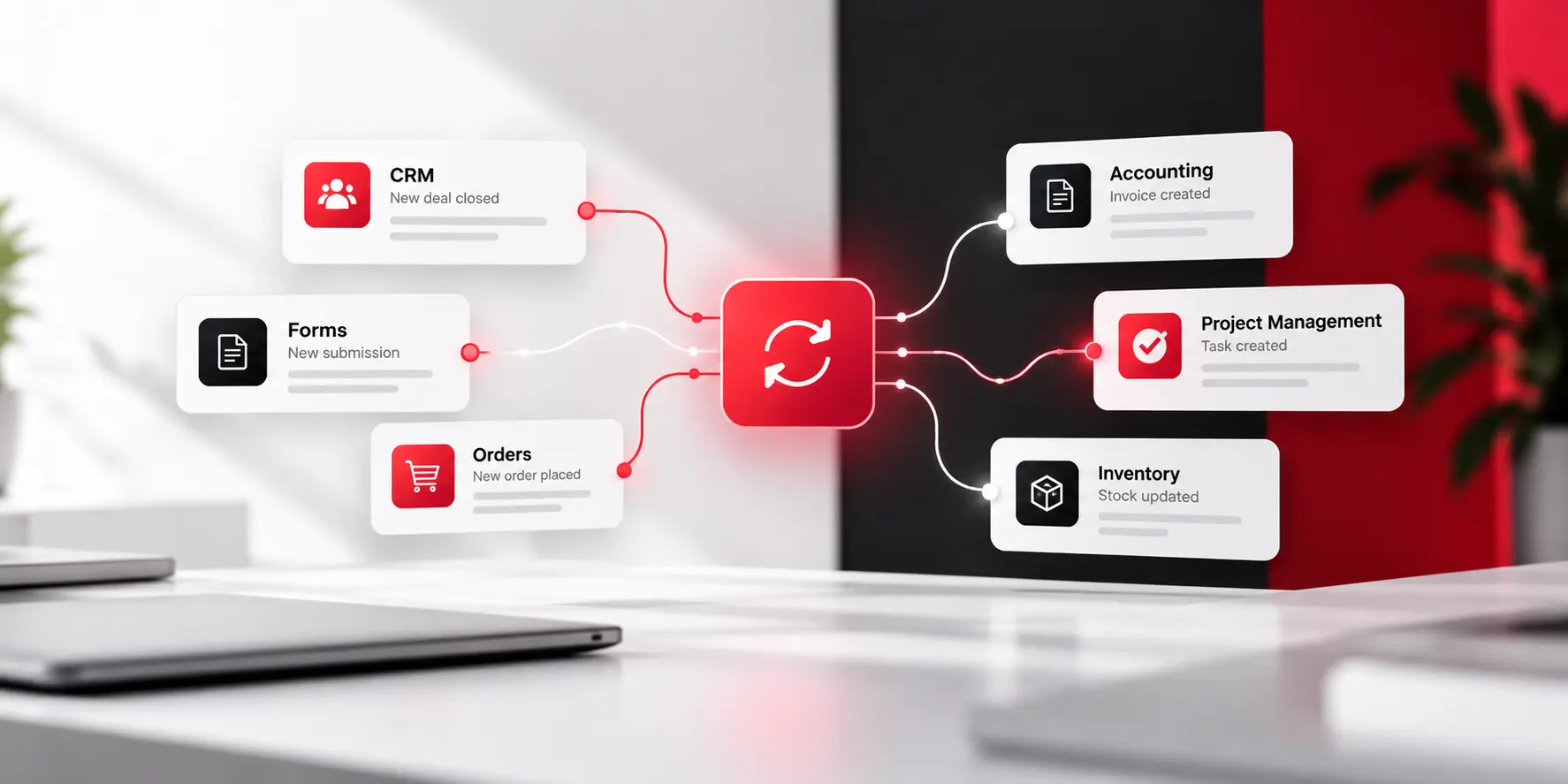
Picture the same Tuesday morning, a few months from now. Someone closes a deal in the CRM. The billing record updates itself in the background. Nobody opens a second tab. Nobody retypes a single detail.
That is not a fantasy. It is what actually happens once this problem gets fixed, and it is a smaller project than most people expect.
The good news is that you almost never need to replace anything. You need a reliable way for the systems you already trust to pass information to each other. There are four real ways to do that, and most businesses only need one of them.
Before building or buying anything, look inside the settings of the tools you already use. A huge number of popular business apps, CRMs, accounting platforms, project tools, already connect to each other directly, built by the vendor, included in what you are already paying for.
This is the easiest win available, and it is the one most businesses skip because nobody thought to check. A ten-minute look through your account settings can sometimes solve a problem that has been costing someone an hour a day for years.
If a native integration does not exist, the next step is a no-code connector platform. Tools like Zapier, Make, and Workato let you build a connection between two systems visually, picking a trigger in one tool and an action in another, with no developer and no code.
These tools genuinely work well for most common situations: a new CRM contact automatically becoming a billing record, a completed form automatically updating a spreadsheet, a new order automatically creating a shipping label.
The limitation shows up with volume and complexity. High transaction counts, intricate conditional logic, or systems with no official connector can push you past what a no-code tool handles comfortably.
Some situations genuinely need more than a no-code tool can offer. Real-time syncing at high volume. Business logic too specific for a drag-and-drop builder. A system with no existing connector at all. In those cases, a custom integration built directly against each system’s API gives you exactly the behavior you need. Nothing more. Nothing less.
This costs more upfront than a no-code subscription. It takes longer to build too. It does not come with the per-task pricing ceiling that no-code tools eventually hit as your volume grows. It can also enforce rules a visual builder simply cannot express.
Every business eventually runs into one system that nobody can touch. Something old, something the original vendor stopped updating years ago, something with no API and no way to connect to it directly. That is usually the same kind of system we described when should you modernize a legacy system, and this is where robotic process automation, or RPA, earns its place.
RPA works by doing exactly what a person would do. Opening the application. Clicking the right buttons. Typing into the right fields. Reading what comes back. It is slower and more fragile than a true API connection, since it breaks if the screen layout changes. But it is often the only option for genuinely old software that was never built to talk to anything else.
|
Approach |
Need a developer? | Best for |
Where it struggles |
| Native integration | No | Popular tools that already connect out of the box | Only works if the vendor built it |
| No-code platform | No | Common, moderate-volume workflows between well-known apps | Complex logic, very high volume, obscure systems |
| Custom API integration | Yes | High volume, specific business rules, no native option | Higher upfront cost and build time |
| RPA | Usually, for setup | Old software with no API at all | Fragile if the screen layout changes |
How to Actually Pick One
Start at the top of that table, not the bottom. Check for a native integration first. If none exists, try a no-code platform. Only reach for a custom build or RPA when the first two genuinely cannot do the job, not because custom sounds more impressive.
Most businesses end up using more than one of these at once. A native integration for two major tools, a no-code platform handling three or four smaller workflows, and maybe one custom connection or one RPA bot for the single stubborn system everyone has learned to work around. That mix is normal. It is not a sign you did it wrong.
One thing worth saying: do not automate a broken process. If three people each handle a handover slightly differently, automating it just means the inconsistency happens faster and with no human catching the mistake. Agree on one clean version of the workflow first. Automate that.
Ready to go through those steps with someone who does this for a living?
Tell us the one handoff that drives everyone crazy, and we will help you see the fastest real fix for it.

 Digital Transformation
A system does not become a problem simply because it is old. Some platforms run reliably for a decade or more. Others become difficult to change after only a few years. The difference is not the date the system was built. It is what the system now costs your business to maintain, change, secure, and […]
 Digital Marketing, Digital Transformation
You have published the content. You have worked on SEO. You have fixed some technical issues and built pages around the keywords your customers search for. Still, the rankings are not moving. For some B2B companies, the problem is even more frustrating. A page that once brought consistent traffic has started slipping, while newer competitors […]
 Digital Transformation
A CRM gets bought, rolled out, and quietly abandoned by half the sales team within a year. An AI tool gives a confident, wrong answer to a customer, and nobody catches it until the complaint arrives. A company’s tech stack grows to hundreds of connected tools, and not one person can say with confidence what […]