How To Create PDF Of A Web Page Using Puppeteer In Next.js?

LN Webworks
·
22 Sep, 2026
In modern web development, dynamic creation of PDF files from web content has become a necessity for various applications. Whether it’s reports, invoices, or other printable documents, the ability to programmatically convert HTML text to PDF is incredibly useful
“Puppeteer”, a Node library developed by the Google Chrome team, provides a high-level API on top of the Chrome DevTools Protocol, making it easy to programmatically manage headless Chrome instances.
In combination with Next.js, a popular React framework, you can seamlessly integrate Puppeteer to generate PDFs on the server-side.
To get started, make sure you have created your Next.js project. Otherwise, you can create one using the following command.
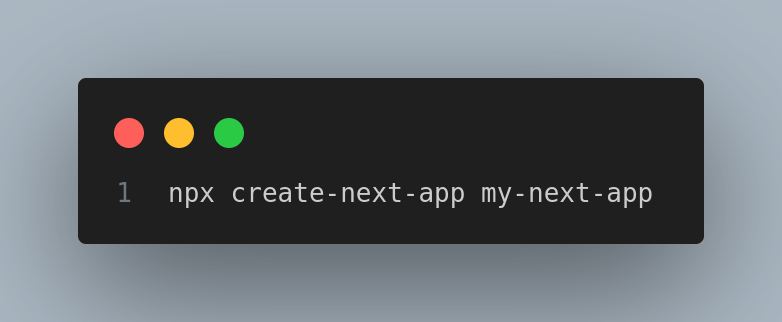
Then, you will need to install Puppeteer as a dependency:
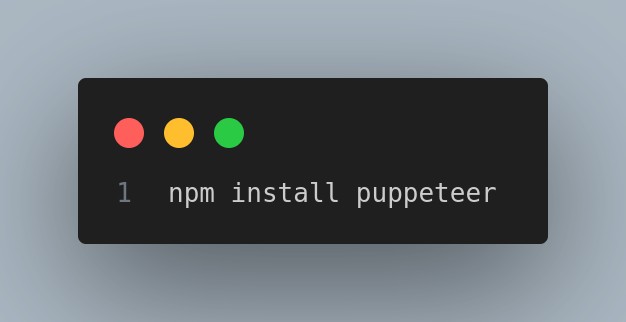
In Next.js, the server-side functionality is contained in the API methods. We will create an API method to handle PDF generation. Below is an example of such a method (pages/api/generate-pdf.js):
// pages/api/generate-pdf.js
import puppeteer from “puppeteer”;
import { v4 as uuidv4 } from ‘uuid’;
import path from ‘path’;export default async function handler(req, res) {
const { url } = req.body;try {
// Generate a unique filename for the PDF
const fileName = `${uuidv4()}.pdf`;
const outputPath = path.join(process.cwd(), ‘public’, fileName);// Launch Puppeteer
const browser = await puppeteer.launch();
const page = await browser.newPage();// Navigate to the specified URL
await page.goto(url, { waitUntil: ‘networkidle2’ });// Adjust viewport for the entire page to capture full content
await page.setViewport({
width: 1200, // Adjust width as needed
height: await page.evaluate(() => document.body.scrollHeight), // Capture full page height
deviceScaleFactor: 1,
});// Generate PDF
await page.pdf({ path: outputPath, format: ‘A5’, printBackground: true });// Close the browser
await browser.close();// Return the URL of the generated PDF
const pdfUrl = `/${fileName}`;
res.status(200).json({ success: true, pdfUrl });
} catch (error) {
console.error(“Error generating PDF:”, error);
res.status(500).json({ success: false, error: “Failed to generate PDF” });
}
}
This API method accepts a POST request with a URL parameter, accesses that URL, retrieves its contents, and generates a PDF file. The generated PDF is stored in the public directory of the Next.js project.
Now, let’s add the PDF generation functionality to a Next.js page. Here is an example (page/index.js):
// pages/index.js
import { usePathname } from “next/navigation”;
import axios from “axios”;
import { useState } from “react”;export default function Page() {
const [pdfUrl, setPdfUrl] = useState(”);async function generatePDF() {
try {
const response = await axios.post(“/api/generate-pdf”, {
url: ‘https://www.lnwebworks.com/contact/’,
});const { success, pdfUrl } = response.data;
if (success) {
setPdfUrl(pdfUrl);
console.log(‘PDF generated successfully:’, pdfUrl);
} else {
console.error(‘Failed to generate PDF’);
}
} catch (error) {
console.error(‘Error generating PDF:’, error);
}
}return (
<>
<h1>Hello, Next.js!</h1>
<button type=”button” onClick={generatePDF}>
Generate PDF
</button>
{pdfUrl && (
<div>
<p>PDF generated successfully:</p>
<a href={pdfUrl} target=”_blank” rel=”noopener noreferrer”>Download PDF</a>
</div>
)}
</>
)
}
This Next.js page contains a button that triggers the generatePDF function, which sends a request to the API method we created earlier. It shows the link to download the PDF once you have successfully created it.

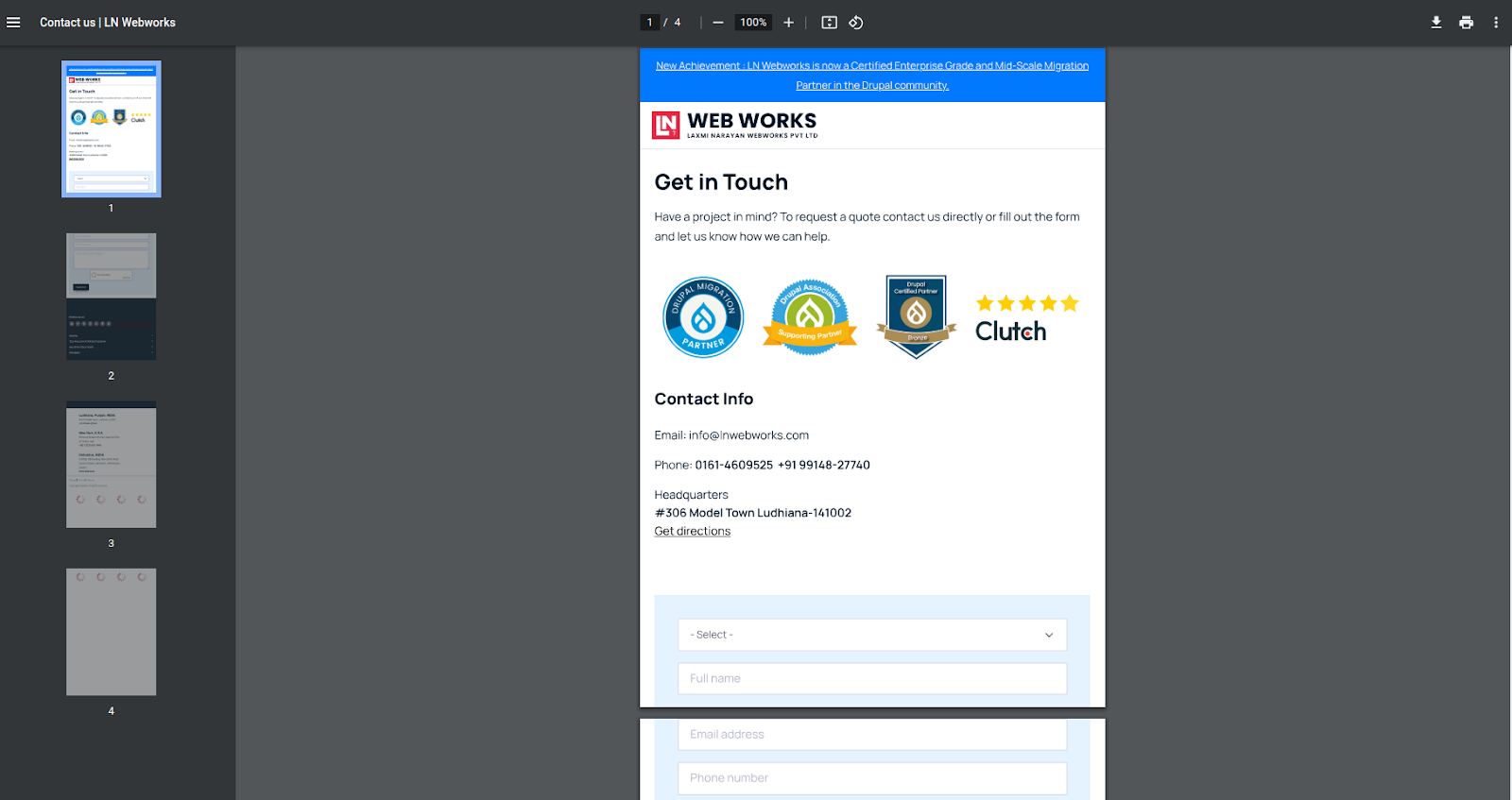
Integrating Puppeteer with Next.js enables easy server-side PDF generation of your web applications. Whether you need to create invoices, reports, or other printable content, this integration provides a powerful solution to create dynamic PDF files from HTML text. If you’re also handling user logins in the same app, our guide to securing a Next.js app with WebAuthn covers passwordless authentication
At LN Webworks, our experts are always prepared to help you make it happen. Get in touch with us right now to schedule a free consultation.

 Other, SaaS Development
SaaS CRMs win on speed. Custom wins on fit and ownership. This isn’t a pitch for either one. Every early-stage SaaS company hits this decision within the first year, usually right after the founder realizes a spreadsheet isn’t a CRM. The default answer is almost always a SaaS CRM: HubSpot, Salesforce, Zoho, sign up in […]
 Other
Other
Most “audits” and “assessments” promise clarity but deliver a sales deck with language that lacks clarity. You book the call expecting evidence about your specific platform, and what shows up is a generic pitch for whichever package is easiest for the firm to sell. That’s the actual reason process transparency matters here, not because a […]
 Other
Other
In late June and early July, videos started circulating on Instagram of people walking up to moving e-rickshaws, tapping a phone, and watching the vehicle lose power mid-ride. It spread as a prank trend before anyone fully understood the mechanism. Drivers in Patna (India) reported it first, assuming mechanical failure, until investigators traced it to […]