9+ Best Web Accessibility Tools for Developers in 2025
Khushboo Arora
·
19 Sep, 2025
Accessibility testing is about making your website accessible to everyone, including disabled people, aged individuals, or anyone who belongs to a disadvantaged group.
You might be glad to know that only 2% of websites globally are fully accessible to web developers. So, why not build an accessible website to be in that 2%?
It’s a great loss for eCommerce businesses, specifically if it’s not fully accessible, as you may lose your customers if your website becomes difficult to navigate. Eliminating these obstacles is not only ethically important but can also expand your audience reach.
But how will you get to know if your website is accessible or not? Well, here’s some good news. You can leverage a variety of accessibility tools to ensure your website is accessible to the disability community.
In this blog, we will learn about some of the best web accessibility checker tools that can help you build more inclusive digital experiences. Let’s get started!
Let’s check some of the top accessibility tools for web developers that will help you create more accessible web applications-
WAVE renders a unique visual approach to accessibility testing. Developed by WebAIM, this tool helps developers and content creators make their websites accessible by offering visual feedback on accessibility issues directly within their web browsers.
It does everything for you, from doing unlimited automated scanning to generating consolidated reports. The best part? It monitors your web page’s level of conformance to WCAG 2.1 and highlights any accessibility issues that appear on-page.
Features:
AChecker is a go-to tool for web developers. It is an open-source web accessibility platform that offers detailed reports with line-by-line problem identification. This tool is perfect for you if you are looking for a customizable, no-cost solution for checking website accessibility.
It comes with an intuitive dashboard that evaluates your website based on WCAG 2.0 AA compliance and enables users to monitor each accessibility parameter.
Features:
AXE is an open-source accessibility tool designed for Chrome and Firefox. It helps businesses with automated website testing and compliant reports. The unique part about this platform is that it links every accessibility violation to the particular on-site source code.
It offers useful information such as the description of the accessibility violation, its impact, how to fix it, and elements that are impacted. It can save you a lot of time as it quickly catches accessibility errors within coding.
Features:
JAWS is one of the best web accessibility checker tools as it is a screen reading software. It is designed to provide visually impaired users with full access to computer systems and the internet, effectively turning visual information into speech and braille output.
The reason why developers opt for this platform is that it supports most Microsoft applications and web browsers, making it a great tool for both personal and professional use.
This platform offers extensive features that are beneficial for both beginners and advanced users.
Features:
SortSite is a web accessibility tool that checks your website against WCAG 2.1 guidelines, Section 508, and other international accessibility standards. It can be used as a web or desktop application on both your Windows and Mac systems.
Along with accessibility, it can also check for the site’s SEO, usability, broken links, and compliance with web standards. It also provides detailed reports, which are categorized by the issue’s urgency and location, and even suggests fixes. This makes it easier for developers to understand and address them.
Features:
Pa11y is an open-source command-line tool designed to test web pages for accessibility issues automatically. This tool makes it easier to create inclusive digital experiences.
Renders a common-line interface for developers to run accessibility tests as part of their CI/CD pipelines. It ensures that accessibility is checked throughout the website development cycle.
Features:
aDesigner is an innovative tool that lets developers visualize and simulate how users with visual impairments experience web content. The major benefit of this tool is that it makes it easy to understand if the website will be able to accommodate the needs of disabled people. Thus, using this platform, it becomes easier to identify accessibility issues and determine ways to fix them.
This tool can be perfect for you if you want to ensure that your web content is easily understandable and navigable for users who rely on screen readers.
Features:
Dyno Mapper is a versatile content and accessibility manager tool that tests the accessibility of any website or app. It helps developers ensure that the websites meet WCAG and ADA compliance standards.
Using its visualization feature, you can see the live accessibility test within the browser and make the changes accordingly.
Features:
TPGi, formerly known as Cynthia Says, is a nifty tool developed by the International Center for Disability Resources on the Internet (ICDRI). It allows developers to test every page of the website to find accessibility issues and get consolidated and detailed feedback.
It combines both manual and automated tests to get information on critical accessibility barriers, ensuring a thorough evaluation of your digital assets. This platform has an easy-to-use interface as you just need to put in the URL, and it will provide you with a comprehensive accessibility report.
Features:

IBM Equal Access Accessibility Checker is one of the best accessibility tools for web developers as it meticulously scans your web pages, identifying potential accessibility issues across a wide range of categories. The great part of this website is that it provides feedback in real-time, plus it integrates directly into development environments.
This open-source tool checks the conformance with WCAG guidelines, and once the audit is complete, it offers a list of detected violations.
Features:
Your journey to ensure web accessibility is ongoing. However, with these tools in your arsenal, you’re well-equipped to make a real difference. Remember, every step that you take to make your website accessible is making your platform a more welcoming place for visitors.
If you are also looking for a web accessibility checker tool, you can choose any one of them, as we have tested all these exceptional platforms.
Another easy option is to opt for an experienced website development company, like LN Web Works. By implementing features like proper heading structures, alt text for images, and keyboard navigation, this company makes your site usable for everyone, expanding your potential audience and customer base.
So, embrace the power of professional web development and provide the best possible user experience for your target audience.

 Other, SaaS Development
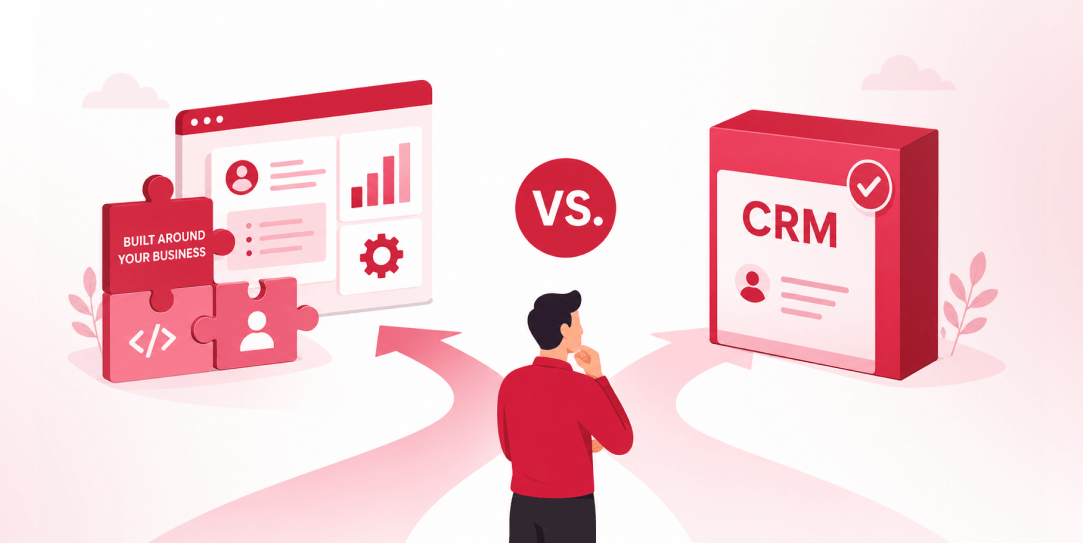
SaaS CRMs win on speed. Custom wins on fit and ownership. This isn’t a pitch for either one. Every early-stage SaaS company hits this decision within the first year, usually right after the founder realizes a spreadsheet isn’t a CRM. The default answer is almost always a SaaS CRM: HubSpot, Salesforce, Zoho, sign up in […]
 Other
Other
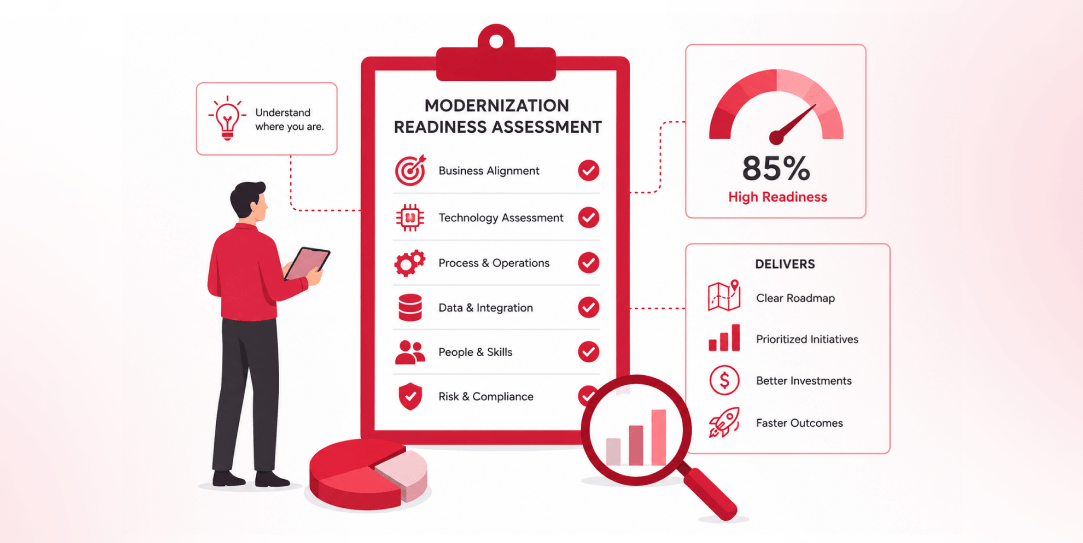
Most “audits” and “assessments” promise clarity but deliver a sales deck with language that lacks clarity. You book the call expecting evidence about your specific platform, and what shows up is a generic pitch for whichever package is easiest for the firm to sell. That’s the actual reason process transparency matters here, not because a […]
 Other
Other
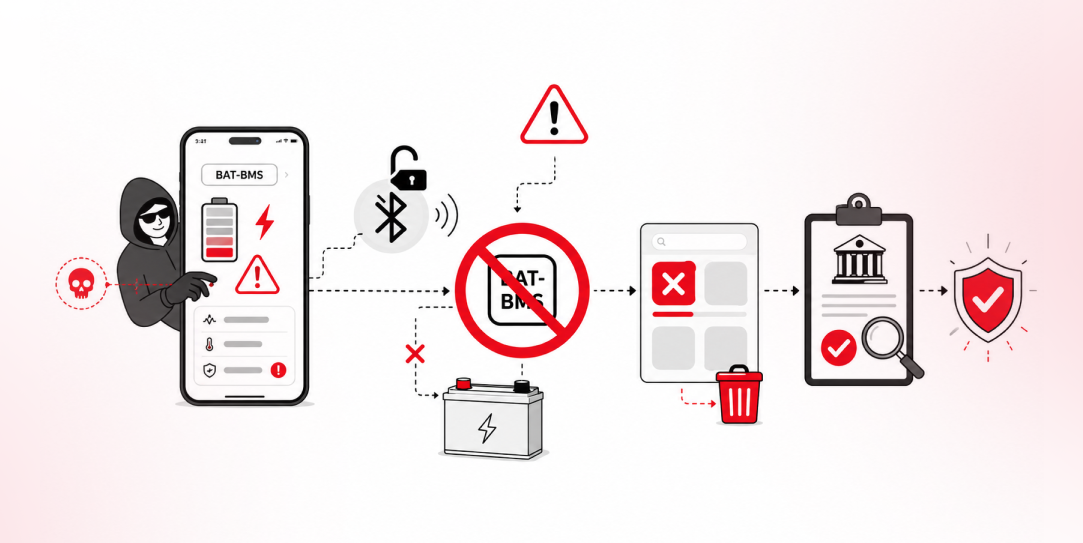
In late June and early July, videos started circulating on Instagram of people walking up to moving e-rickshaws, tapping a phone, and watching the vehicle lose power mid-ride. It spread as a prank trend before anyone fully understood the mechanism. Drivers in Patna (India) reported it first, assuming mechanical failure, until investigators traced it to […]


