Web Accessibility: A Complete Guide to Making Your Website Inclusive
Khushboo Arora
·
22 Sep, 2025
Give all your visitors a seamless website experience, regardless of ability, by prioritizing web accessibility. However, many websites do not comply with web accessibility best guidelines and practices. A website that doesn’t conform is hard or impossible for people with disabilities to use.
Fortunately, a solution exists, and it involves implementing standard practices for accessibility. Creating an inclusive website is the answer to this problem. This includes the written content, images, navigation, format, and structure.
Some websites only focus on accessibility for people with blindness or deafness. And it still isolates a large population with a disability. According to WHO (World Health Organization), almost 16% of the global population has a disability; hence, make sure to make your site as accessible as possible.
However, it’s reasonable to feel overwhelmed by the sheer number of people with impairments and uncertain how to implement accessible best practices on your website.
It is a practice of making websites accessible for all kinds of visitors, no matter their disability or impairment. To complete the web accessibility best practices, you must make a site that follows certain designs and development guidelines to ensure your site is accessible to disabled people. This will create a sense of equal experience among all.
Pro Tip: Before launching your website’s accessibility updates, conduct focus groups with people who have different types of disabilities to gain immediate input on how you can make improvements.
There are four core principles known as POUR of web accessibility.
Adding these four principles, you can make a website accessible to people with disabilities and offer everyone a more user-friendly experience.
The World Wide Web Consortium (W3C), which established the international standard criteria for web accessibility, will be discussed in this section. Let’s examine a few important industry-standard rules.
The first globally accepted standard for web accessibility was created by W3C and is known as the Web Content Accessibility Guidelines, or WCAG. It introduced the four core principles- POUR- and offered a complete framework covering various aspects of this accessibility for people with limited physical abilities.
WCAG 2.0 is advised for increased accessibility with new criteria and technology advancements, even though WCAG 2.2 is still under development.
The Americans with Disabilities Act (ADA) is crucial in the USA. It ensures that all web content on any organization’s or business website is accessible to all disabled people. If your website doesn’t comply with accessibility standards, you could be sued. This Act also helps website owners prevent lawsuits and guarantee equal access to digital content.
According to the Section 508 Act, all Americans, including those with disabilities, must be able to utilize government agencies’ electronic and information technologies. It can be any software, hardware, or even any website. Also it is a legal obligation and a commitment to offer equal access to every government service and information to the general public.
Read About: Government Web Accessibility Trends For 2025
Web accessibility is not only limited to any single industry or country. WCAG is the most popular international standard for web accessibility and is used as a benchmark in many nations. However, many countries also add their needs aligning with the WCAG guidelines.
Web accessibility is a complicated discipline that focuses on a diverse range of disabilities. To create an inclusive environment, it is necessary to learn what disabilities users might have.
Let us discuss the most common disabilities and how following web accessibility guidelines can help.
In visual disability, the conditions might include total to partial and color blindness. Therefore, visually impaired users may find it difficult to notice specific interface features, identify visual forms, or obtain information online.
Users who experience temporary or permanent deafness or hearing loss are said to have auditory difficulties, making it challenging to access any online audio or video content.
Navigating and engaging with a website can be challenging when a user cannot use a mouse or touch a screen.
A person with cognitive limitations may struggle to process information. These problems include memory impairment, attention deficit disorder, and learning disabilities.
Let us discuss the most common ways to make your web pages more accessible to people with disabilities.
Ensure that each image on the website has an alt text description so all users can interpret it. Remember that the user or screen reader will only see the text; therefore, it should briefly and concisely describe the image.
While developing the websites, pay attention to the website’s color schemes, as they impact how users perceive the information. Ensure all elements—text, background, and interactive buttons—have enough color contrast. For those who are color blind, we advise selecting color combinations that are easy to detect.
To make the text more readable, use appropriate typography and fonts. Ensure to keep the size at least 16px. Moreover, you should provide the right amount of space between lines. And it should be possible on all types of screens.
Semantic HTML elements such as headings, listings, and landmarks are necessary for code accessibility.
By creating keyboard-friendly interfaces, websites can be used by those who cannot use a mouse to navigate and interact. Skip navigation links to facilitate users’ movement through the main areas and prevent them from pressing the Tab key.
To make multimedia content accessible for people with disabilities, transcribe video and audio content and add captions. It helps the deaf and hard-of-hearing people understand your videos.
Your website will only be able to achieve its true potential if it is accessible to all users, no matter their limitations. The key measures are ensuring your website is straightforward to use, utilizing easy-to-read typefaces, and adding alternative text for photos and video scripts.
However, achieving web accessibility is a continuous rather than a one-time accomplishment. Therefore, you must adjust it when new rules or technology are developed.
At LN Webworks, we’re committed to crafting accessible, user-friendly, and future-proof digital experiences. Let’s build a web that’s truly for everyone!

 Other, SaaS Development
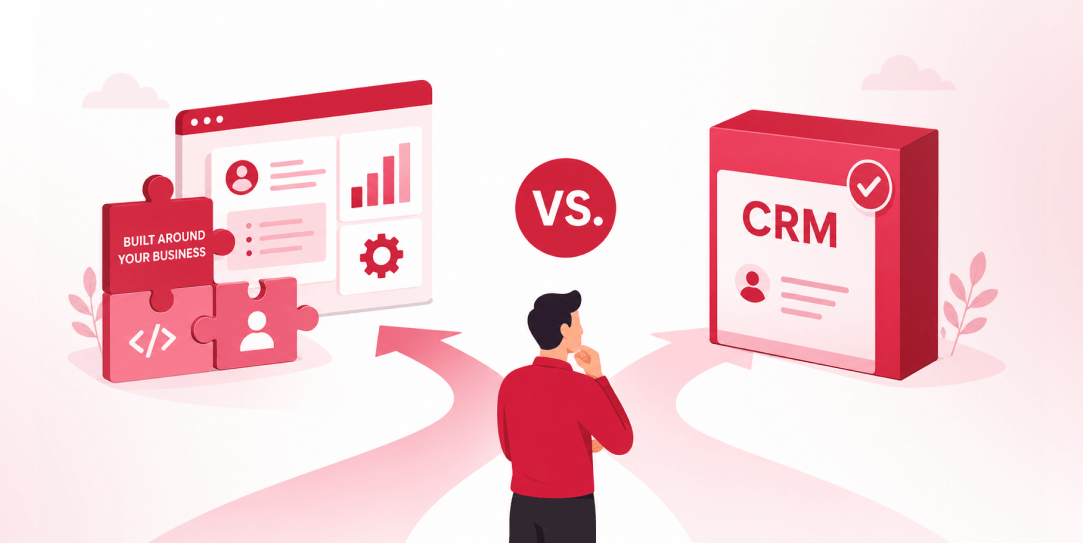
SaaS CRMs win on speed. Custom wins on fit and ownership. This isn’t a pitch for either one. Every early-stage SaaS company hits this decision within the first year, usually right after the founder realizes a spreadsheet isn’t a CRM. The default answer is almost always a SaaS CRM: HubSpot, Salesforce, Zoho, sign up in […]
 Other
Other
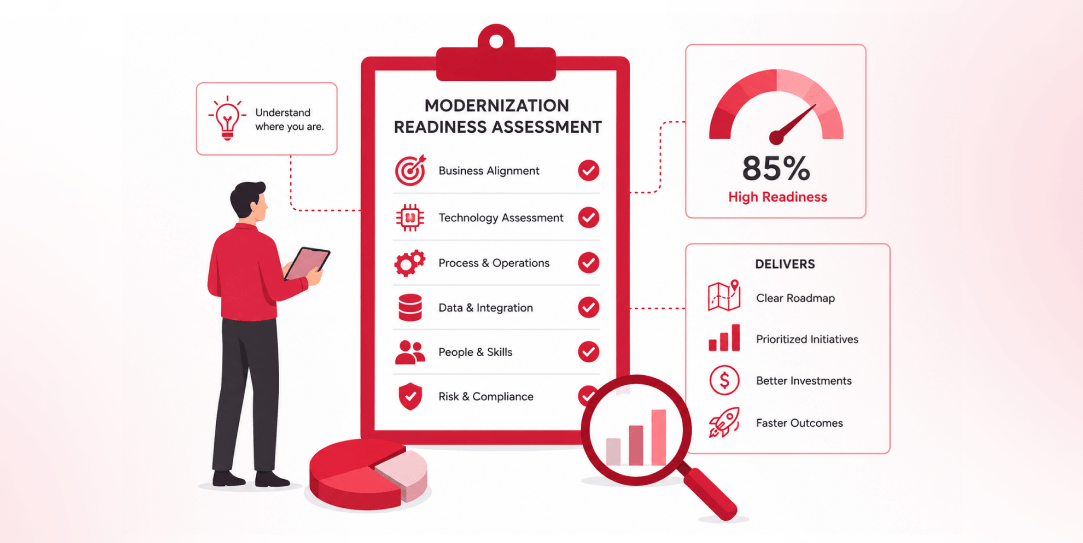
Most “audits” and “assessments” promise clarity but deliver a sales deck with language that lacks clarity. You book the call expecting evidence about your specific platform, and what shows up is a generic pitch for whichever package is easiest for the firm to sell. That’s the actual reason process transparency matters here, not because a […]
 Other
Other
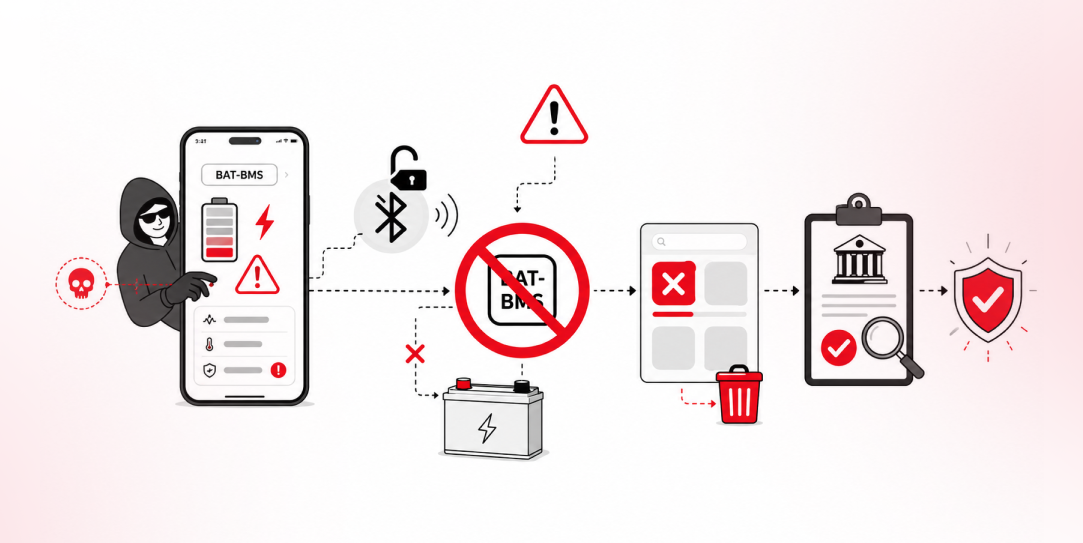
In late June and early July, videos started circulating on Instagram of people walking up to moving e-rickshaws, tapping a phone, and watching the vehicle lose power mid-ride. It spread as a prank trend before anyone fully understood the mechanism. Drivers in Patna (India) reported it first, assuming mechanical failure, until investigators traced it to […]