How to Choose the Right IT Outsourcing Partner in 2026
Hem Kant
·
30 Sep, 2026
To choose an IT outsourcing partner, define your goals and budget, check the vendor’s experience and security practices, confirm how they communicate and report progress, verify client references, and run a short pilot before committing to a long-term contract.
IT outsourcing is hiring a third-party provider, often offshore, to design, manage and maintain an organization’s IT services. It is often used to save costs on operations and in-house staff.
IT outsourcing provides businesses with access to specialized infrastructure, technology, and talent. In addition to saving money, companies benefit from improved efficiency and a reduced focus on in-house IT management.
Many organizations also use IT outsourcing to mitigate risk and stay competitive with other companies that outsource their IT services. By leveraging the resources of an external provider, businesses can focus on core competencies while relying on an expert service provider to handle tasks they may not be familiar with or not have the time for.
IT outsourcing has become a widespread practice among companies in different industries. The cost of maintenance and support of the IT infrastructure, which includes the team of professionals and all the necessary hardware, is very high.
For this reason, many companies decide to outsource specific services or even their entire IT departments. There are many risks and challenges associated with IT outsourcing; these include lack of control over the project, lack of transparency in communication, and little to no possibility for collaboration with a remote team of workers.
Businesses choose an IT outsourcing partner for four reasons:
This guide shows how to choose an IT outsourcing company in 7 steps, which questions to ask and which red flags to avoid.
The first step in choosing an IT outsourcing company is to review your current IT team, infrastructure and upcoming needs. Understand the current state of your company’s technology, along with its strengths and weaknesses.
Once you understand this, it’s time to analyse the IT needs of your business. You should do this by talking to your sales and marketing team and the human resources (HR) department. This will help you define what the current problems are and what the potential technological needs will be soon.
As an example, if you’re a small company looking to grow over the coming months, it could be beneficial for you to outsource some parts of your IT services to focus on scaling quickly and effectively. However, if your business is already established with a large client base, outsourcing might not be necessary for you because your business has already reached its desired size.
If you already outsource part of your IT and need to re-evaluate your strategy, start by documenting your current setup. Cover these points:
Outsourcing is a partnership. You should look for a partner and not just a vendor. Still weighing whether outsourcing makes sense at all? Our piece on why you should outsource lays out the core reasoning first.It is also crucial that your partner understands what you need regarding quality, service and cost.
Most companies outsource to focus on their core competencies, and this means that they don’t want to waste time or resources on IT operations that can be done by someone else (and who can even do it better). Therefore, you should choose an outsourcing partner who is already experienced in delivering the required services and who can provide evidence of doing so successfully for other customers. Ask each vendor for case studies, references and proof of similar projects.
When you are looking to develop an IT outsourcing strategy, it is essential to start by defining the company’s goals. The main aim of your strategy should be to enhance your business operations and increase profitability. Outsource the right way, and you will save money on IT functions while having the freedom to focus on core business processes.
To get the most out of your strategy, it is important that you clearly define what you want from your outsourcing partner before signing a contract with them. It is also crucial that you establish clear communication with your provider. This will help ensure that your IT services are delivered to a high standard and within a reasonable timeframe.
One of the biggest problems when it comes to hiring an outsourced team is that there’s no guarantee that they will be as invested in your project as you are. You’re paying them for their time, so they don’t have any skin in the game (at least not in the way you do).
This means that you need to be very clear about what you’re looking for from them and then set up some kind of incentive structure, so they have something at stake if they don’t meet those goals. If they don’t, then it’s not worth your while–or theirs–to keep working together; however, if they exceed expectations, it’s only fair that they get compensated accordingly.
This step is critical for the outsourced project’s success. The more communication channels you set up, the higher probability that the message will be delivered correctly and promptly. Consider tools such as email, Slack, Microsoft Teams, video calls and shared documents.
Think about the time difference between your country and the country of your outsourcing partner. Most companies prefer working with partners in their time zone to avoid misunderstandings due to discrepancies in working hours or holidays. However, there are also positive sides to offshore outsourcing: you will be able to get support 24/7 while working with a company from another time zone.
It is important to track the progress of the outsourced project, but you should also be aware that you may not get direct access to all the information. For example, if you outsource the work to an offshore development team, you will not be able to visit their office and observe the progress in person.
In that case, your chosen software development company or team should provide you with a project management tool to see how your project is being developed. Some examples of such tools are Jira, Basecamp or Asana. These tools allow you and your offshore software developers to communicate about the project in real-time and take action accordingly. Ask for weekly reports, sprint reviews and a shared dashboard.
A 2 to 4 week pilot project is a low-risk way to test a vendor.
Outsourcing to India offers cost savings, a large talent pool and time-zone overlap, but confirm NDAs, IP ownership and data protection in the contract. If you only need extra capacity or specific skills, IT staff augmentation lets you add vetted specialists to your team while you keep control of priorities and delivery.
LN Webworks has provided IT outsourcing and development services since 2013 from Ludhiana, India. We support teams with platform modernization, product engineering, managed support and IT staff augmentation, integrating with your tools and workflows.
Collaborate with us and bring your ideas to life.

 Other, SaaS Development
SaaS CRMs win on speed. Custom wins on fit and ownership. This isn’t a pitch for either one. Every early-stage SaaS company hits this decision within the first year, usually right after the founder realizes a spreadsheet isn’t a CRM. The default answer is almost always a SaaS CRM: HubSpot, Salesforce, Zoho, sign up in […]
 Other
Other
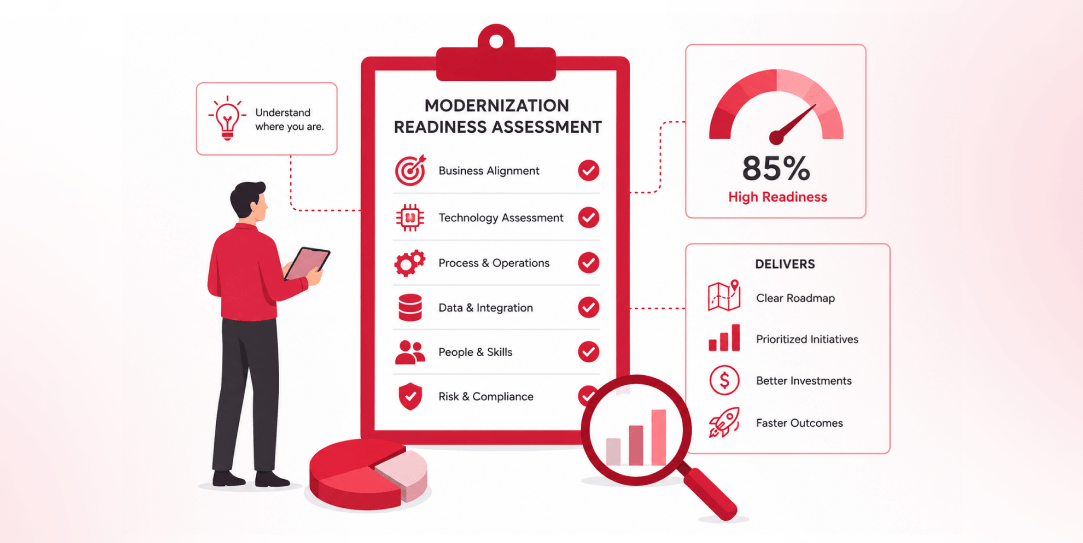
Most “audits” and “assessments” promise clarity but deliver a sales deck with language that lacks clarity. You book the call expecting evidence about your specific platform, and what shows up is a generic pitch for whichever package is easiest for the firm to sell. That’s the actual reason process transparency matters here, not because a […]
 Other
Other
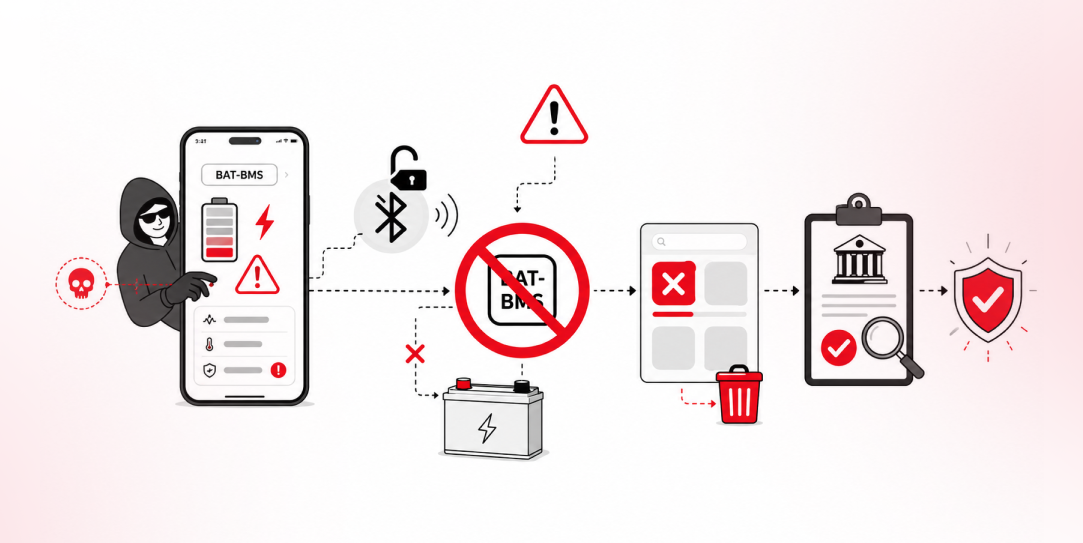
In late June and early July, videos started circulating on Instagram of people walking up to moving e-rickshaws, tapping a phone, and watching the vehicle lose power mid-ride. It spread as a prank trend before anyone fully understood the mechanism. Drivers in Patna (India) reported it first, assuming mechanical failure, until investigators traced it to […]