PHP2Shell: Two Critical PHP Flaws, What We Know and What to Do Today?

LN Webworks
·
22 Oct, 2026
Two critical PHP vulnerabilities, nicknamed PHP2Shell, are about to be patched. The PHP security team has scheduled an out-of-cycle release for 14:00 UTC today, which is 19:30 in India. Details leaked before the planned disclosure, so defenders have less lead time than usual.
This post separates what is confirmed from what is not, then walks through what to do before the release, when it ships, and afterward. We build and support Drupal and other PHP-based sites, so we are following this closely. PHP’s own advisory outranks anything written here, including ours. Check it first once it is published.
Most of the noise around this event comes from mixing up the two. Here is the position as of 12:00 UTC, based on PHP’s announcement and security reporting.
| Question | Where it Stands | Basis |
| Do two critical flaws exist? | Yes | PHP’s security team notice of 20 October |
| How severe? | CVSS v4.0 9.2 for both | PHP’s notice. A leaked post claimed 10.0 |
| Are they remote code execution? | Reported, not detailed by PHP | watchTowr, which says it reproduced one flaw |
| CVE identifiers | CVE-2026-109618 and CVE-2026-109619 are circulating | Not named in PHP’s notice |
| Which versions are affected? | Not confirmed | PHP will publish them with the release. A leak claimed PHP 5 onward |
| Which versions get fixes? | Not confirmed | Fixes are expected for supported 8.x branches only |
| Is it exploited in the wild? | Not reported | watchTowr and Huntress, as of 20 to 21 October |
| Is there a workaround? | None from PHP | PHP’s notice |
Treat any claim beyond this table with care, especially specific version numbers, exploit steps, or “proof of concept” repositories. Until PHP’s advisory is out, those are unverified, and they can send you down the wrong path.
PHP runs behind a large share of the web, including popular platforms such as WordPress, Drupal, and Magento. SecurityWeek reports that public descriptions point to unauthenticated remote code execution, which means a stranger on the internet could run commands on your server without logging in. That is the most serious class of web flaw.
The leak makes timing worse. Normally a coordinated release gives defenders and attackers the details at the same moment. Here, the secret is partly out, and security firms such as Sansec expect rapid attempts once a patch exists. That is a prediction and not a fact. But history supports caution, since attackers have tried to exploit serious PHP flaws within a day of disclosure before.
One point is worth repeating. A WordPress, Drupal, or Magento update does not patch PHP. The fix lives in the runtime, so your platform updates and the PHP patch are two separate jobs.
These versions are end of life, and no official fix is expected for them. They are also common. Security firm Mallory counted roughly 884,000 internet-facing hosts whose banners reported PHP 8.1 or older. Those are banner counts and not confirmed vulnerable systems, but they show how many sites could be stranded.
You have four options, in order of preference:
Patching closes the door, but it does not remove anyone who is already inside. Huntress’s guidance points to one strong signal: PHP worker processes such as php-fpm, php-cgi, httpd, or apache2 starting shells, scripting interpreters, or download tools. A web server should rarely do that.
If you suspect a compromise, isolate the server and preserve the web server and PHP logs. Then look for web shells, new files in the web root, new scheduled jobs, and new accounts. Do this before you rebuild, because a rebuild can erase the evidence.
Today is about order, not heroics. Inventory first. Internet-facing systems next. End-of-life versions after that. Everything else lasts.
Verify each one after you patch it, and keep watching for odd behavior from your PHP processes in the days that follow. The facts will keep changing as PHP publishes its advisory, so check the official source before acting on any number you read elsewhere, including here.
Next, prove the fix worked. A patch that is installed but not running changes nothing. Our follow-up, PHP2Shell patch verification: how to confirm your servers are really fixed, shows how to check what is actually running. It also covers how to look for signs of entry before you patched.
If you are not sure which PHP version your sites run or who hosts them, send us your domains and hosting providers. We will help you work out what to check and patch first. Our managed support team covers ongoing security updates. Talk to Our Team right now →
What is PHP2Shell?
PHP2Shell is the name researchers use for two critical PHP vulnerabilities that the PHP security team has rated 9.2 on CVSS v4.0. Public reporting describes them as remote code execution flaws. PHP has scheduled an out-of-cycle security release for 21 October 2026 at 14:00 UTC and will publish affected and fixed versions then.
Is PHP2Shell being exploited right now?
As of 20 and 21 October 2026, security firms WatchTower and Huntress reported no exploitation in the wild, and no public exploit code that they could confirm. Because the details leaked before the planned disclosure, defenders should assume attackers will move quickly once a patch is public.
Do I need to update WordPress, Drupal, or Magento?
Updating the CMS alone will not fix a flaw in PHP itself. The fix comes in a new PHP build, which your host, your Linux distribution, or your container image supplies. Update PHP first, restart the PHP service, and then keep your CMS and plugins current as usual.
Which PHP versions will get a fix?
PHP has not said yet. It will publish affected and fixed versions with the release. Based on how PHP supports its branches, fixes are expected for the supported 8.x branches, and PHP 8.1 and older are end of life. Check the official PHP announcement, and your distribution or host, for exact versions.
Is there a workaround if I cannot patch yet?
PHP has published no workaround. Some third parties suggest configuration changes or request filtering, but these are unverified and do not cover every case. For systems you cannot patch, reduce exposure by moving them behind a VPN, restricting access, or taking them offline until you can upgrade.
How do I check which PHP version my site actually uses?
Ask your host, or check the version your web server uses, because the command-line PHP on a server can differ from the PHP that serves your site. On distribution packages, the version number may not change when security fixes are backported, so check the package changelog too.

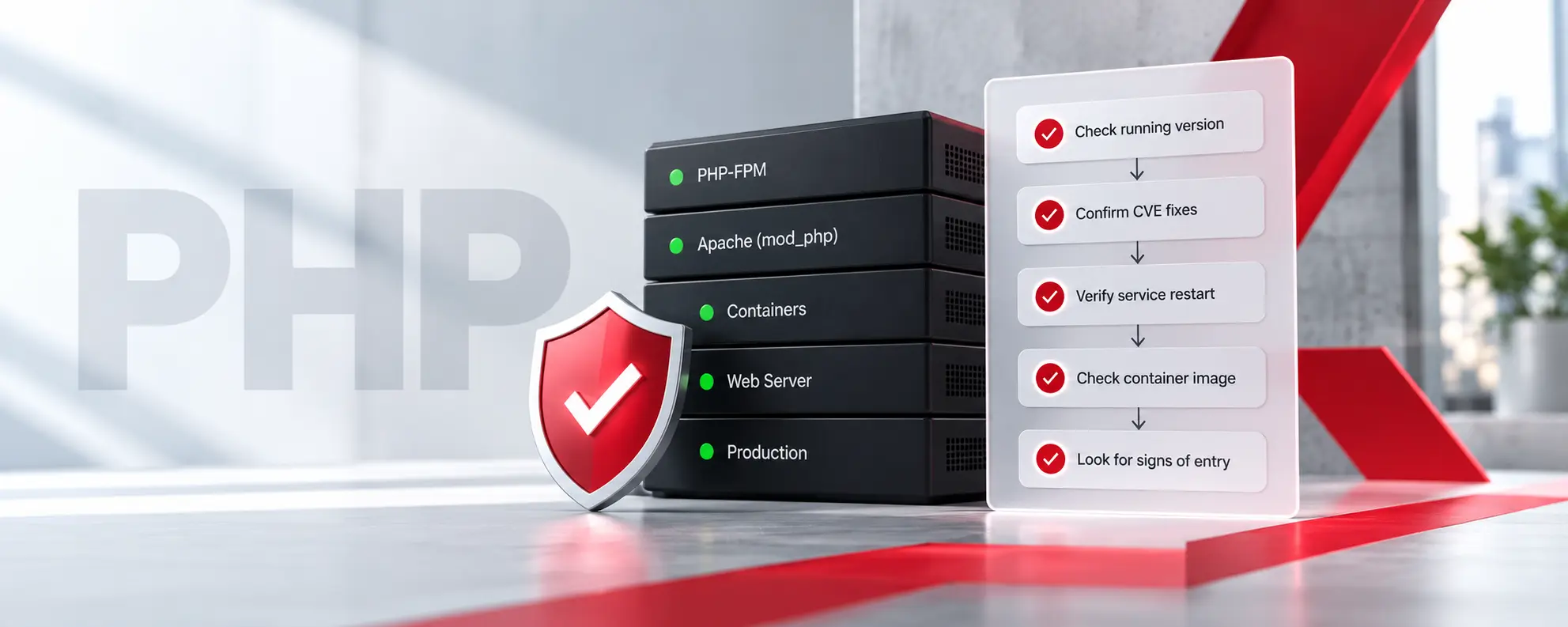 Compliance & Governance, Engineering & Architecture
Key Takeaways Installed is not running. A new PHP package does nothing until the web server or the PHP-FPM workers restart. Check the PHP that serves traffic. The command-line version, the web server version, and a copy bundled inside an application can all differ. Version numbers can mislead. Linux vendors often backport fixes without changing […]
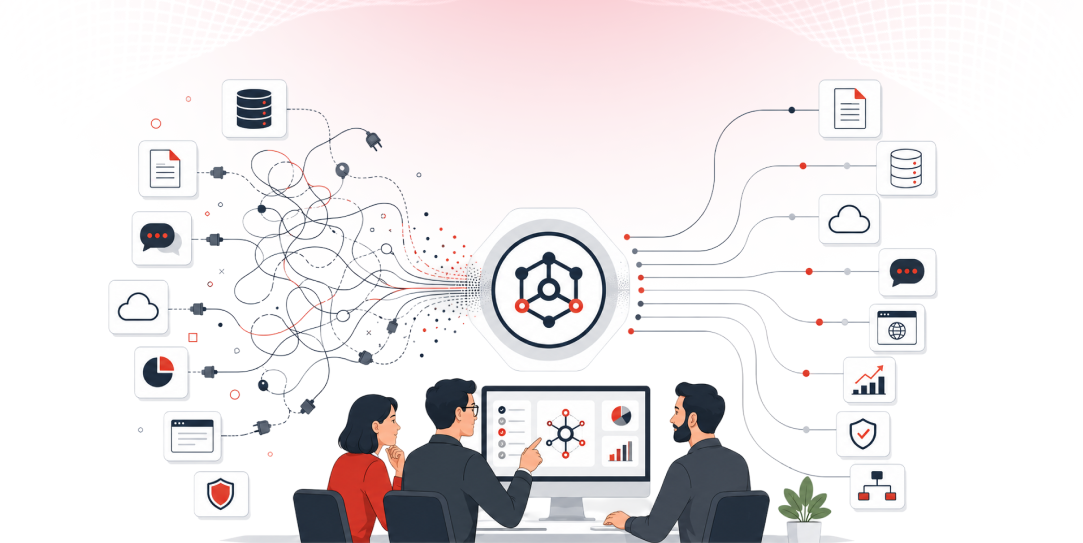 Engineering & Architecture, Growth Strategy, Other
Quick Answer: The Model Context Protocol (MCP) is an open standard that gives AI models a consistent way to connect to external data sources, tools, and systems. Instead of building a custom connector for every new integration, organizations deploy a single MCP server layer that any compatible AI model can query, replacing fragile, one-off wiring […]
 Digital Transformation, Engineering & Architecture
Here is a scenario playing out in engineering teams right now. A company spent the last two years integrating AI into its stack. Copilot for code. An LLM-powered support bot. A few generative features were shipped to production. Leadership is happy, the AI adoption budget got spent, features went live, and the press release wrote […]