Understanding PHP Standard Recommendation (PSR)

Share

PSRs is a PHP specification published by the PHP Framework Interop Group. It serves the standardization of programming concepts in PHP. The aim is to enable interoperability among components like frameworks, libraries, & projects.

Understanding of PHP Standard Recommendation (PSR):

The PSRs encompass different facets of PHP development, covering coding style, autoloading, coding standards, and HTTP message interfaces. Among the frequently cited PSRs are PSR-1, PSR-2, PSR-4, PSR-7, and PSR-12.
  • PSR-1 sets forth fundamental coding standards that include conventions for file naming, class naming, and method naming to ensure consistency and enhance readability.
  • PSR-2 builds upon PSR-1 by providing guidelines for indentation, whitespace usage, and control structure formatting, fostering project uniformity.
  • PSR-4 simplifies autoloading by defining a standard for PHP class autoload from file paths, thereby enhancing code organization and reducing manual inclusion of class files.
  • PSR-7 standardizes HTTP message representation in PHP, facilitating interoperability between different frameworks and libraries that handle HTTP requests and responses.
  • PSR-12 extends PSR-2, refining coding style guidelines for class and method declaration, property, and constant naming, among others, aiming for improved code readability and maintainability.

Step By Step Guide PHP Standard Recommendation (PSR)

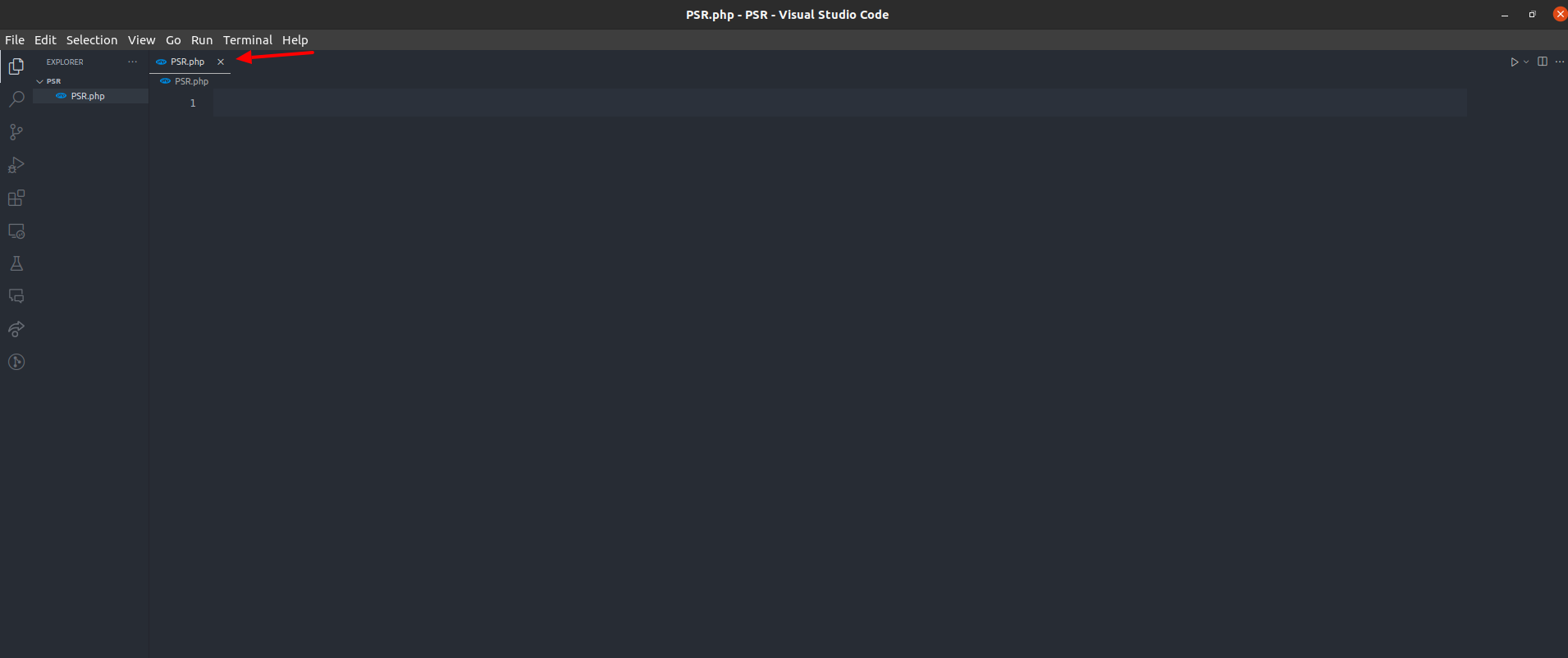
Step 1: Create a folder and set up a PHP file using the .php extension

Step 1: Create a folder and set up a PHP file using the .php extension

Step 2: Implement the code inside the PHP file without the code-sniffer extension

PSR.php

// Invalid way to write the Coding standards.

<?php
$a = 20;
$b = 10;
if($a > $b)
{
echo “a is greater than b”;
}
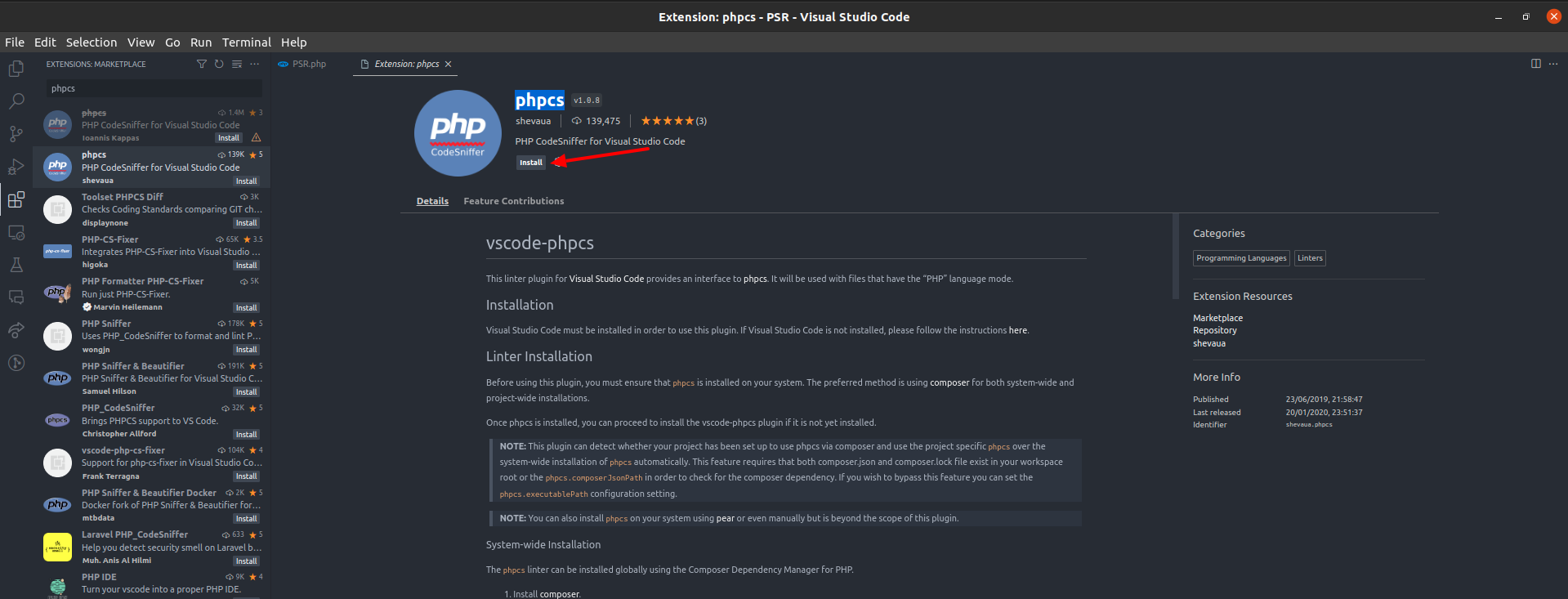
Step 3: Install phpcs extension for vs code

Step 3: Install phpcs extension for vs code

Step 4:Further, Download the php_codesniffer by setting the composer section

Before using php_codesniffer, let’s establish a Composer,

For Ubuntu use this ref:

How to install composer

After installing composer, Then, in your terminal, execute the following command:-

  • composer require squizlabs/php_codesniffer
  • cd ~/.config/composer/vendor/bin
  • gedit ~/.profile

After Hitting gedit~/.profile command, instantly open your .profile page & you can additionally add the below lines in the last:

# Set PHPCS path in profile
export PATH=~/.config/composer/vendor/bin:$PATH
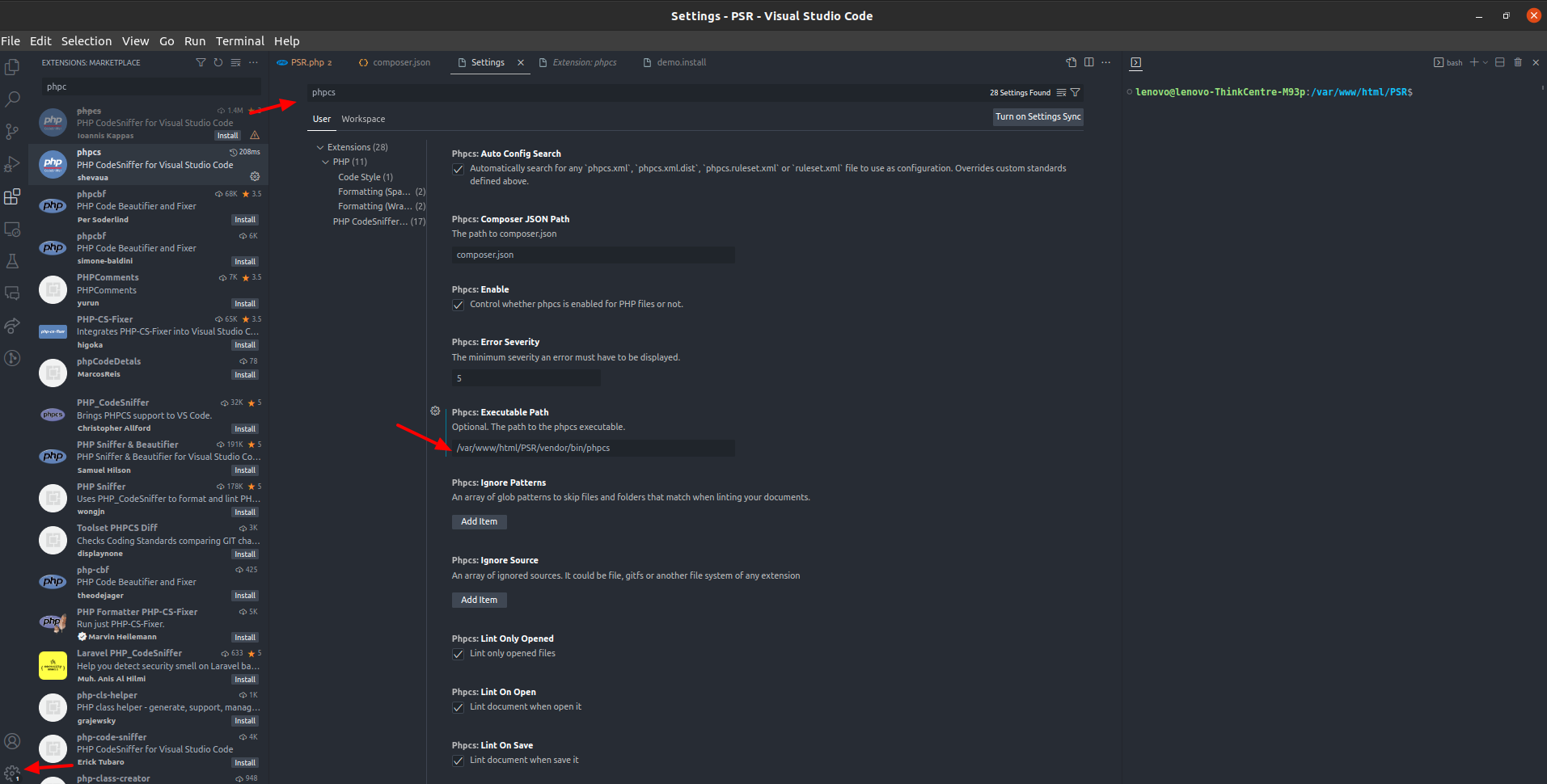
Step 5:Go to VS Code setting->Search (phpcs)->Enter the executable path manually for phpcs according to your project directory

 Go to VS Code setting

Let’s Wrap It Up!

Now you can check your file, show errors of Coding Standards
And, here you will even get to know where you are making mistakes & why the code is facing issues while getting executed. Through this, you will be able to rectify them to let the code work smoothly.
At LN Webworks, our group of experts in Drupal are always prepared to help you make it happen. Get in touch with us right now to schedule a free consultation.


LN Webworks
The Author
LN Webworks

Your Drupal Solution Partner

Read More Blogs

Illustration comparing a custom CRM and an off-the-shelf CRM, showing a business professional choosing between a tailored CRM solution and a packaged CRM software. Other, SaaS Development

SaaS CRMs win on speed. Custom wins on fit and ownership. This isn’t a pitch for either one. Every early-stage SaaS company hits this decision within the first year, usually right after the founder realizes a spreadsheet isn’t a CRM.  The default answer is almost always a SaaS CRM: HubSpot, Salesforce, Zoho, sign up in […]
Illustration of a modernization readiness assessment highlighting business alignment, technology assessment, process optimization, data integration, people and skills, risk and compliance, and a roadmap for successful digital transformation Other

Most “audits” and “assessments” promise clarity but deliver a sales deck with language that lacks clarity. You book the call expecting evidence about your specific platform, and what shows up is a generic pitch for whichever package is easiest for the firm to sell.  That’s the actual reason process transparency matters here, not because a […]
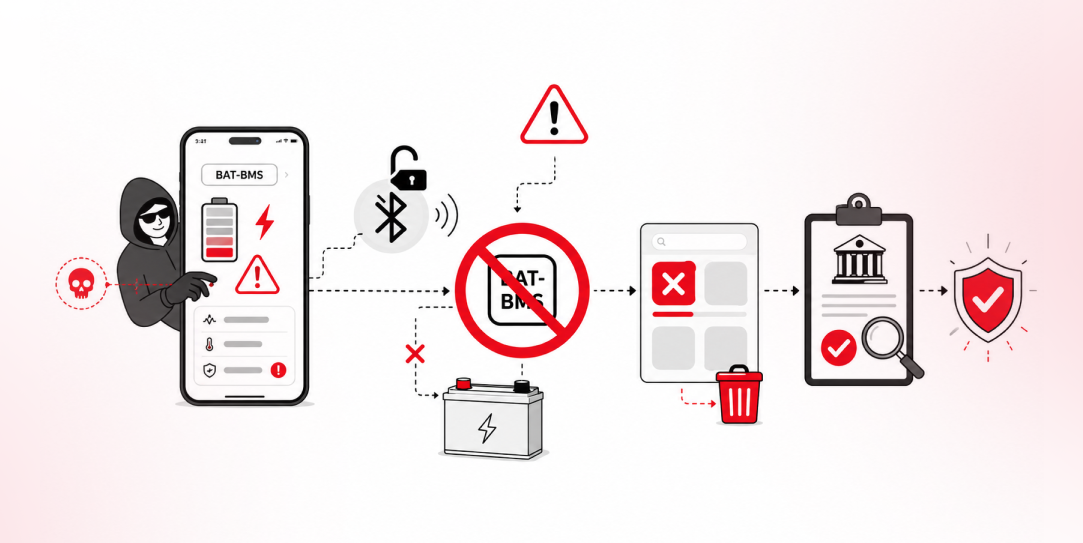
LN Webworks illustration of the BAT-BMS Bluetooth exploit, app ban, and access-control review process Other

In late June and early July, videos started circulating on Instagram of people walking up to moving e-rickshaws, tapping a phone, and watching the vehicle lose power mid-ride.  It spread as a prank trend before anyone fully understood the mechanism. Drivers in Patna (India) reported it first, assuming mechanical failure, until investigators traced it to […]

LN Webworks Logo
Privacy Overview

This website uses cookies so that we can provide you with the best user experience possible. Cookie information is stored in your browser and performs functions such as recognising you when you return to our website and helping our team to understand which sections of the website you find most interesting and useful.