How To Set Up Network Attached Storage (NAS) On Ubuntu
 Team LN Webworks
·
11 Sep, 2025
Team LN Webworks
·
11 Sep, 2025
Team LN Webworks
·
11 Sep, 2025
Team LN Webworks
·
11 Sep, 2025
A Network Attached Storage (NAS) is a dedicated file storage system that provides file access to multiple users and clients over a network. Unlike traditional external storage, a NAS offers.
A single, accessible location for all your digital assets.
Files can be accessed from computers, smartphones, and tablets.
Easy file sharing across different devices and platforms.
Simplifies data backup and protection strategies.
Essential hardware, software, and network configurations needed to build a reliable and efficient NAS system.
Setting up a NAS with Samba on Ubuntu allows you to share files across your network easily. Start by installing Samba on your Ubuntu server, then configure the Samba settings and create shared directories.
# Update system packages

sudo apt update

sudo apt upgrade -y

# Install Samba

sudo apt install samba -y

# Verify Samba installation

whereis samba
Edit Samba configuration
sudo nano /etc/samba/smb.conf
Add the following configuration
[global]

workgroup = WORKGROUP

server string = %h server (Samba, Ubuntu)

security = user

map to guest = bad user

dns proxy = no
[Apps]

path = /samba/apps

browseable = yes

writable = yes

guest ok = yes

read only = no

create mask = 0777

directory mask = 0777
# Check configuration

testparm

# Restart Samba services

sudo systemctl restart smbd nmbd
sudo ufw allow samba

sudo ufw enable
# Create directory with full permissions

mkdir -p /samba/apps

chmod -R 777 /samba/apps
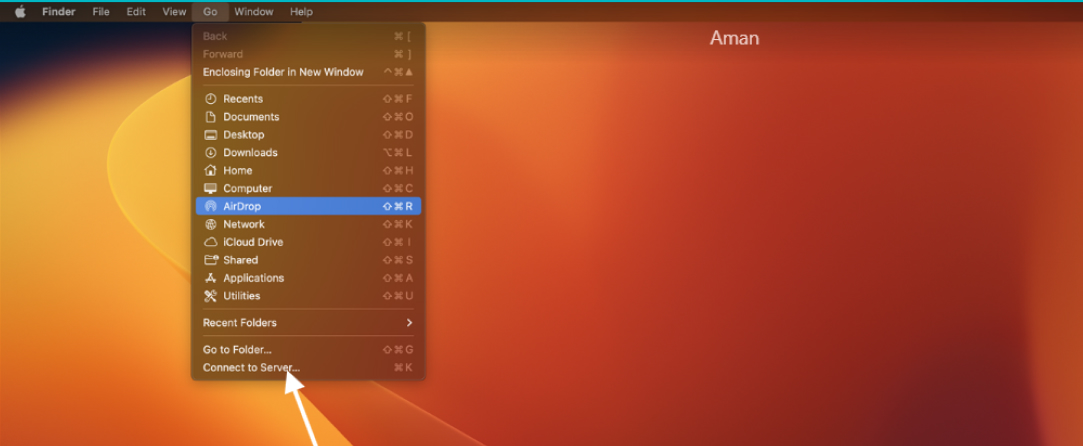
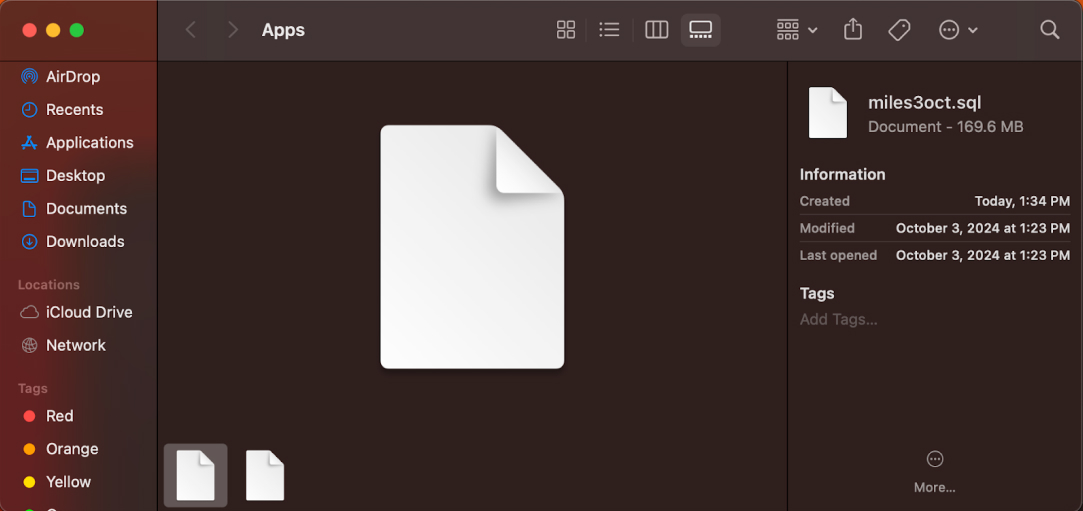
A guide to configuring Samba access on Windows, Linux, and Mac for seamless file sharing.

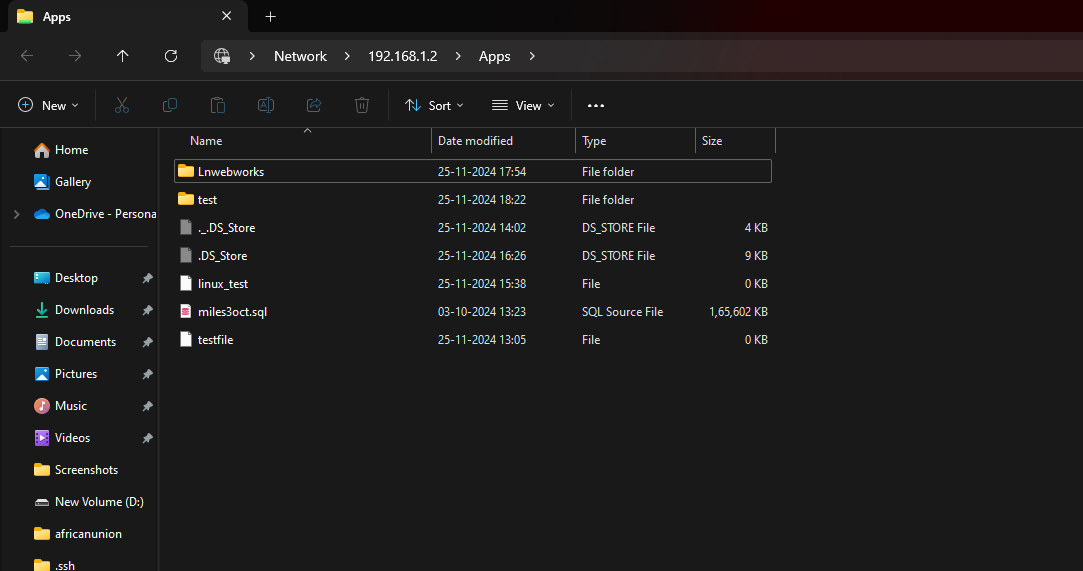
# Install required packages

sudo apt install cifs-utils samba-client -y
# Create mount point
sudo mkdir -p /mnt/samba/apps
# Mount Samba share
sudo mount -t cifs //<Server_IP>/Apps /mnt/samba/apps
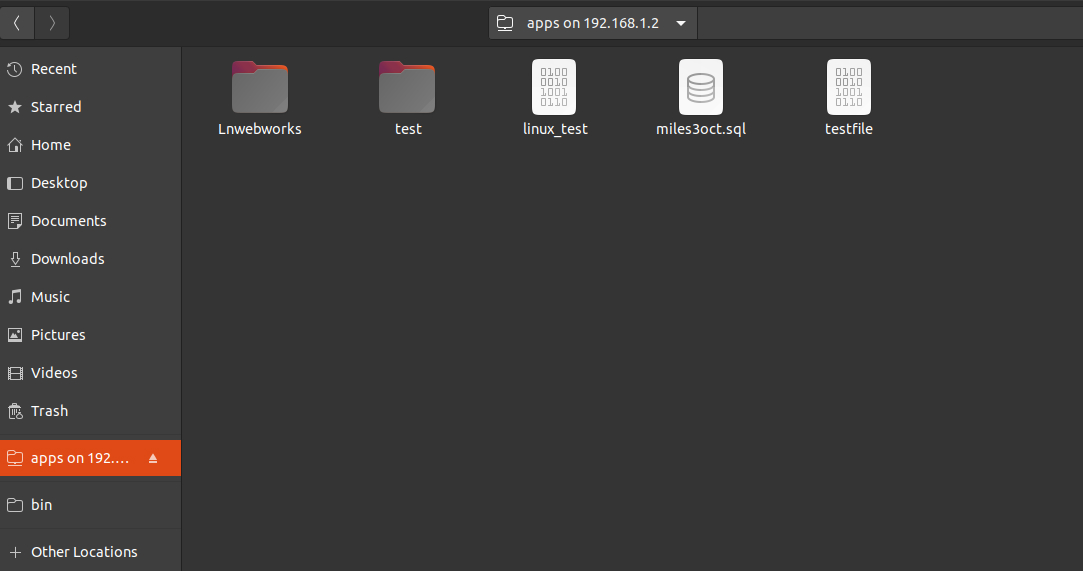
Linux access :-
Use :- > files
Enter : smb://<Samba_IP>/apps/

Setting up a NAS system with Samba on Ubuntu provides a methodical way to centralize file storage and improve data sharing across devices. At LN Webworks, we specialize in IT solutions and can help you configure and optimize your NAS for seamless operation.
Contact us today to enhance your business’s storage capabilities with expert support.
Collaborate with us and bring your ideas to life.
 Other, SaaS Development
SaaS CRMs win on speed. Custom wins on fit and ownership. This isn’t a pitch for either one. Every early-stage SaaS company hits this decision within the first year, usually right after the founder realizes a spreadsheet isn’t a CRM. The default answer is almost always a SaaS CRM: HubSpot, Salesforce, Zoho, sign up in […]
 Other
Other
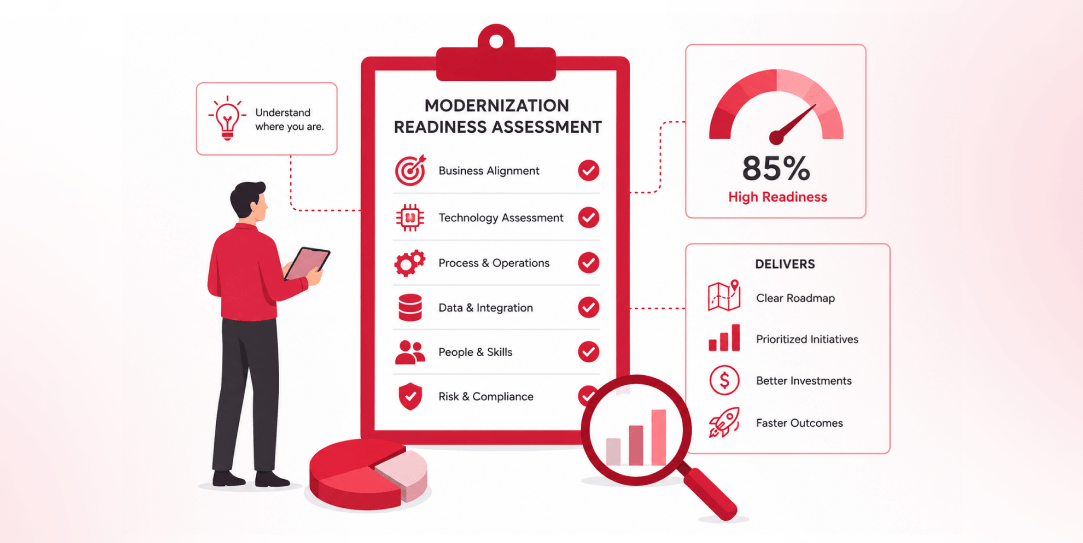
Most “audits” and “assessments” promise clarity but deliver a sales deck with language that lacks clarity. You book the call expecting evidence about your specific platform, and what shows up is a generic pitch for whichever package is easiest for the firm to sell. That’s the actual reason process transparency matters here, not because a […]
 Other
Other
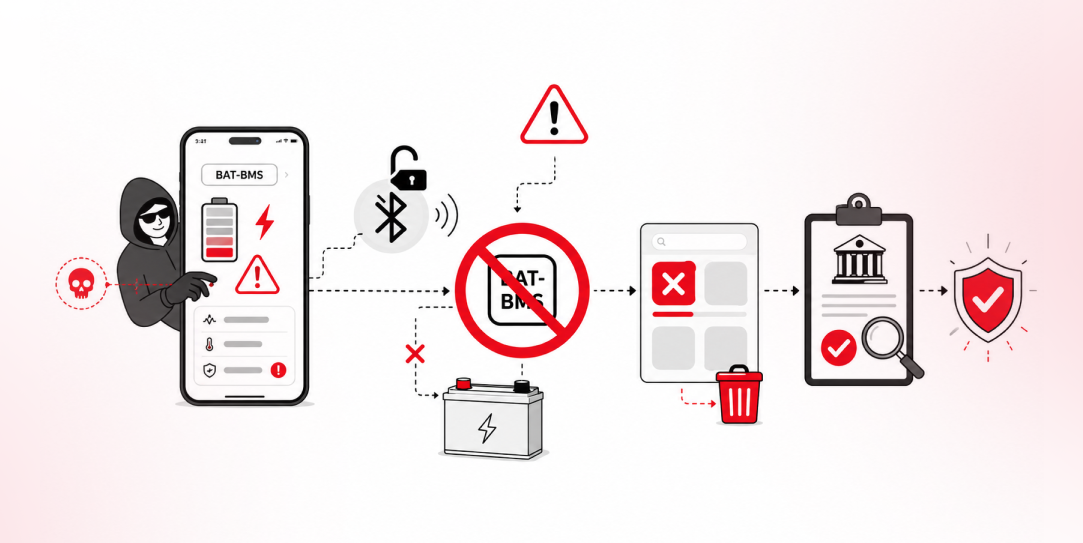
In late June and early July, videos started circulating on Instagram of people walking up to moving e-rickshaws, tapping a phone, and watching the vehicle lose power mid-ride. It spread as a prank trend before anyone fully understood the mechanism. Drivers in Patna (India) reported it first, assuming mechanical failure, until investigators traced it to […]