Custom Software vs. Off-the-Shelf: How to Choose the Right Option
LN Webworks
·
13 Oct, 2026
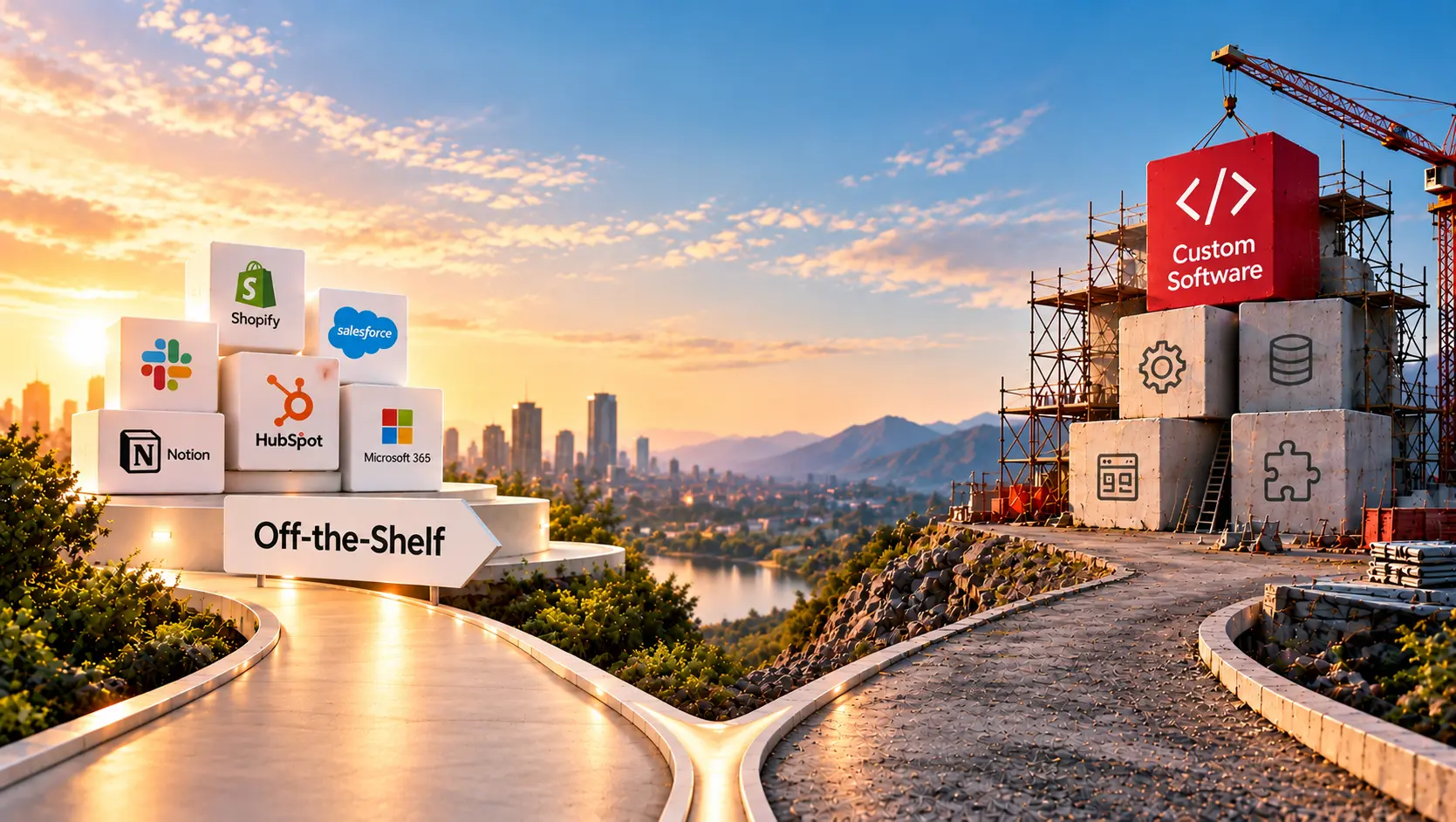
There is an old rule in software buying: buy what everyone does, and build what only you do. It is a good rule. On its own it is nearly useless, because nobody agrees on which is which.
The founder is sure the onboarding flow is unique. The finance lead is sure that invoicing is just invoicing. Both may be right, and both may be wrong. Choosing between custom software and off-the-shelf software comes down to sorting your processes honestly, then pricing the choice over years and not just at the start.
This guide gives you a way to do that sort. It covers four questions that settle most decisions and the real costs on each side.
It also explains what changed in 2026, now that AI can write code, and the hybrid most companies end up with. One note first: we build custom software, so our bias leans toward building. We will tell you plainly when buying is the better answer, which is often.
Off-the-shelf software is a finished product that many businesses use. Think of a standard CRM, an accounting tool, or a project tracker. You pay a subscription or a license, and you adapt your work to how the product behaves.
Custom software is built for one business. It follows your processes, holds your rules, and connects to your own systems. When we start from a blank page, we call it a new build.
There is a middle ground. Many products can be configured heavily, and some platforms let you add your own code on top. That middle ground is where most real decisions land, which we will come back to.
1. Is this how you win, or just how you operate?
Payroll, email, and bookkeeping keep a business running, but no customer chooses you for them. Your pricing logic, your matching method, or the way you deliver service might be exactly why customers choose you. Buy the first group. Seriously consider building the second.
2. How odd is your process, and could you change the process instead?
Often it is cheaper to adjust how you work than to build software around a habit. But if the process is the product, changing it means changing your business, and custom starts to make sense.
3. How long can you wait, and what can you spend now?
An off-the-shelf product can be live in days or weeks. A custom build takes months. If a deadline is fixed, that alone may decide it.
4. Who will own it in three years?
Every system needs someone to patch it, secure it, and explain it to new hires. With a product, a vendor does much of that. With custom software, you do, or you pay a partner to.
If you answer “operate,” “change the process,” “soon,” and “the vendor,” buy. If you answer “win,” “no, the process is the point,” “we can wait,” and “we have a plan,” build. Most real businesses give mixed answers, which is why the cost picture matters.
The sticker price misleads in both directions. Off-the-shelf looks cheap because the first invoice is small. Custom looks expensive because the first invoice is large. The truth sits in the years after that.
Off-the-shelf costs creep. Per-user fees grow as your team does. Useful features sit in higher tiers. You pay for connectors, add-ons, and the people who build workarounds. Worst of all is customization creep. You bend the product a little at a time, until you own something as complicated as custom software, but without the freedom.
Custom costs front-load, then settle. You pay to build, and then you pay steadily to maintain. Security updates, upgrades, monitoring, and documentation do not go away. The risk is key-person dependence, where one developer holds the whole system in their head.
|
What Matters |
Off-the-shelf |
Custom |
| Time to start | Days to weeks | Months |
| Cost at the start | Low | High |
| How costs grow | With users, usage, and add-ons | With maintenance and new features |
| Fit to your process | You adapt to the product | The software adapts to you |
| Control of the roadmap | The vendor decides | You decide |
| Connecting to your other systems | Limited to what the vendor supports | As deep as you need |
| Main risk | Lock-in and workarounds | Poor ownership and key-person dependence |
| Who maintains it | Mostly the vendor | You or your partner |
Compare three years of cost, not one. Add the hidden items on each side. These include the workarounds you pay people to do, the time to switch if the vendor changes its pricing, and the upkeep of anything you build.
AI coding tools have shifted this debate. A first working version of a small tool can now be produced in a fraction of the old time. McKinsey’s 2026 global AI survey found something telling. About a third of respondents said they had skipped buying a software product or feature because coding agents let them build it in-house.
That is real, and it changes the “build” side of the sum. But it changes only the cost of the first version. It does not change the cost of owning one.
A tool that one person built over a weekend can become something the whole company depends on within a year. Then it needs security reviews, upgrades, backups, support, and documentation. Cheap to create is not cheap to keep. So the practical rule is this: AI changes your build estimate, not your ownership estimate. Price both.
The same shift is happening on the buying side. Vendors are changing how they charge, and many are adding AI features at extra cost. Before you sign, ask how the product charges for usage and for new features, and what that bill looks like when your team doubles.
The choice is rarely all or nothing. A common pattern is to buy a standard product for the base and build a custom layer for the part that is yours. A company might use an off-the-shelf CRM for contacts and email, then add its own scoring or workflow engine on top. We looked at this trade-off in detail for one case in custom CRM vs. off-the-shelf.
Three habits keep a hybrid healthy:
Off-the-shelf may be the wrong choice if workarounds multiply or spreadsheets live beside the tool. The same goes for paying for seats nobody uses, or a vendor roadmap that ignores your needs.
Custom may be the wrong choice if nobody clearly owns it, nothing is documented, one person knows how it works, or a product now does most of what you built.
Neither is a verdict. It is a signal to run the four questions again. Review the decision once a year, because both your business and the market keep moving.
If you want a second opinion on the tags and the numbers, our product engineering team does this kind of review, and we regularly advise clients to buy.
Custom software and off-the-shelf software are not rivals. They are tools for different kinds of work. Products are best at the ordinary, and custom is best at the distinctive.
The cost of each shows up over years, and AI has changed the cost of creating software but not the cost of keeping it. Sort your processes, price three years, start with one pilot, and look again next year.
If you remember one test, make it this one. If a competitor could buy the same thing tomorrow, buy it. If they could not, think hard about building it.
Tell us which system. If there is one system you cannot decide about, name it. We will say honestly whether we would buy, build, or mix, and why. If the answer is “buy,” we will tell you which kind of product to look for. Book a Discovery Call →
What is the difference between custom software and off-the-shelf software?
Off-the-shelf software is a ready-made product that many businesses use, such as a standard CRM or accounting tool. Custom software is built for one business and its specific processes. Off-the-shelf is faster to start, while custom fits your way of working more closely.
Is custom software more expensive than off-the-shelf software?
Custom software costs more at the start. Off-the-shelf costs more slowly, through per-user or usage fees, add-ons, and workarounds. Over several years the gap can narrow or even reverse, so compare three-year costs, not first-year prices.
When is off-the-shelf software the better choice?
When the process is standard across your industry, when you need to start quickly, and when the work is not what sets you apart. Accounting, payroll, email, and basic project tracking are common examples.
When does custom software make sense?
When the software supports something that makes your business different, when your process does not fit any product without heavy workarounds, or when you need deep integration with your own systems. You also need the budget and a plan to maintain it.
Can you combine custom and off-the-shelf software?
Yes, and many companies do. A common pattern is to buy a standard product for the base and build a custom layer for the parts that are unique. Keep the connection clean through APIs, and keep your own copy of your data.
Can AI tools replace a custom software team?
AI coding tools make the first version much cheaper and faster to produce. They do not remove the cost of owning software, which includes security, upgrades, support, and documentation. For anything the business depends on, someone still has to be accountable for it.

 Digital Marketing
Key Takeaways Meta does what you tell it to do. If the goal is a form fill, it finds people who fill in forms cheaply. Four things decide lead quality. They are the optimization goal, the form, the feedback you send back to Meta, and how fast your team follows up. Judge campaigns by cost […]
 Legacy Modernization, Platform Strategy
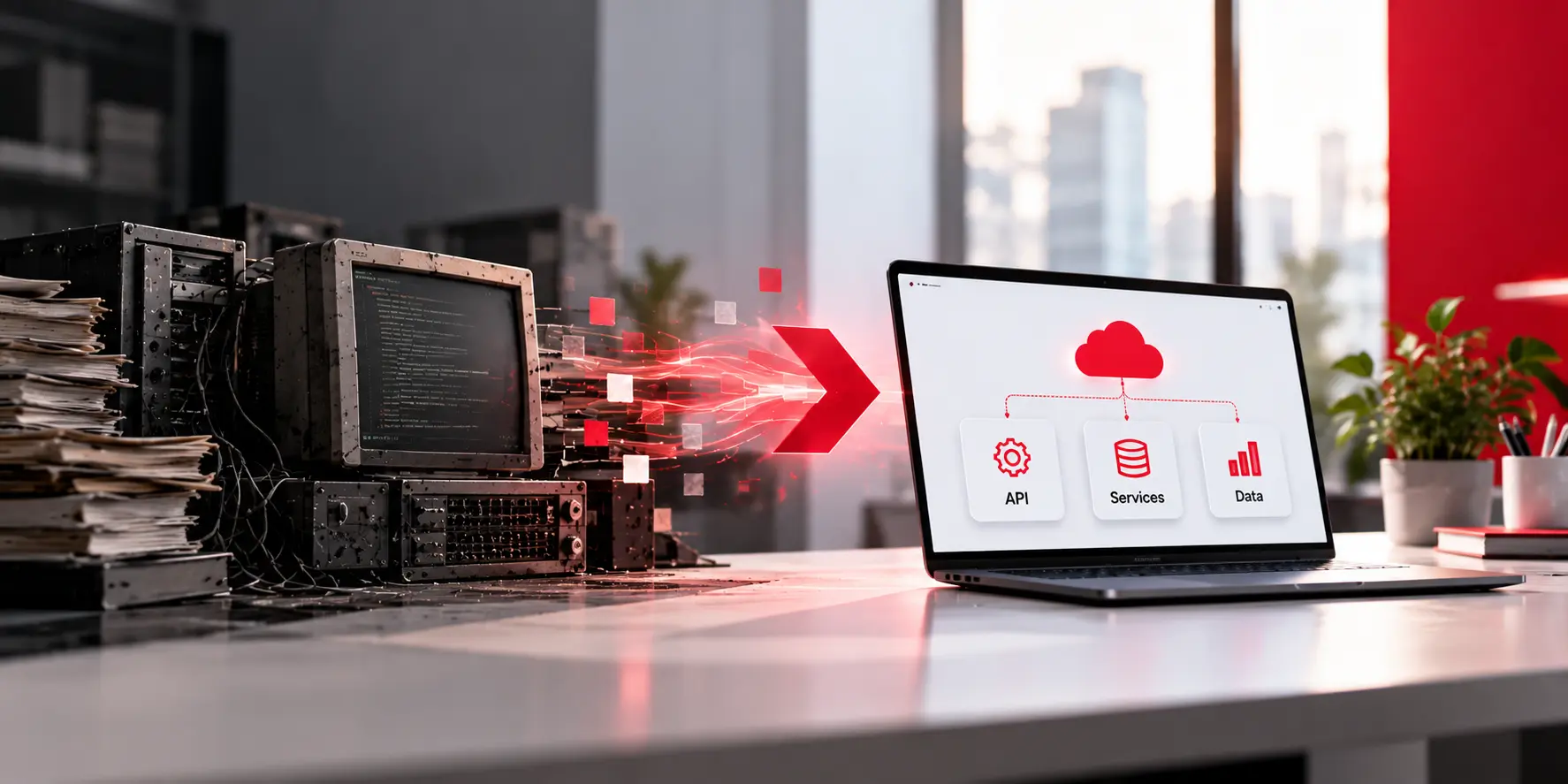
Key Takeaways Modernization is a set of decisions, not a rewrite. For each system you choose one of five moves: keep, wrap, move, rebuild in slices, or retire. Start with a business reason you can write in one sentence, then map what you have before you touch any code. Change small slices while old and […]
 Ecommerce
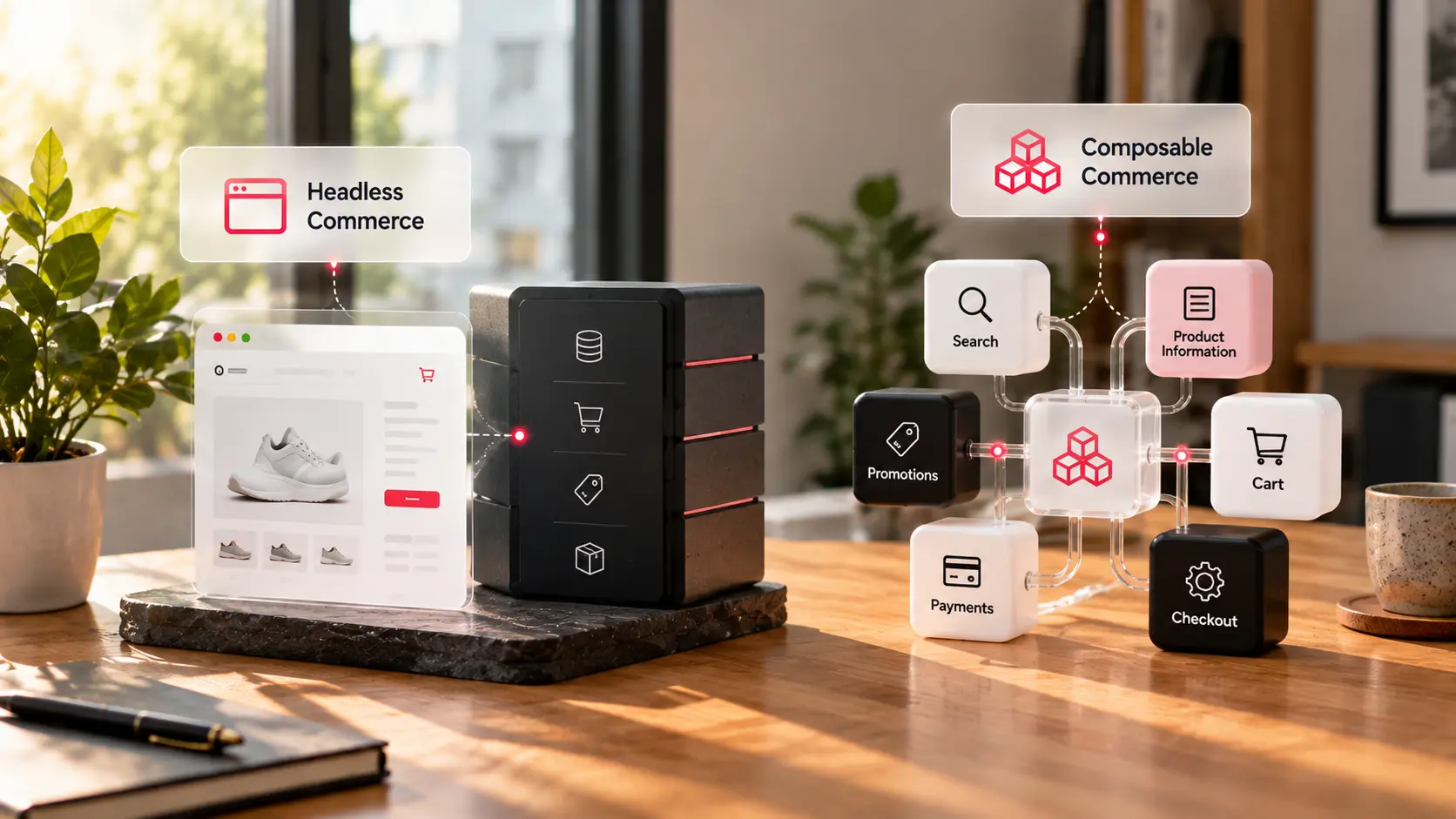
Here is the difference between the two sentences. Headless commerce separates what shoppers see from the system that runs your store. Composable commerce goes further and breaks that system into separate parts that you pick, connect, and replace one at a time. If you searched for composable commerce vs headless commerce, you have probably noticed […]