How To Create Custom Git Commands With Aliases

LN Webworks
·
04 Sep, 2025
Git is a powerful version control system that many developers use daily. While Git’s commands are comprehensive, they can sometimes be verbose. To streamline your workflow, Git allows you to create custom aliases for frequently used commands. In this blog post, we’ll walk you through the process of creating these aliases, making your Git experience more efficient.
Git aliases are shortcuts for Git commands. Instead of typing out long commands, you can create shorter, more memorable aliases. This can save you time and reduce the risk of typing errors.
Let’s get started by setting up some basic Git aliases.
First, you need to open your Git configuration file. This file is usually located in your home directory and is named .gitconfig.
nano ~/.gitconfig
Next, add your custom aliases under the [alias] section in the .gitconfig file. Here’s an example configuration:
[alias]

a = add .

cm = commit -m

co = checkout

br = branch

st = status

pl = pull

ps = push
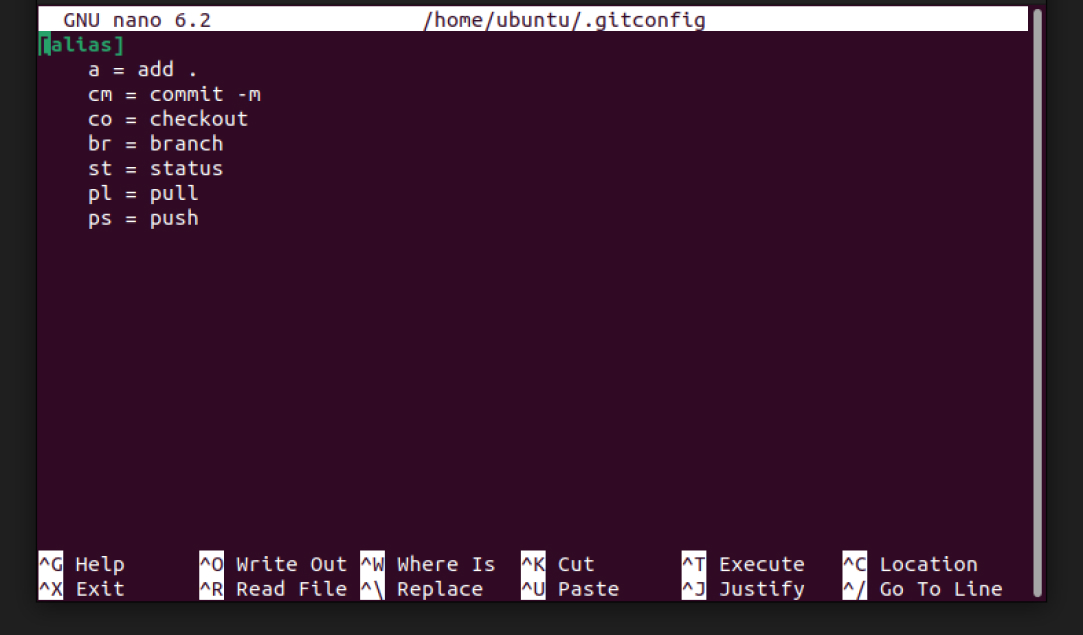
After adding your aliases, save the file and exit the editor. If you’re using nano, you can save by pressing CTRL + O and then exit by pressing CTRL + X.
Now that you’ve set up your aliases, you can use them in your terminal just like regular Git commands. Here are some examples:
Instead of typing git add ., you can now simply type:
git a
To commit changes with a message, use your new alias:
git cm 'Your commit message'
To push changes to a specific branch, you can use:
git ps "branch name"
You can create aliases for any Git command. Here are a few more examples:
[alias]

l = log --oneline

d = diff

dc = diff --cached

ss = stash

pop = stash pop
Creating custom Git aliases can greatly enhance your productivity by reducing the amount of typing required for common commands. With just a few lines added to your .gitconfig file, you can streamline your workflow and focus more on coding rather than managing your version control. By following the steps outlined in this post, you can set up your own Git aliases and start using them immediately. Experiment with different aliases and find what works best for you.
At LN Webworks, our team of seasoned experts is always ready to assist you. Contact us today to schedule your free consultation!

 Other, SaaS Development
SaaS CRMs win on speed. Custom wins on fit and ownership. This isn’t a pitch for either one. Every early-stage SaaS company hits this decision within the first year, usually right after the founder realizes a spreadsheet isn’t a CRM. The default answer is almost always a SaaS CRM: HubSpot, Salesforce, Zoho, sign up in […]
 Other
Most “audits” and “assessments” promise clarity but deliver a sales deck with language that lacks clarity. You book the call expecting evidence about your specific platform, and what shows up is a generic pitch for whichever package is easiest for the firm to sell. That’s the actual reason process transparency matters here, not because a […]
 Other
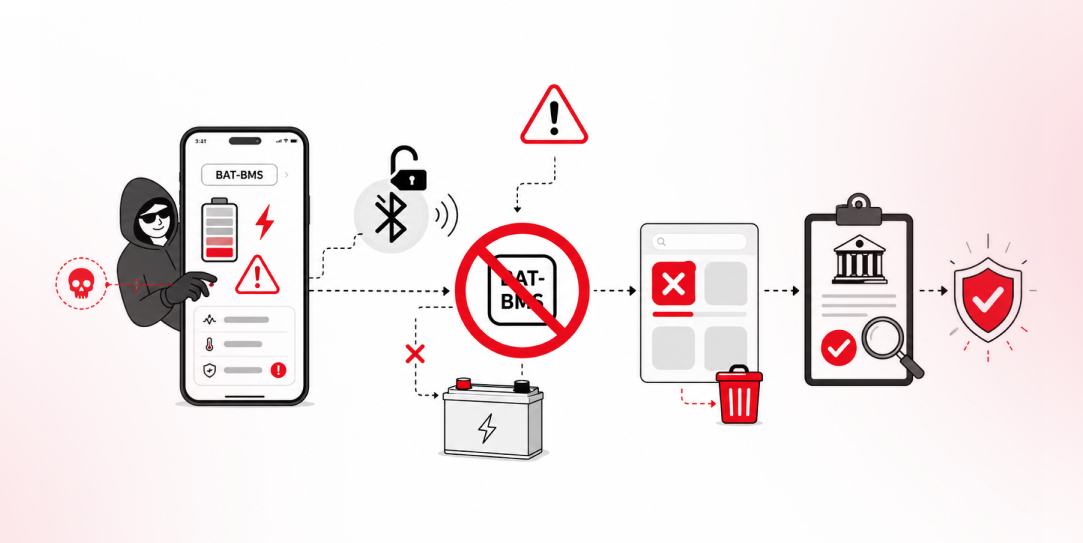
In late June and early July, videos started circulating on Instagram of people walking up to moving e-rickshaws, tapping a phone, and watching the vehicle lose power mid-ride. It spread as a prank trend before anyone fully understood the mechanism. Drivers in Patna (India) reported it first, assuming mechanical failure, until investigators traced it to […]