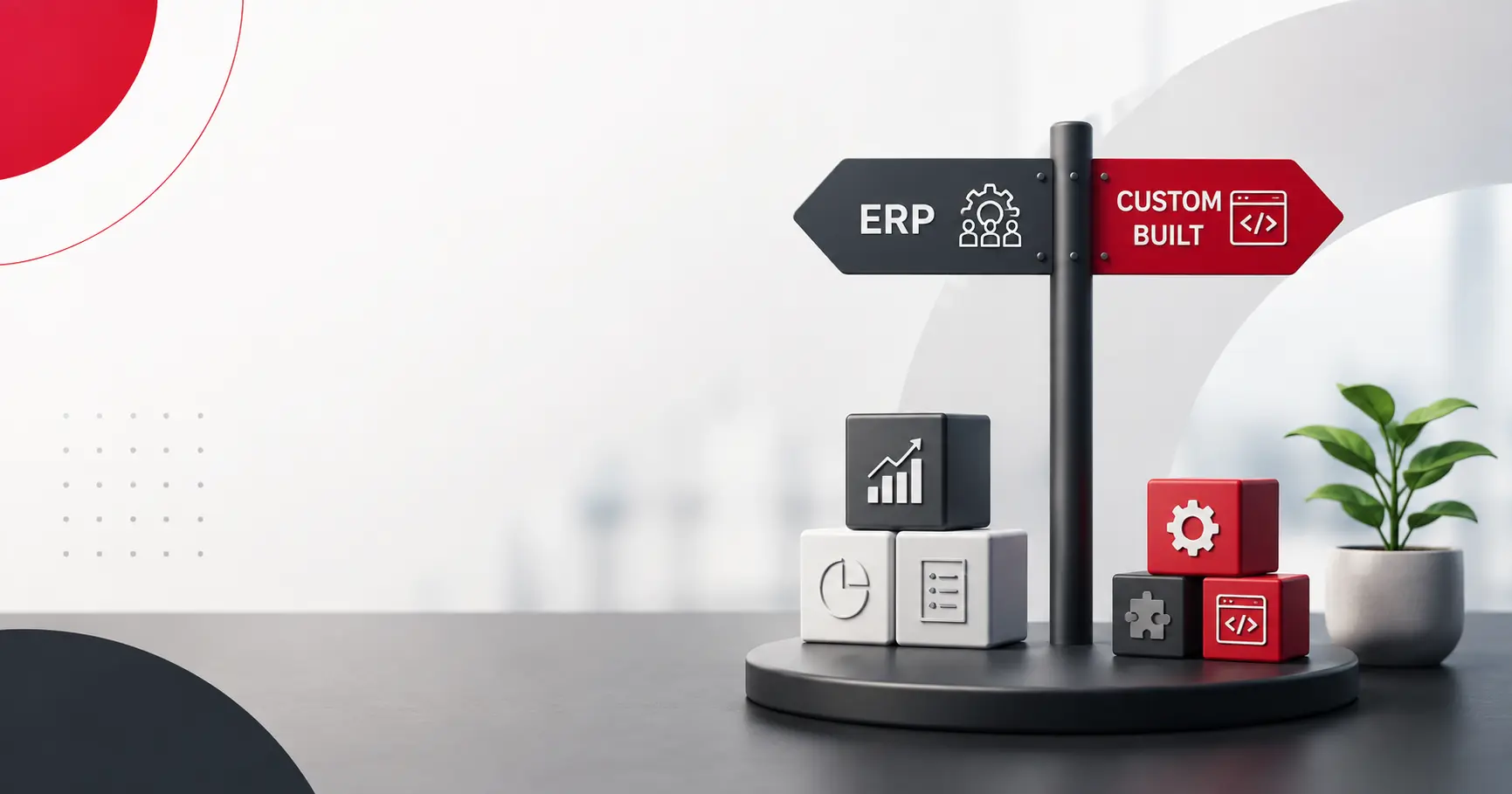
ERP vs. Custom-Built Systems for Growing Businesses
Hem Kant
·
11 Aug, 2026
Every growing business eventually hits the same wall. Finance is tracking numbers in one system, inventory lives in another, and someone is manually reconciling the two every week because they were never designed to talk to each other.
The instinct at that point is usually to buy an ERP platform and get everything under one roof. That instinct is often right. It is just not always right, and knowing the difference before you sign a contract or greenlight a build saves real money either way.
The honest version of this decision has less to do with which option is objectively better and more to do with how unusual your operations actually are, how fast you are growing, and which deployment model and modules your specific business needs.
A ten-person operations team running standard retail inventory has a very different answer than a manufacturer with a workflow that does not look like anyone else’s in the industry. This piece walks through the whole decision: what each path actually gets you, how deployment and modules factor in, real cost tiers, and the mistakes that most often send businesses down the wrong path.
Established ERP platforms exist because most businesses, even fast-growing ones, run recognizably similar operations underneath the surface.
Finance, inventory, procurement, and basic reporting follow patterns that decades of ERP vendors have already solved, tested, and refined across thousands of implementations.
That means you are buying proven logic, not asking a development team to reinvent double-entry accounting from scratch. This holds whether the platform is an enterprise-grade suite, a mid-market system, or a lighter, more modular tool built for smaller teams. The category has matured enough that standard operations are, genuinely, a solved problem.
The practical benefits follow from that. Implementation typically takes weeks rather than months. The upfront cost is lower, since you are paying for configuration and licensing instead of ground-up development.
And because the platform already exists, you get built-in compliance handling, established security practices, and a support ecosystem your team is not solely responsible for maintaining. For a business whose operations look reasonably standard, this is genuinely the faster, lower-risk path.
Before the build-versus-buy question even gets resolved, there is a deployment question sitting underneath it, and it shapes both paths differently.
Cloud deployment is the default for most growing businesses now, off-the-shelf or custom. It requires no server infrastructure to maintain, updates roll out automatically, and teams can access the system from anywhere.
The tradeoff is less control over exactly how and where data is stored, which matters for a small number of businesses with strict regulatory or contractual requirements.
On-premise deployment puts the system on the infrastructure your business owns and controls directly. It costs more to set up and maintain, and updates become your responsibility rather than a vendor’s, but it gives full control over data residency and security posture.
This matters most for businesses in tightly regulated industries or with deep legacy systems that a cloud environment cannot easily reach.
Hybrid deployment keeps specific sensitive data or systems local while running everything else in the cloud. It is a reasonable middle ground, but it adds real operational complexity, two environments to secure and maintain instead of one, which most growing businesses do not actually need yet, even if it sounds like the safest option on paper.
Off-the-shelf ERP typically gives you a choice among all three, though smaller vendors increasingly push cloud-only. A custom build is almost always cloud-native today, since building and maintaining your own data center rarely makes financial sense unless the business already operates one for other reasons.
The strain rarely arrives as a single obvious failure. It shows up as licensing costs that quietly outpace headcount growth, since most ERP pricing scales per user, and a growing team means a growing bill regardless of how much more work each person is actually doing.
It shows up as a workflow that almost fits, until the parts that do not fit start eating hours every week in manual workarounds. And it shows up hardest around integrations, since most ERP platforms operate as fairly closed ecosystems, and connecting them to a system the vendor never anticipated can range from expensive to genuinely not possible.
None of this means the ERP platform was the wrong choice at the time. It usually means the business grew into a shape the platform was never built to represent, which is a different problem with a different fix. Sometimes that fix is a better configuration and a smaller, more deliberate module footprint. Sometimes it genuinely is not, particularly once the core workflow itself, not just a few edge cases, no longer maps onto what the platform assumes about how a business like yours operates. A manufacturer with a genuinely unusual production sequence, or a company running parallel operations across regions with different tax and reporting rules, tends to hit this wall earlier than a straightforward single-location retailer.
“ERP” gets talked about as one system, but it is really a set of modules bundled together, and the build-versus-buy decision often makes more sense at the module level than at the whole-platform level.
Finance and accounting is about as close to commodity logic as software gets. General ledger, accounts payable and receivable, and standard financial reporting have been solved the same way for decades. This is seldom worth building custom. Inventory and warehouse management tracks stock across locations and is well covered by most platforms, though multi-warehouse businesses with unusual fulfillment logic sometimes hit real limits here. Procurement and supply chain handles vendor relationships, purchase orders, and receiving, another area where standard logic covers most businesses well.
Production planning, often called materials requirements planning or MRP, is where things start to differ by industry. A standard platform assumes a fairly generic production sequence.
A business with a genuinely unusual manufacturing process, unusual enough that the platform cannot represent it without heavy workarounds, is exactly the kind of gap that pushes toward a custom or hybrid approach for this one module specifically, while everything else stays off-the-shelf.
Reporting and analytics range from adequate to genuinely excellent depending on the platform, and are rarely a strong reason to go custom on their own.
Thinking module by module, rather than treating the whole platform as one binary choice, is usually the more accurate way to frame this decision. Most businesses that end up with a custom or hybrid system are not rejecting ERP wholesale.
They are buying the commodity modules and building or heavily customizing the one or two that actually differentiate how they operate.
“Custom ERP” gets treated as a single, expensive category, and it is not. On one end, it means heavily configuring a commercial platform with custom fields, workflow rules, and a handful of bolt-on modules, which covers the majority of businesses that think they need something custom but do not.
On the other end, it means a fully bespoke system built module by module around your specific operations, with no licensing ceiling and no vendor roadmap dictating what gets built next.
Most businesses that outgrow off-the-shelf ERP land somewhere in between: a custom core for the workflow that is genuinely unusual, connected to standard tools for everything that is not, the same underlying spectrum we described in custom CRM versus off-the-shelf SaaS CRM.
| Dimension | Off-the-Shelf ERP | Custom-Built System |
|---|---|---|
| Time to launch | Weeks to a few months | Several months to a year or more |
| Upfront cost | Lower, configuration-based | Higher, full development cost |
| Ongoing cost | Per-user licensing, compounds with growth | No recurring license, ongoing maintenance instead |
| Fit to unusual workflows | Limited by the vendor’s data model | Built around the actual workflow |
| Integration flexibility | Constrained by the vendor ecosystem | Unrestricted, but you own the maintenance |
| Deployment options | Cloud, on-premise, or hybrid, vendor-dependent | Almost always cloud-native |
Start with how much of your workflow a standard ERP platform can already represent, honestly, after real configuration rather than a first look at default settings.
Most platforms can absorb more customization than people initially assume, through custom fields, workflow rules, and small bolt-on modules rather than a ground-up rebuild. If configuration gets you eighty or ninety percent of the way there, the remaining gap is usually cheaper to work around than to justify a full custom build.
Then look honestly at where the actual friction sits, ideally at the module level rather than the whole platform. A workflow that is unusual in a few isolated spots is a configuration problem.
A workflow that is unusual at its core, the way a business fundamentally moves inventory, recognizes revenue, or manages a multi-entity structure, is a different conversation entirely, and no amount of configuration closes that gap permanently.
Also, be honest about who owns the system once it is running. A commercial ERP platform comes with a vendor’s support team, a community of other implementers, and documentation nobody on your staff has to write.
A custom build hands you full control, but that control is also a responsibility. Someone, internal or partner, has to own upgrades, security patches, and the institutional knowledge of why the system was built the way it was. That ongoing ownership cost rarely shows up in an initial comparison, even though it shapes the total cost of either path for years after launch.
A few patterns show up again and again in businesses that end up regretting whichever path they picked.
A monthly license fee looks cheap next to a development quote right up until it is run out three to five years at expected headcount growth, at which point the comparison frequently flips.
Most businesses do not need a fully custom system or a fully generic one. Deciding module by module, buying what commodity, and building only what is genuinely different usually beats a wholesale decision made once and applied everywhere.
This is the single most common budget-buster on both paths, and it is almost always underestimated in an initial quote because nobody has actually looked closely at the data yet.
Quoting a project off a requirements call, before anyone has actually examined the existing systems and data, is how both underpriced and overpriced quotes happen. A short discovery phase before committing to either path is cheap insurance against a much more expensive mid-project surprise.
Neither path is automatically the smarter one. The business that gets this right is not the one that picked ERP or picked custom. It is the one that answered the reconciliation question honestly before making the call: Is finance and inventory not talking to each other because the underlying workflow is genuinely unusual, or because nobody has properly configured what is already sitting there?
Get that answer right, and the rest of the decision follows from it. Get it wrong, and either path just delays the same conversation by a year, at a much higher cost the second time around.
If you are not sure which side of this decision you are actually on, we are glad to walk through your specific operations with you. Book a Discovery Call, and we will tell you honestly where the line sits for your business.

 Legacy Modernization, Platform Strategy
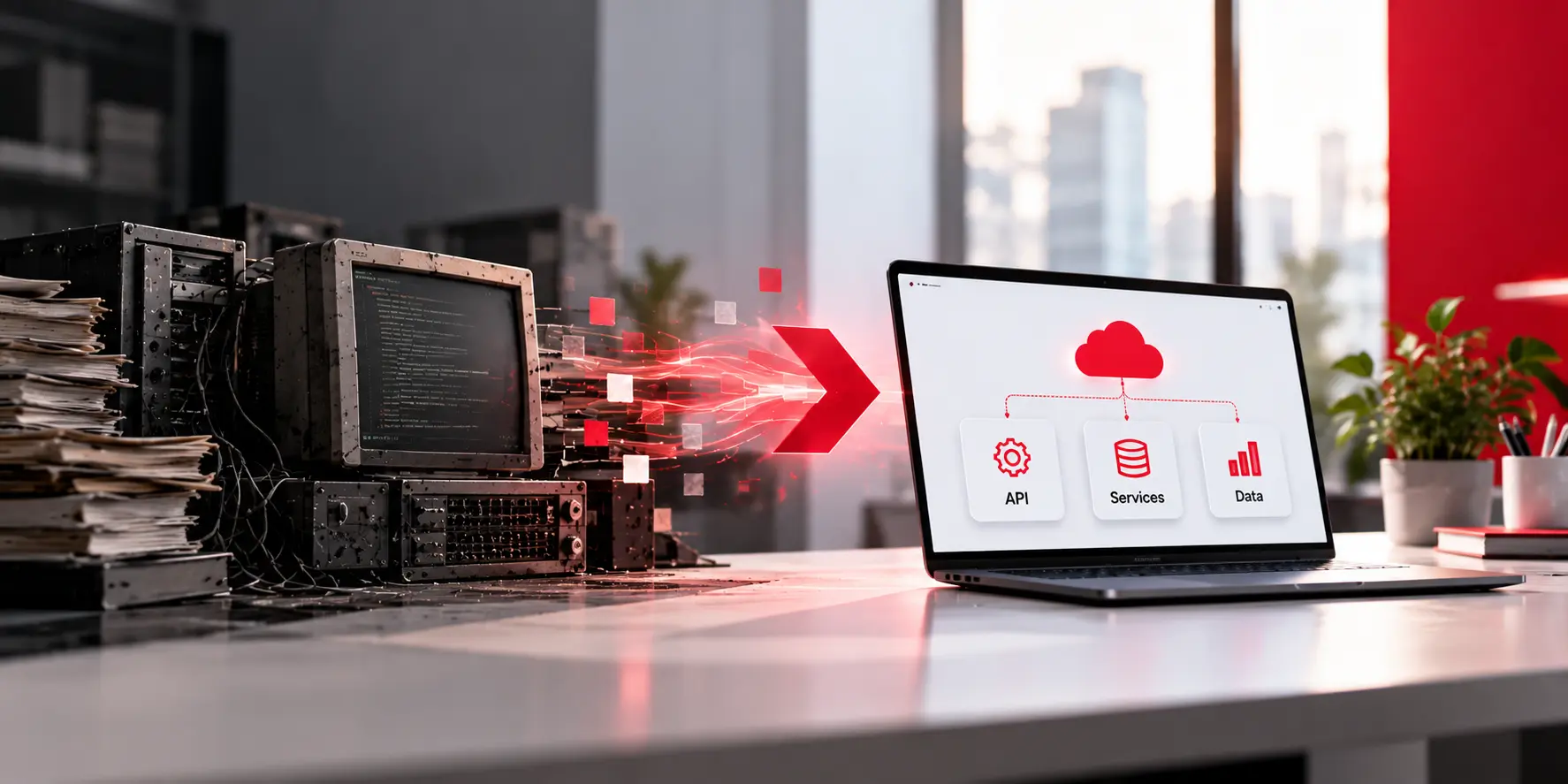
Key Takeaways Modernization is a set of decisions, not a rewrite. For each system you choose one of five moves: keep, wrap, move, rebuild in slices, or retire. Start with a business reason you can write in one sentence, then map what you have before you touch any code. Change small slices while old and […]
 Platform Strategy
The firm that writes your software owns it, unless your contract says otherwise. That is the starting point under US copyright law for software built by an outside firm, and the Copyright Office’s own guidance explains why. It is easy to miss, because nothing in a pitch, a proposal, or an invoice ever brings it […]
 Digital Transformation, Platform Strategy
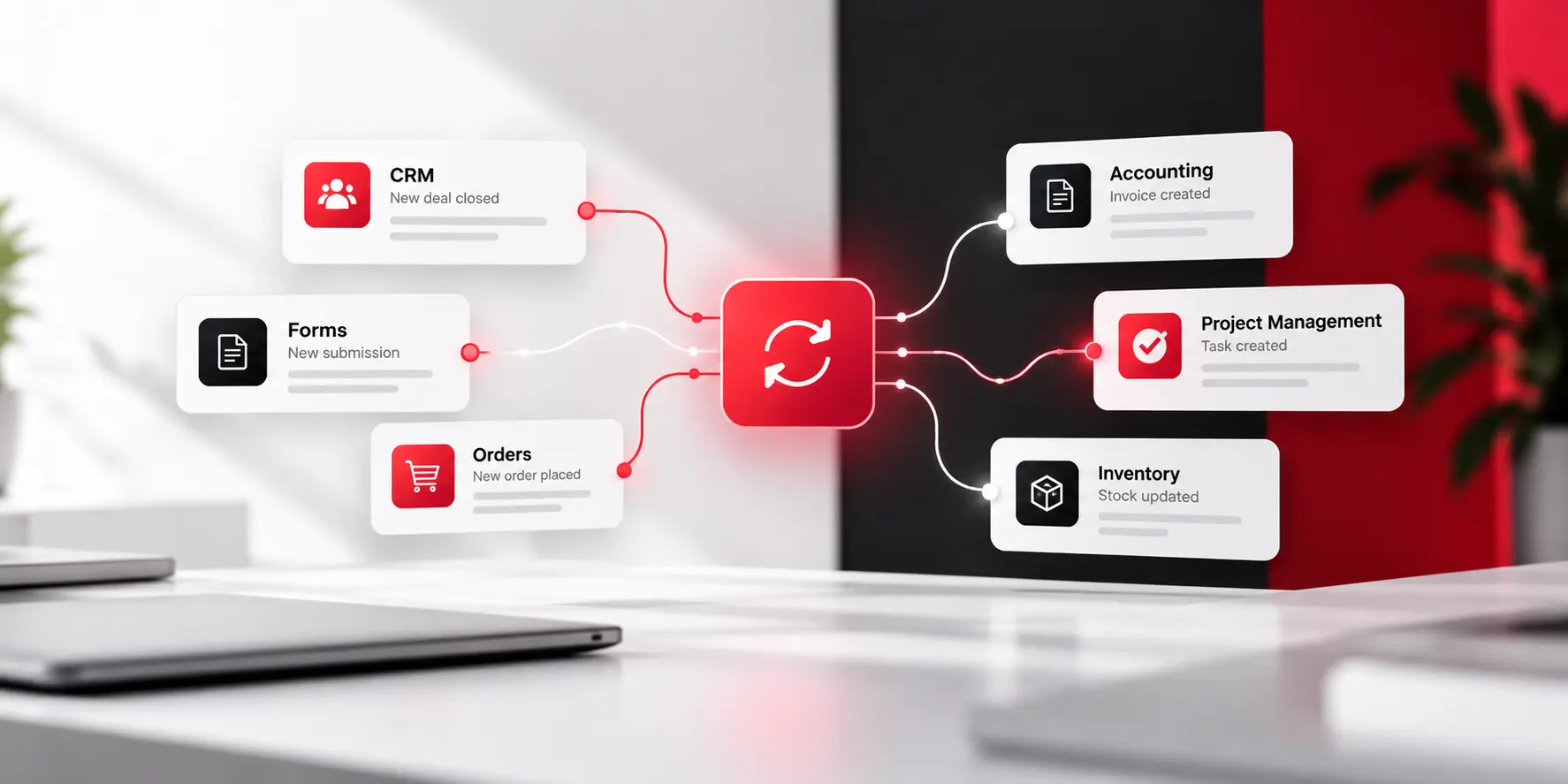
Picture the same Tuesday morning, a few months from now. Someone closes a deal in the CRM. The billing record updates itself in the background. Nobody opens a second tab. Nobody retypes a single detail. That is not a fantasy. It is what actually happens once this problem gets fixed, and it is a smaller […]