Automating Daily Database Backups to Google Drive Free of Cost
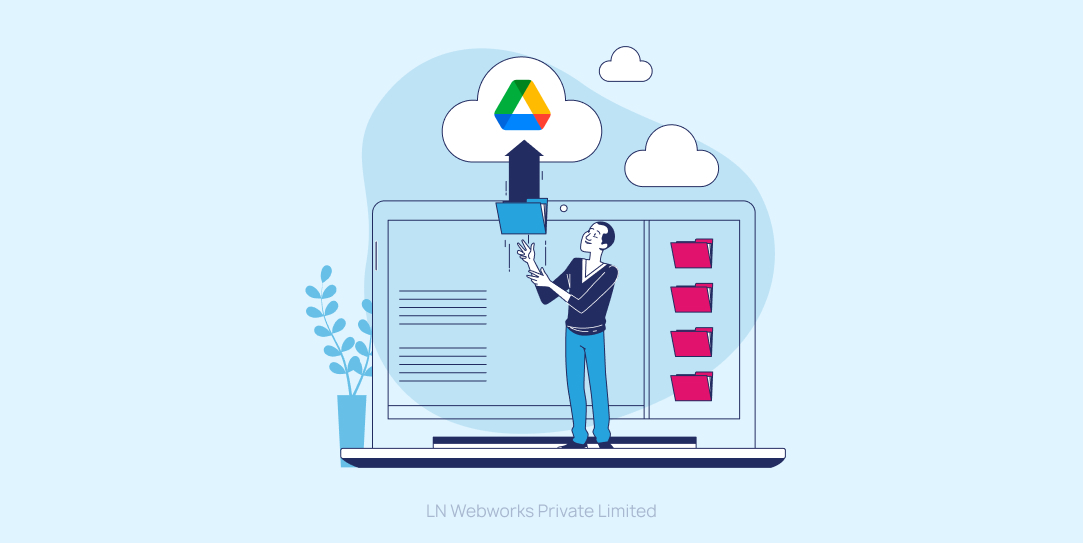
 Team LN Webworks
·
18 Sep, 2025
Team LN Webworks
·
18 Sep, 2025
Team LN Webworks
·
18 Sep, 2025
Team LN Webworks
·
18 Sep, 2025
In today’s data-driven world, ensuring the safety and availability of your database is crucial. One way to safeguard your data is by creating regular backups. In this article, we will walk you through the process of automating daily database backups to Google Drive, using a combination of bash and Python scripts. This method is not only effective but also cost-efficient as it leverages a free Google Cloud service account.
Before we dive into the details, here’s what you’ll need to get started:
Let’s break down the process into manageable steps:
The first step is to log in to your Google Drive account and create a new folder for your database backups. You can name it “DatabaseBackups” or choose a name that suits your preference.
To enable your service account to access this folder, follow these steps:
Next, clone the repository containing the necessary scripts or download them individually:
backup_script.sh (bash script)upload_to_drive.py (Python script)Github: https://github.com/Gurinder-Batth/auto-database-backup-google-drive
Open backup_script.sh and set the MySQL database credentials (username and password) and adjust the backup file name and location as needed:
DB_USER="your_db_username" DB_PASS="your_db_password" BACKUP_DIR="/path/to/backup/directory"
Then, open upload_to_drive.py and configure the following variables:
SERVICE_ACCOUNT_KEY_FILE = 'path/to/your/service-account-key.json' DRIVE_FOLDER_ID = 'your-drive-folder-id' BACKUP_DIR = '/path/to/backup/directory'
Before setting up automation, it’s essential to verify that the scripts work correctly. You can test them manually:
./backup_script.sh python upload_to_drive.py
Now, let’s automate the backup process. To do this, set up a cron job to schedule the backup and upload tasks to run every 24 hours. Open your terminal and type:
crontab -e
Then, add the following lines to schedule the tasks:
0 0 * * * /path/to/database-backup/backup_script.sh 30 0 * * * /usr/bin/python /path/to/database-backup/upload_to_drive.py
These lines will execute the bash script to create a database backup at midnight and run the Python script to upload it to Google Drive at 12:30 AM every day.
Save the changes to the cron job file and exit the text editor.
With these steps completed, your database will be automatically backed up to your Google Drive folder every day. You can check the Google Drive “DatabaseBackups” folder for the backups.
It’s important to note that you should monitor your backups and adjust the retention policy as needed to manage storage space efficiently.
Automating your database backups to Google Drive is a reliable and cost-effective way to ensure the safety of your data. By following this step-by-step guide, you can set up this automation quickly and efficiently. So, don’t wait; start protecting your valuable data today!
LN Webworks expert team is ready to tailor solutions that meet your every need. Reach out to us now for Drupal project excellence and discover how we can help you with your web development projects.
 Other, SaaS Development
SaaS CRMs win on speed. Custom wins on fit and ownership. This isn’t a pitch for either one. Every early-stage SaaS company hits this decision within the first year, usually right after the founder realizes a spreadsheet isn’t a CRM. The default answer is almost always a SaaS CRM: HubSpot, Salesforce, Zoho, sign up in […]
 Other
Other
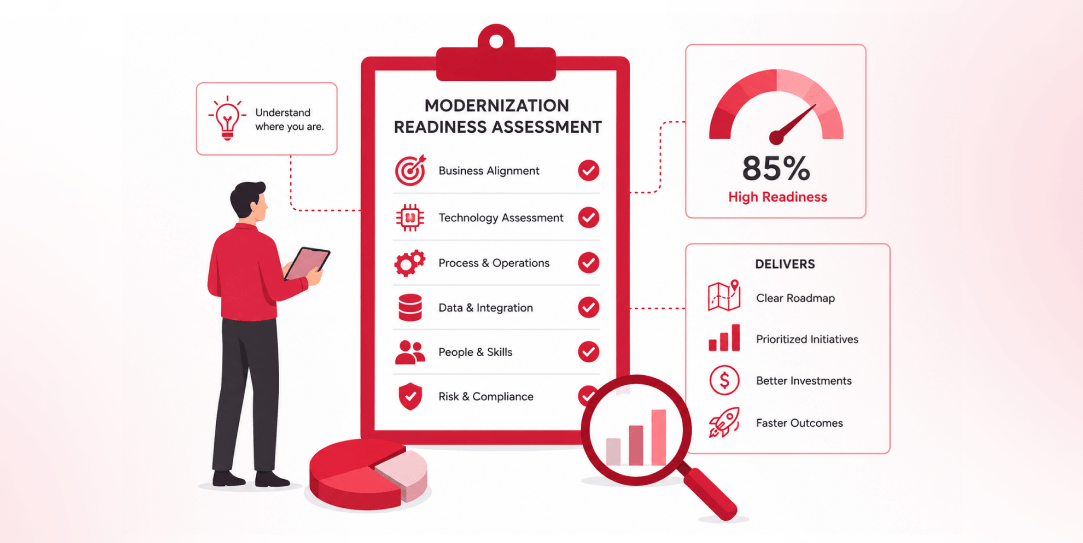
Most “audits” and “assessments” promise clarity but deliver a sales deck with language that lacks clarity. You book the call expecting evidence about your specific platform, and what shows up is a generic pitch for whichever package is easiest for the firm to sell. That’s the actual reason process transparency matters here, not because a […]
 Other
Other
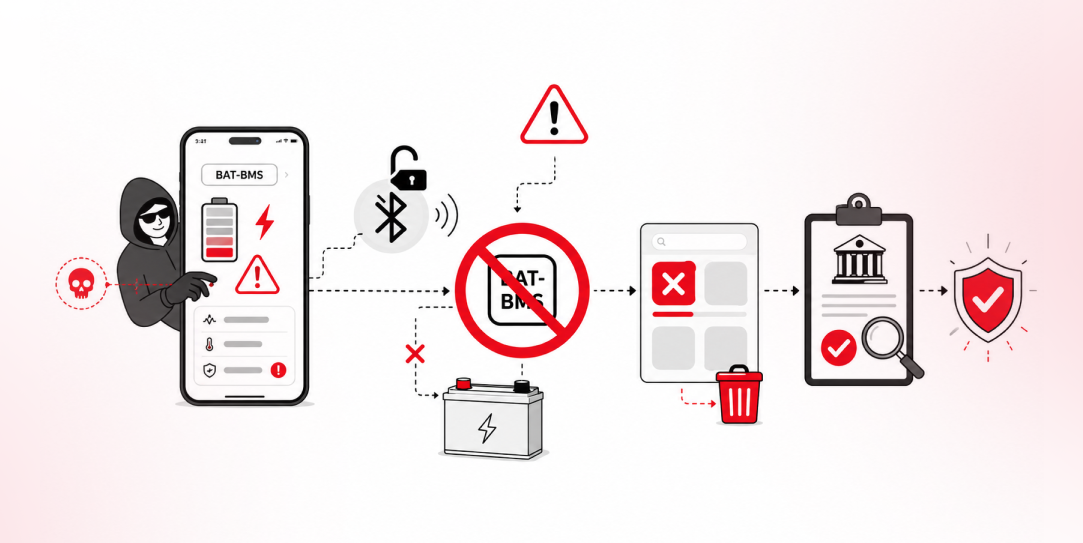
In late June and early July, videos started circulating on Instagram of people walking up to moving e-rickshaws, tapping a phone, and watching the vehicle lose power mid-ride. It spread as a prank trend before anyone fully understood the mechanism. Drivers in Patna (India) reported it first, assuming mechanical failure, until investigators traced it to […]