GitHub vs GitLab: Which Version Control Platform Supports Scalable Product Engineering?
 Team LN Webworks
·
23 Sep, 2026
Team LN Webworks
·
23 Sep, 2026
Team LN Webworks
·
23 Sep, 2026
Team LN Webworks
·
23 Sep, 2026
GitHub vs GitLab is not just a feature comparison. For growing product teams, the choice affects release speed, CI/CD reliability, access control, security workflows, compliance readiness, and how much manual coordination your engineering team carries every week.
Most engineering teams do not struggle with GitHub or GitLab because they cannot read a feature table. They struggle because the wrong platform choice can quietly create friction: slower releases, brittle deployment pipelines, unclear ownership, toolchain sprawl, or compliance overhead that nobody planned for.
This article compares GitHub and GitLab through a practical engineering lens: What each platform does well, where each creates constraints and how the decision connects to legacy platform modernization, systems integration strategy, and workflow automation solutions.
Version control is defined as the system that tracks changes to code over time, allowing teams to collaborate, review changes, restore previous versions, and maintain accountability for who changed what
Version control lets engineers work in parallel without overwriting each other’s work. It supports feature branches, pull or merge requests, code review, rollback, and audit history. For small teams, that may feel like developer hygiene. For growing product companies, it becomes operational infrastructure.
A SaaS team shipping weekly product updates needs reliable branching and release workflows. A healthcare platform needs traceable changes, secure access, and auditability. A higher education platform may need governance across internal teams, external vendors, and long-running modernization work.
Git is the underlying version control technology used by most modern engineering teams. GitHub and GitLab are platforms built around Git, but they reflect different philosophies.
GitHub refers to a collaboration-first code hosting platform built around repositories, pull requests, ecosystem integrations, and developer community.
GitLab refers to an integrated DevSecOps platform that brings source control, CI/CD, security scanning, planning, deployment, and governance into one environment.
The practical question is not Which tool has more features ? The better question is: Which platform best fits how your team needs to ship, govern, integrate, and scale?
Software delivery is becoming more connected, more automated, and more security-sensitive. GitHub’s 2025 Octoverse report says a new developer joins GitHub every second, and GitHub has become deeply tied to open-source collaboration and AI-assisted development.
Stack Overflow’s 2025 Developer Survey received more than 49,000 responses from 177 countries, showing how developer tooling choices now reflect global, distributed software work rather than isolated engineering departments.
GitLab’s 2024 Global DevSecOps research, based on more than 5,000 development, security, and operations professionals, found that AI and DevSecOps adoption are increasing pressure on teams to simplify toolchains and reduce context switching.
That context matters. A version control platform is no longer only where code lives. It is where teams coordinate delivery, enforce security, manage access, trigger deployments, and prepare for workflow automation.
GitHub, launched in 2008 and acquired by Microsoft in 2018, became the default home for open-source software and one of the largest developer collaboration platforms in the world.
GitHub’s core strength is its ecosystem. The platform integrates with thousands of third-party tools and has wide developer familiarity. For SaaS and platform product teams that rely on open-source libraries, frameworks, templates, package ecosystems, and external contributors, that proximity has real practical value.
GitHub works especially well when the team needs:
GitLab was built around a different premise: software delivery works better when planning, source control, CI/CD, security, deployment, and monitoring live in one connected platform.
Where GitHub starts with collaboration and builds outward, GitLab starts from the full DevOps lifecycle and works inward. That gives GitLab a stronger native experience for teams that want to reduce toolchain fragmentation.
GitLab works especially well when the team needs:
GitLab’s audit events help owners and administrators track actions across the platform and support audit reporting. That matters when engineering activity needs to be visible to compliance, security, or operational leaders.
“GitLab CI/CD means GitLab’s native continuous integration and continuous delivery system, used to test, secure, build, and deploy software through pipeline definitions stored with the codebase.”
| Capability | GitHub | GitLab |
| CI/CD | GitHub Actions (strong, requires config) | Built-in GitLab CI/CD (comprehensive, native) |
| Self-Hosting | GitHub Enterprise (cloud-focused) | Full self-hosted option available |
| Security Scanning | Via third-party integrations | Built-in SAST, DAST, dependency scanning |
| Open-Source Ecosystem | Industry-leading access | More limited community presence |
| Project Management | Basic (Issues, Projects) | More complete (epics, milestones, roadmaps) |
| Access Controls | Strong, improving | More granular, especially for enterprise |
| Third-Party Integrations | Extensive marketplace | Growing, more self-contained by design |
| Compliance & Audit Logs | Available on enterprise tiers | Available, stronger on self-hosted |
| AI Assistance | GitHub Copilot (strong) | GitLab Duo (improving) |
For product engineering teams, the decision should come from operating reality, not platform preference. The same discipline applies to any vendor decision – our software vendor selection checklist walks through the essential steps.
Ask these questions before choosing:
If the team is small, cloud-first, open-source-heavy, and moving fast, GitHub often fits well.
If the team is scaling into governance, compliance, platform consolidation, or multi-environment release control, GitLab may become more valuable.
GitHub Actions vs GitLab CI/CD is one of the most important practical comparisons because CI/CD is where version control becomes delivery infrastructure.
“CI/CD refers to continuous integration and continuous delivery, a software delivery practice where code changes are automatically tested, built, and prepared for deployment through repeatable pipelines.”
GitHub Actions is highly flexible. Teams can define workflows using YAML files, trigger actions from repository events, reuse marketplace actions, and connect automation into a broad tool ecosystem. It works well when a team wants flexibility and already uses best-in-class tools for testing, deployment, monitoring, or security.
GitLab CI/CD is more integrated. Pipelines, runners, environments, approvals, security scans, and deployments are part of the same operating model. It works well when teams want fewer external dependencies and stronger pipeline governance.
The practical difference is simple: GitHub Actions gives teams flexibility; GitLab CI/CD gives teams integrated control.
GitHub Enterprise gives organizations enterprise-grade identity, access management, compliance reporting, audit logs, policy controls, and support options. GitHub’s documentation notes that enterprise owners can access audit logs, and GitHub Enterprise Cloud audit logs include events triggered by enterprise activity. GitHub also provides access to compliance reports such as SOC reports and CSA CAIQ self-assessments for enterprise owners.
GitLab Enterprise is often considered when organizations want the DevSecOps lifecycle to be more unified. GitLab’s audit events are designed to help owners and administrators track actions and support auditor response.
For many SMB SaaS teams, GitHub Enterprise is easier to adopt. For regulated healthcare, education, or infrastructure-sensitive teams, GitLab Enterprise may provide a clearer control model.
The GitHub vs GitLab choice does not exist in isolation. It belongs inside a larger question: Where is your engineering operation stuck right now?
At LN Webworks, we use the Digital Progression Framework to understand that condition before recommending a platform, workflow, or modernization path. The goal is not to push tooling. The goal is to identify the constraint that is slowing progress.
Legacy Platform Modernization refers to the process of reducing risk in outdated, fragile, or hard-to-maintain systems so the organization can modernize safely.
At this stage, teams often deal with:
Legacy platform modernization means creating a safer path from fragile systems to maintainable digital foundations without causing unnecessary disruption. Containerizing environments is one concrete step in that direction, check our guide to setting up WordPress with Docker
At this stage, GitHub or GitLab can both work. The bigger issue is usually not the platform. It is the absence of delivery discipline.
What usually helps first is a Platform Architecture Audit or Modernization Readiness Audit. That gives leadership a clearer view of the current repository structure, deployment risk, integration dependencies, access controls, and release workflow
A Systems Integration strategy refers to the plan for how tools, platforms, data, and workflows connect across the business.
At this stage, the product may work, but engineering delivery depends on too much manual coordination. Code lives in one place, deployment happens in another, issue tracking lives somewhere else, and release approval happens in Slack.
Systems integration strategy means defining how systems should exchange data, trigger actions, preserve ownership, and support reliable operational flow.
This matters because disconnected tools create hidden work. Someone has to reconcile status, copy information, chase approvals, and remember what should happen next.
GitHub can work well here when the team already has strong external tools and knows how they connect.
GitLab can work well when the team wants to consolidate issue tracking, CI/CD, environment control, security scanning, and release visibility into one system.
For growing SaaS teams, this stage often reveals practical questions:
If the answers are unclear, the problem is not only version control. It is operational flow.
Digital Operations means turning digital platforms into structured operating systems, not just collections of tools.
At this stage, the team may have connected systems, but governance remains inconsistent. Releases still depend on tribal knowledge. Access rules may be unclear. Approvals may happen informally. Security reviews may not be built into the workflow.
GitHub can support digital operations well with GitHub Enterprise, protected branches, required reviews, CODEOWNERS, GitHub Actions, GitHub Advanced Security, and connected project tools.
GitLab can support digital operations well with integrated planning, CI/CD, security scans, protected environments, approval rules, and audit events in one platform.
The right choice depends on whether the organization values ecosystem flexibility or centralized governance more.
Workflow Automation solutions refer to systems that use triggers, rules, integrations, and approvals to move work forward with less manual follow-through.
At this stage, engineering leaders want delivery workflows that run with less human coordination:
Workflow automation solutions mean practical systems that reduce manual coordination by triggering the right next step when specific events occur.
Both GitHub and GitLab can support this level of maturity.
GitHub may be stronger when automation needs to connect across a broad external ecosystem. GitLab may be stronger when the automation should stay inside a more governed DevSecOps platform.
This is also where AI-assisted engineering needs guardrails. AI code review, automated test generation, and deployment recommendations can help, but only when access control, pipeline visibility, and human approval rules are clear.
Version control platform choice is foundational, but it is only one part of scalable product engineering.
The teams that ship reliably usually have:
At LN Webworks, product engineering work is shaped around that operating reality. Whether a team uses GitHub or GitLab, the delivery practices determine whether releases become predictable or stressful.
If your current delivery process feels risky, start with the operating condition:
The right platform removes friction from the delivery pipeline, but only when paired with the right process, team structure, and governance model.
Choose GitHub if:
Choose GitLab if:
Not sure which platform fits where your team is today?
Book a Platform Architecture Audit →
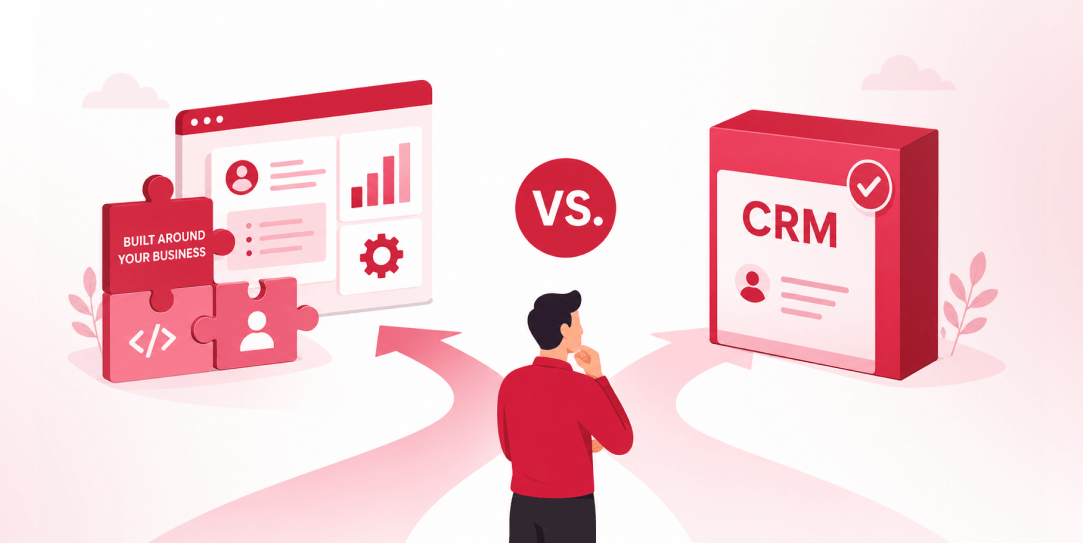 Other, SaaS Development
SaaS CRMs win on speed. Custom wins on fit and ownership. This isn’t a pitch for either one. Every early-stage SaaS company hits this decision within the first year, usually right after the founder realizes a spreadsheet isn’t a CRM. The default answer is almost always a SaaS CRM: HubSpot, Salesforce, Zoho, sign up in […]
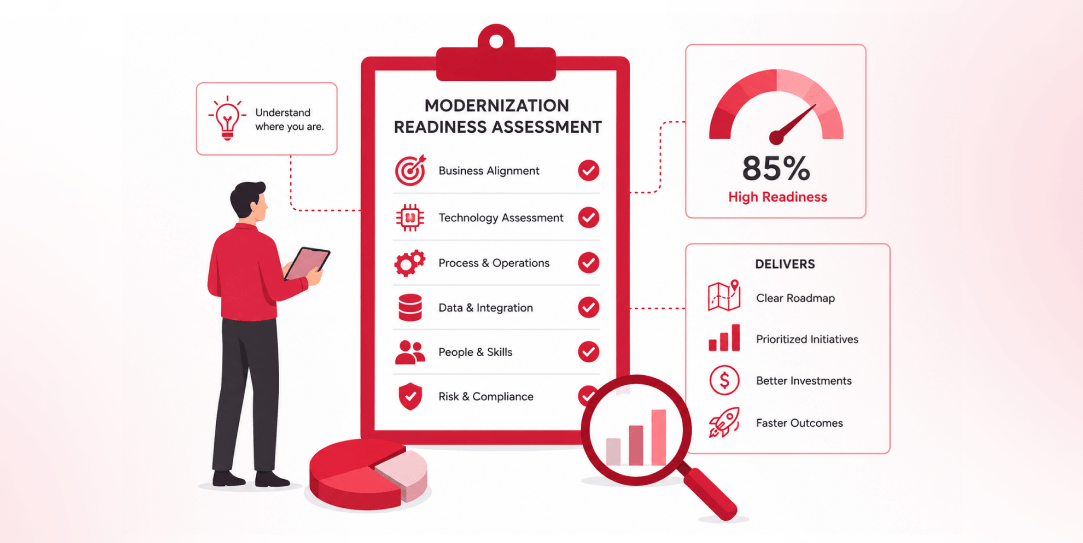 Other
Other
Most “audits” and “assessments” promise clarity but deliver a sales deck with language that lacks clarity. You book the call expecting evidence about your specific platform, and what shows up is a generic pitch for whichever package is easiest for the firm to sell. That’s the actual reason process transparency matters here, not because a […]
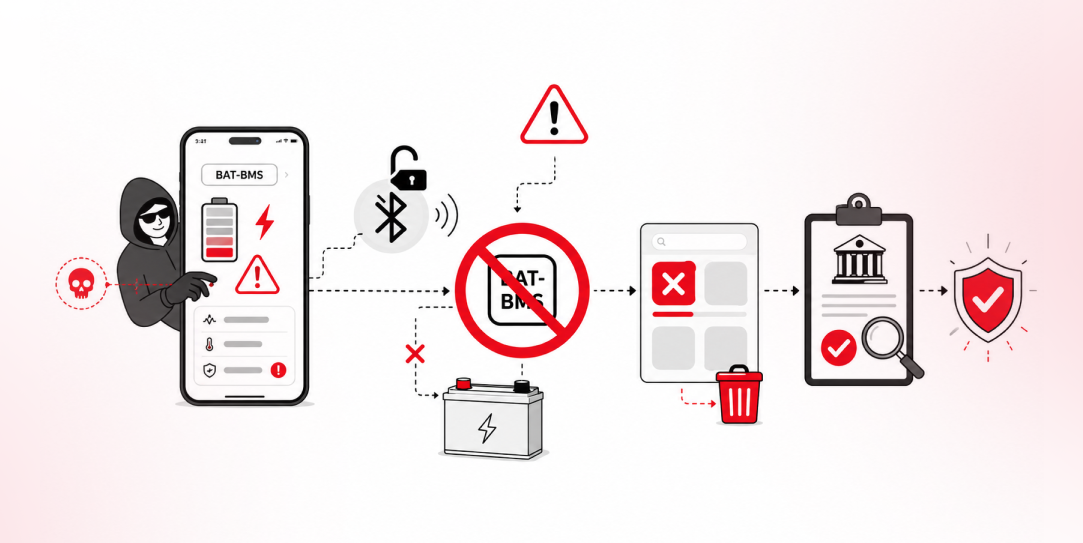 Other
Other
In late June and early July, videos started circulating on Instagram of people walking up to moving e-rickshaws, tapping a phone, and watching the vehicle lose power mid-ride. It spread as a prank trend before anyone fully understood the mechanism. Drivers in Patna (India) reported it first, assuming mechanical failure, until investigators traced it to […]