How to Run a Web Accessibility Audit
Khushboo Arora
·
17 Sep, 2025
Accessibility audits are a great way to identify barriers that users with disabilities might experience while navigating your website. It will represent how well your website meets the needs of people with disabilities in adherence with the Web Content Accessibility Guidelines (WCAG).
An accessibility audit creates a path towards a more inclusive digital experience, plus it also increases your brand reputation and SEO rankings.
Therefore, learning how to run a web accessibility audit can immensely help. It will ensure that the digital content, products, and services are usable and understandable for everyone, regardless of their abilities or disabilities.
In this blog, we will discuss types of web accessibility audits, how & when to conduct them, and what significance this audit holds.
A web accessibility audit examines your website’s compliance with established accessibility guidelines such as WCAG. These audits aim to ensure that your website and other online platforms are accessible to users with disabilities so that they can access, understand, and interact with your content effectively.
The web accessibility audit report identifies accessibility challenges and helps you take action to improve them. Thus, to make your website accessible, you need to adopt such elements and features that empower disabled people to comprehend the content.
Here are the two types of web accessibility audits you should focus on-
Manual audit involves human experts minutely examining the website’s accessibility features. These audits are more thorough than automated accessibility as they require auditors to use assistive technologies, such as screen readers, and navigate through the website themselves to ensure that a person with disabilities would not face any challenges.
The reason why people don’t opt for this audit type is because it is time-consuming and quite subjective. Furthermore, different auditors might interpret different results, which leads to varied results.
Automated audit is like a high-speed scanner, rapidly processing vast amounts of data in seconds. In automated auditing, website owners or developers use various software tools to scan websites for accessibility issues.
These tools are perfect for catching common issues like missing alt text, improper heading structure, or color contrast problems. However, these audits are not performed in-depth.
If you are looking to create a website that is compliant with WCAG, an automated audit might not be enough. For best results, it is ideal to combine both methods as automated tools provide a broad sweep while manual audits dive deep into specific areas.
Below-mentioned are a few steps that you should follow when performing a web accessibility audit-
The Web Content Accessibility Guidelines are your North Star for creating accessible web content. It renders a globally recognized framework for making websites accessible.
It is built on four main principles-
You should identify the pages and features you want to audit and determine which WCAG performance level you are aiming for (A, AA or AAA)
You can use various automated tools available in the market to identify common accessibility issues. These tools can be set up for doing regular scans, ensuring that your site remains accessible even when you add new content or features to it.
The best part? These tools don’t just find issues; they also provide solutions to fix them. Many automated scanners provide detailed explanations of why something is an accessibility problem and how you can fix it. It’s like having an accessibility expert round-the-clock who will help your team learn and improve with every scan.
Here are some of the best accessibility tools you can use for conducting the audit-
Human testers can pick up on nuanced issues that automated tools might miss. Manual testing is essential if you want to ensure compliance with WCAG standards.
Manual auditors can uncover time-sensitive interactions that may be problematic alongside device-specific issues that automated tests might overlook.
Some of the primary manual tests that you should perform include-
Screen readers are assistive technologies that convert digital text into synthesized speech, enabling visually impaired users to navigate websites and applications easily. It reads the content aloud so they can hear the content.
There are various free tools available, such as JAWS, NVDA, Apple VoiceOver, etc., that can help you understand issues with content organization and navigation that sighted users may miss.
Once you download any of these software, navigate your website with closed eyes. Listen to your content and see if your message is clear when heard, not just seen. Check if you are easily able to move between sections using only keyword commands and if all fields are properly labeled and can be easily completed.
Even by making the most benign accessibility efforts, there is a chance that you might overlook critical details. By actively seeking feedback from users with diverse disabilities, you will be able to uncover issues that might otherwise slip through your eyes.
Taking feedback from people with disabilities provides authentic and real-world answers that go beyond technical compliance.
You can reach out to disability organizations to connect with potential testers. Moreover, you can create an accessibility feedback form and conduct user testing sessions with people who are disabled.
To ensure you remain compliant with the accessibility standards, create a web accessibility audit report and prioritize them based on severity and user impact.
Here’s how you can create a plan to fix these issues-
The web world is dynamic, and so are the accessibility needs. New updates and features are being introduced every now and then. Thus, continuous monitoring is essential to stay updated with industry trends. It will also ensure compliance with the WCAG standards and offer a user-friendly experience to all your users.
You should constantly watch updates to web standards that your website or new content needs to comply with. Also, ensure you watch out for changes in technology or user behavior that can affect how people interact with your site.
By doing continuous monitoring, you are proactively ensuring that your site remains accessible to all users, irrespective of their disabilities.
There are various benefits of web accessibility. Some of them include-
Some common times when you should run an accessibility audit are-
Website accessibility audit is an excellent way to identify barriers to users with disabilities, inevitably impacting both user experience and website performance.
By following these steps, you not only ensure that your digital content is compliant with legal standards but also that your team will be able to identify areas where improvements are required. Post that, you can implement the fixes needed to provide an inclusive online experience to your users.
To make your website accessible, you can get assistance from web development experts—LN Webworks. Besides creating an accessible website, we consider your website to be inclusive, responsive, and appear on top of the search engine ranking pages.
Without a wait, contact us and create a website where everyone belongs.

 Other
Other
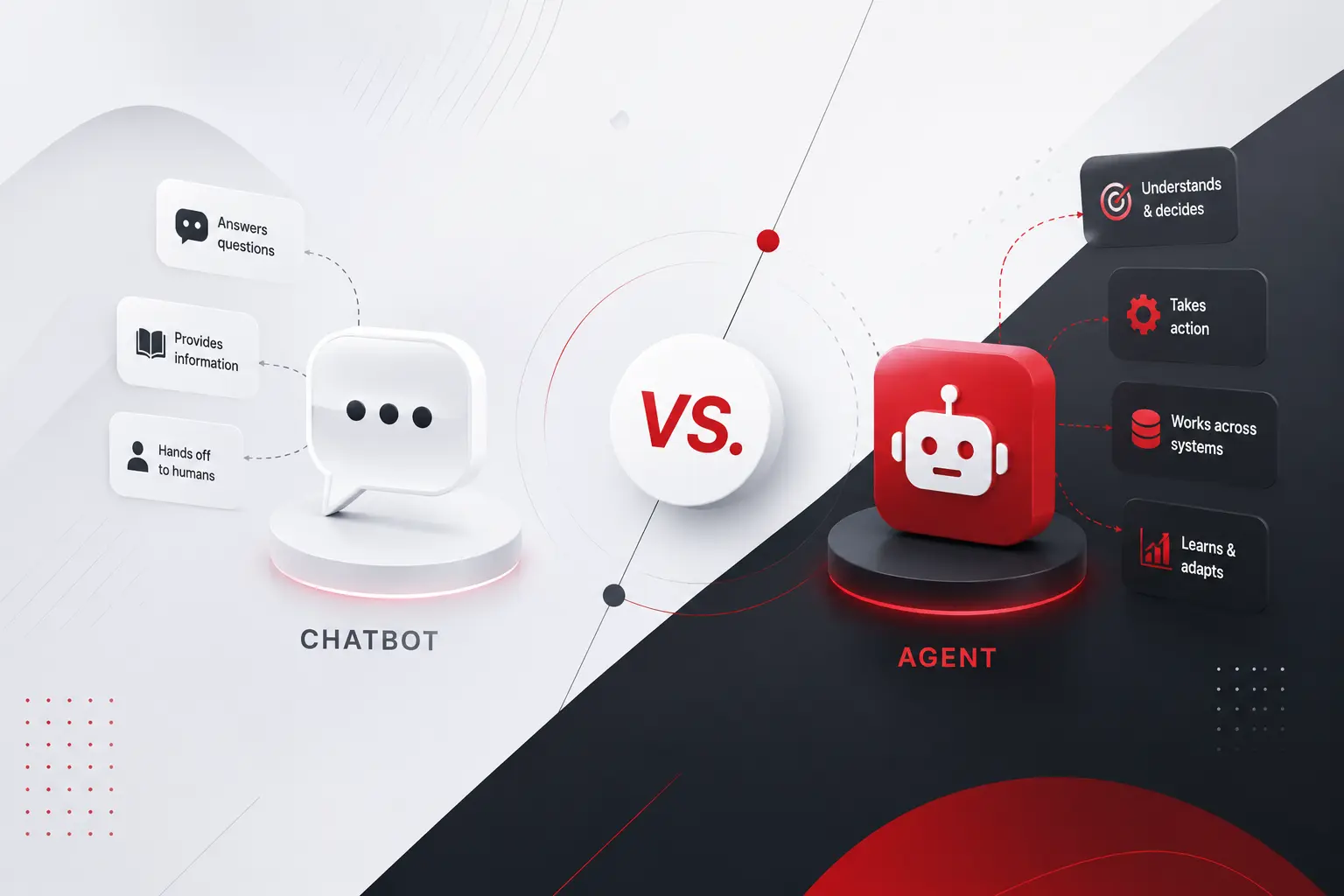
Call center chatbot. Virtual assistant. AI agent. Copilot. Half the vendors selling you software right now use these words interchangeably. The other half use them to mean completely different things, sometimes on the same product page. That confusion is not just annoying marketing copy. It changes what you should actually build, what it should cost, […]
 Other
Other
AI agent is being used right now to describe two very different kinds of software, and almost nobody stops to specify which one before asking what it costs. A scripted assistant that answers a fixed set of questions is called an agent. So does a system that plans, acts across multiple tools, and adjusts its […]
 Other
Other
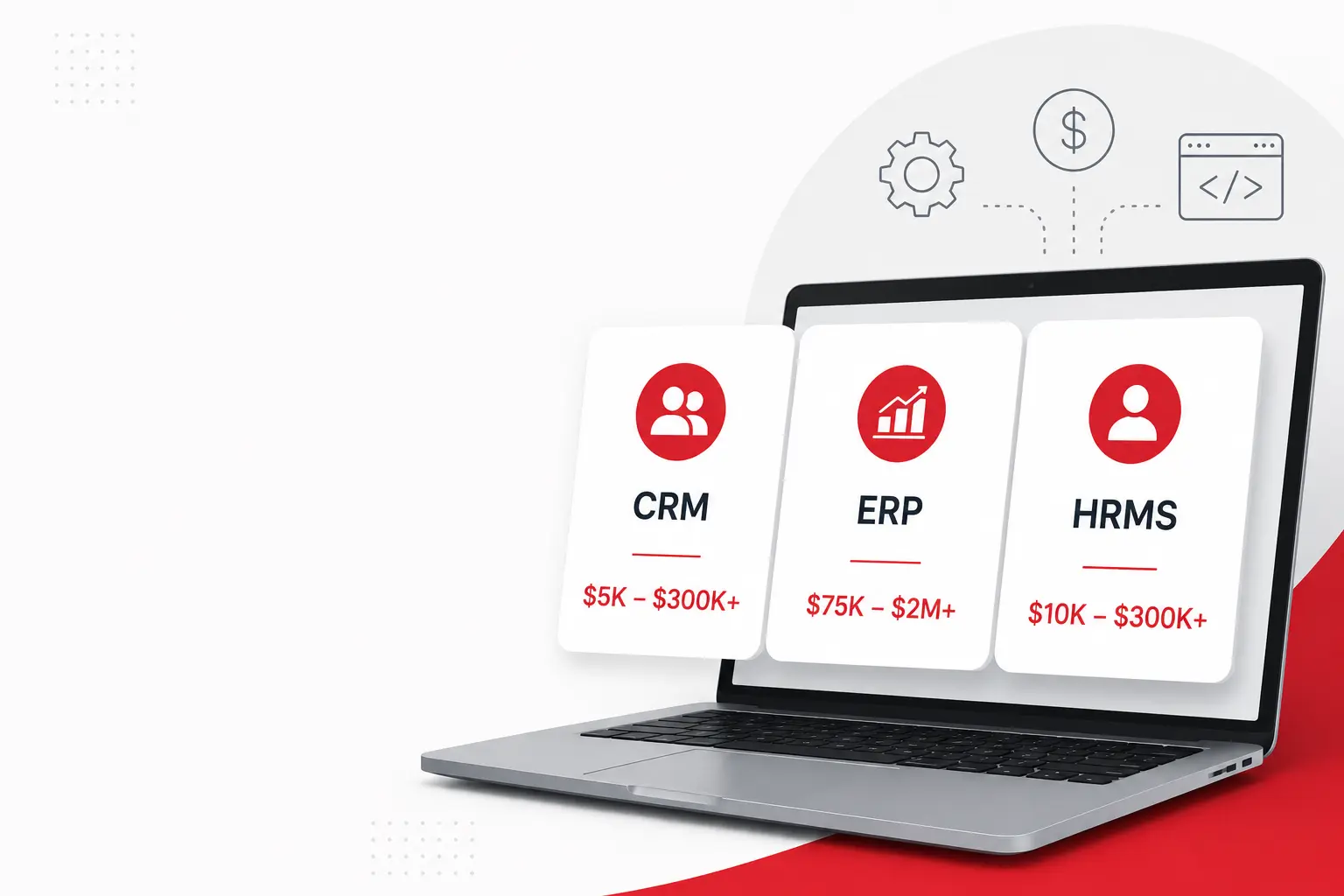
Ask five agencies what a custom software project costs and you will get five variations of it depends. Technically, they are all correct. Practically, it is a useless answer to give someone trying to plan a budget, get a proposal approved, or figure out whether they are even in the right conversation before spending a […]