WordPress Theme vs Page Builder: Which One Works Better for Your Site?
Khushboo Arora
·
04 Sep, 2025
Are you overwhelmed by the choice between a traditional WordPress Theme vs Page Builder? If you are new to WordPress, you might want to know what factors to consider when choosing a WordPress Theme and Page Builder.
More than 60,000 free plugins exist in the official WordPress plugin directory. Plus, the number of page-building themes it offers can make it challenging to choose how to choose the best option for your website.
Don’t worry; you are not sailing alone on this journey. To make it easy for you, we have compared WordPress Theme vs Page Builder in this blog; this will help you find the perfect fit for what your website needs.
So, let’s get started and learn in detail about their features, pros & cons, and who should use WordPress themes and page builders.
It is a set of template files, style sheets, and display settings for your website. This collection of files works together to create the design of your website. It majorly comprises your site’s layout, fonts, colors, menus, sidebars, default templates for your pages and posts, and other design elements.
Every theme it offers is different, but the majority of the single-use themes have two layouts, limited colors, fewer customization options, and require plugins for additional features.
All you need is to install a WordPress theme and give your website a perfect look, feel, and cohesive look that aligns with your brand or purpose. These themes enable you to customize the design and functionality of your site without needing to code from scratch.
WordPress offers numerous free and premium themes, which you can choose as per your requirements and budget. Some of them are created for particular niches, whereas others can be used for any industry.
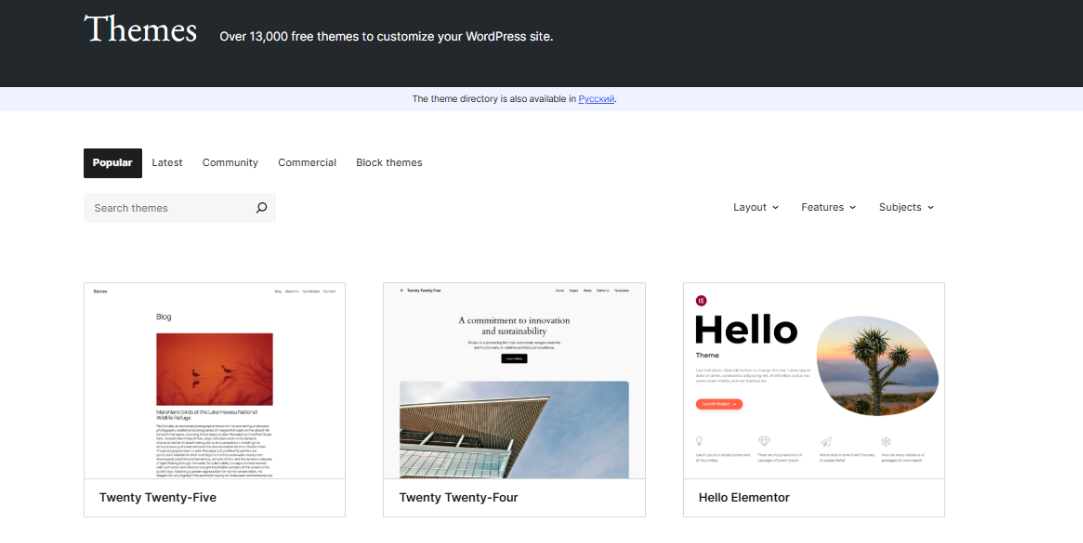
Some of the WordPress well-known themes are Divi, Astra, Kadence, Hestia, Neve, Blocksy, etc. A few basic customization options that come with every theme are-
1. Logo and headline
2. Color scheme
3. Layout
4. Menus
5. Typography
6. Widget selections
Here are some of the advantages of using WordPress Themes-
Let’s know some of the downsides of using WordPress Themes-

WordPress Theme Builders are robust tools that enable users to create custom designs for their websites without needing any prior coding knowledge. It is like possessing a digital paintbrush for your site that lets you create unique layouts, headers, footers, and content areas without much effort.
The reason why people prefer WordPress themes when comparing WordPress Theme vs Page Builder is because of the flexibility it offers. It provides you the option to control all the aspects of your website’s appearance and design from the front end.
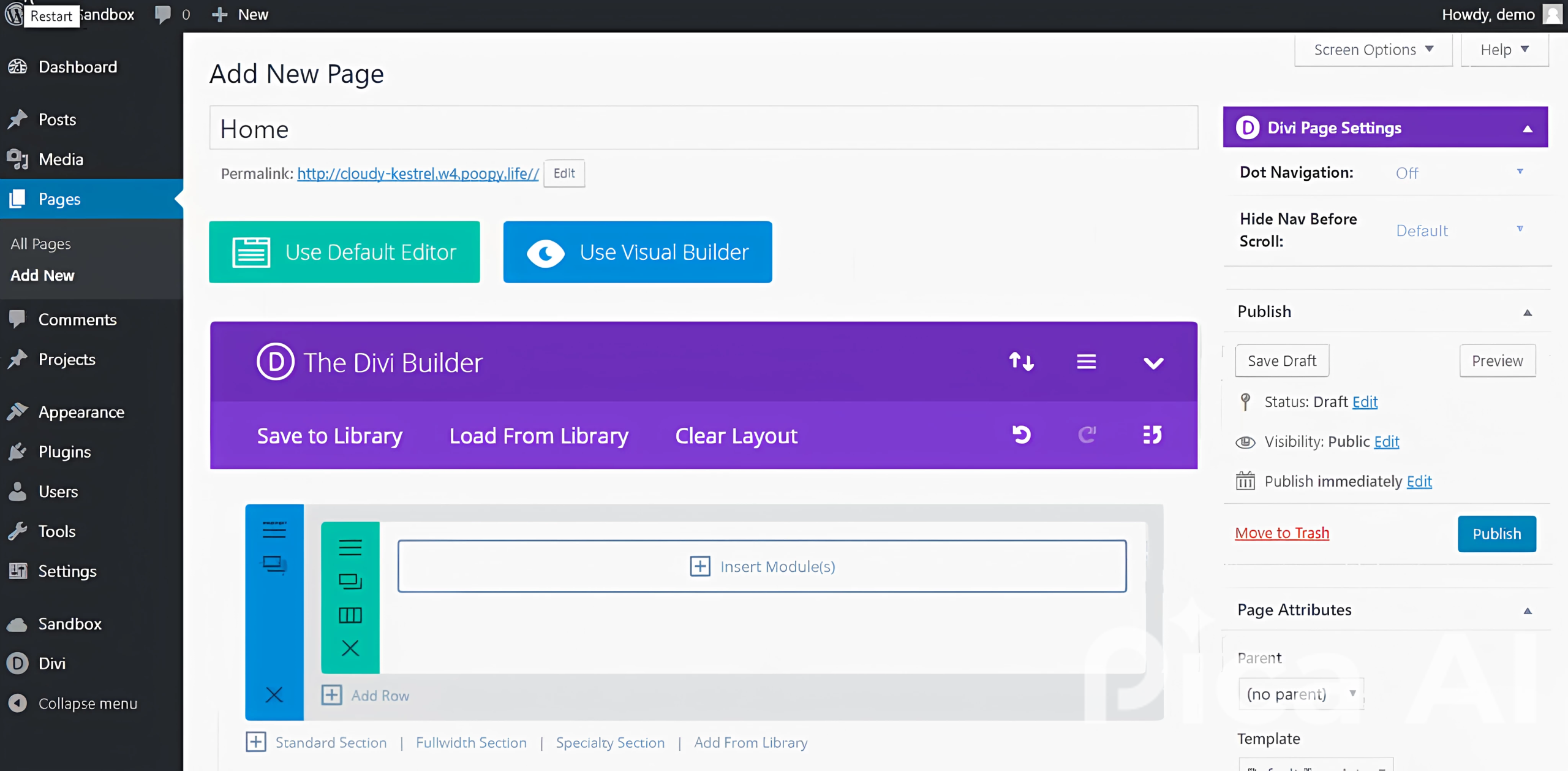
Here are some of the noteworthy features that it offers-
This feature allows you to design websites without coding by dragging and dropping elements like text, images, and buttons onto your pages
All dynamic WordPress Theme Builders should support template creation to design and customize various aspects of their websites, such as headers, footers, single post layouts, archive pages, and more.
Theme builders should offer a treasure trove of pre-designed templates that cater to various industries and purposes
Using WordPress theme builders point-and-click feature, you can see in real-time how the changes appear
This feature offers automatic responsive adjustments and device-specific previews
A WordPress Page Builder is yet another easy way to create and customize the design of individual web pages on your WordPress website. It is a plugin that allows you to customize individual pages and posts within your WordPress theme instead of selecting a theme and then making slight customizations to your overall theme.
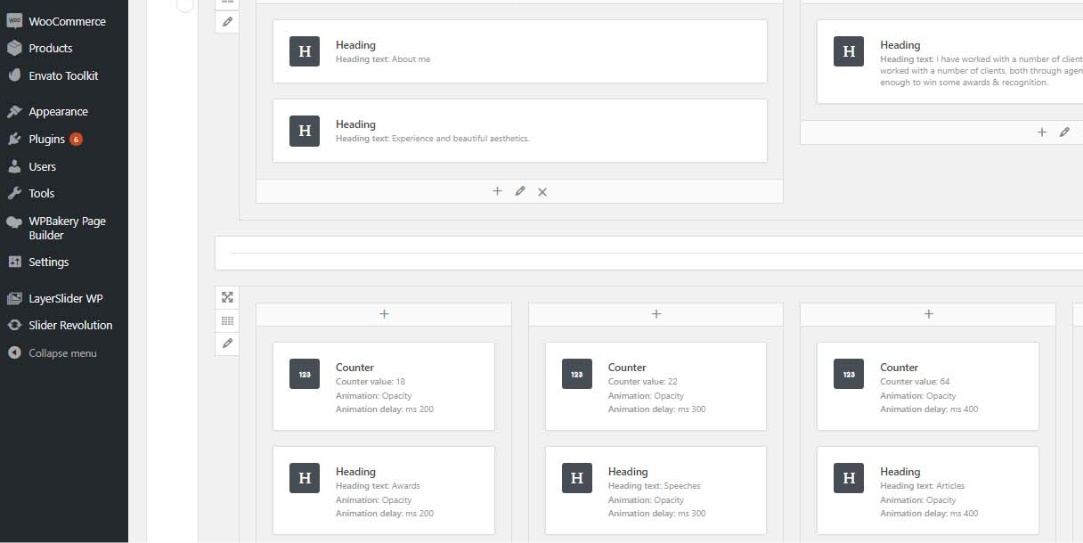
You can create a professional-looking website using page builder without having any prior coding knowledge. It can be used to build different types of home page, landing pages, sales pages, etc.
To make it straightforward, it lets you make changes from page to page within your WordPress theme settings.
Listed below are some common elements found in leading WordPress Page Builders in 2025:
This feature lets you craft your dream website with captivating pages by playing with building blocks. With intuitive controls, you can easily move elements around your WordPress page and add, remove, or rearrange sections as per your requirements
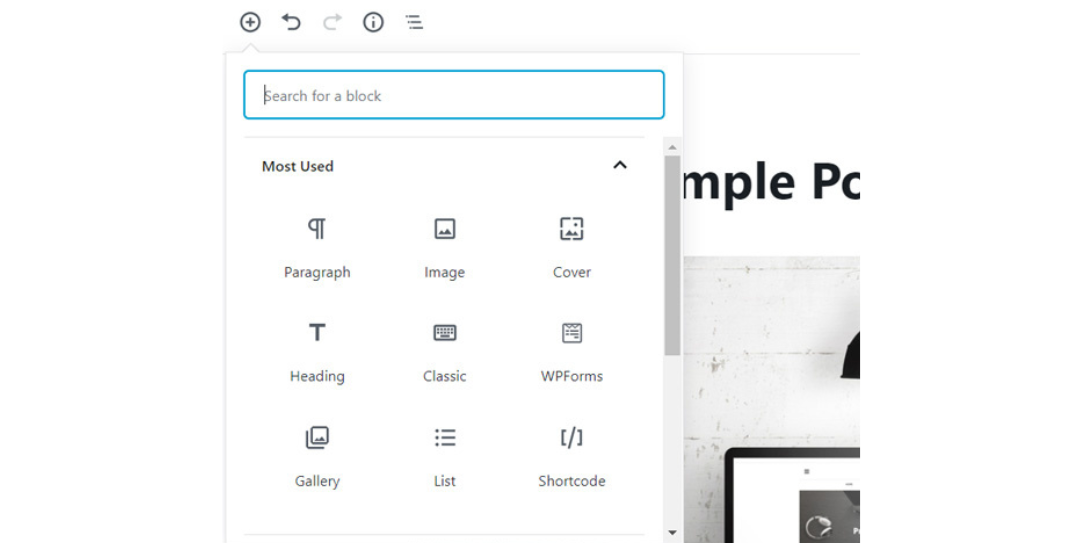
Why start from scratch when you can leverage the expertise of platforms offering you pre-designed templates? Getting access to these templates is your ticket to launching your website in record time, exploring diverse design styles, and providing a solid foundation for customization to match your brand aesthetics
Professional page builders offer live editing capabilities. This allows users to make and see changes in real-time to reduce the need for constant previewing.
The page builder you should choose must offer robust styling options to change the look and feel of your website by adjusting colors, fonts, text style, and the entire layout.
Your site should offer a seamless user experience on all platforms, be it mobile, tablet, or desktop. So, always ensure the tool you choose offers custom breakout controls, device-specific previews, and automatic responsive adjustments.
A well-versed and flexible WordPress Page Builder allows you to connect with other tools to enhance the functionality and user experience of your website.
Here are some significant advantages of why WordPress Page Builder is making a wave today-
Let’s know WordPress Page Builder’s dark side, too. This will make the comparison between WordPress Theme vs Page Builder transparent-
A WordPress Theme Builder is a good option if you are looking to:
On the contrary, you should consider using a WordPress Page Builder and benefit the most if you are seeking to:
By now, you know when to use WordPress Theme vs Page Builder and the difference between these two.
Remember, your website is your most valuable asset, serving as the first point of contact and representing your business—the way it works, its products and services, and USPs.
When you partner with a professional WordPress development company, you can reward your business with growth, engagement, and success.
If you do not want to get into the hassle of choosing between a theme builder vs page builder and build a website that can drive growth, engage visitors, and convert leads in less time, choose LN Web Works.
This platform allows you to harness the full potential of your website by enhancing its performance and understanding why your sales are lagging and the aspects that will help your business turn around.
Ready to give your website a superpower?

 Other, SaaS Development
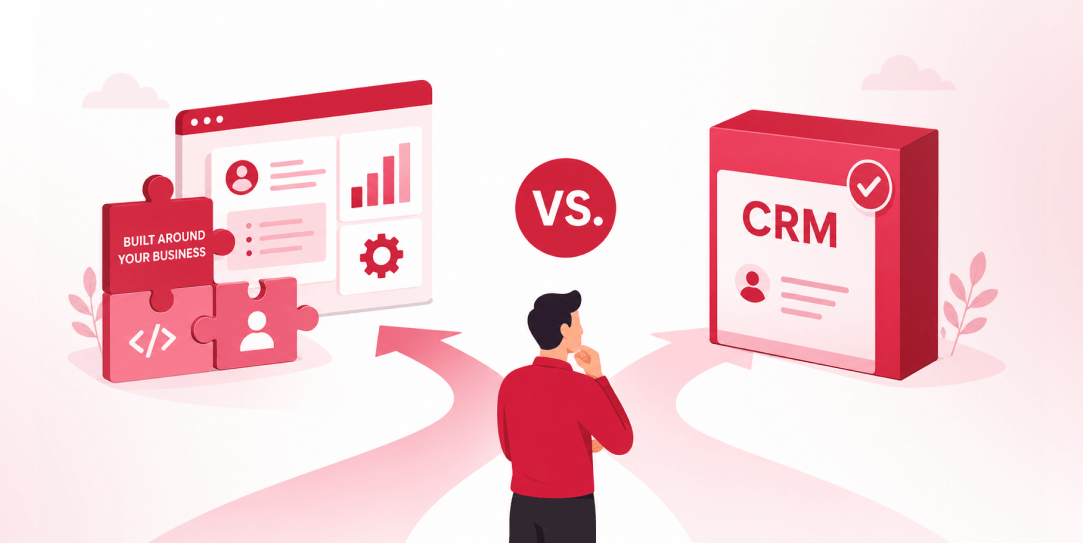
SaaS CRMs win on speed. Custom wins on fit and ownership. This isn’t a pitch for either one. Every early-stage SaaS company hits this decision within the first year, usually right after the founder realizes a spreadsheet isn’t a CRM. The default answer is almost always a SaaS CRM: HubSpot, Salesforce, Zoho, sign up in […]
 Other
Other
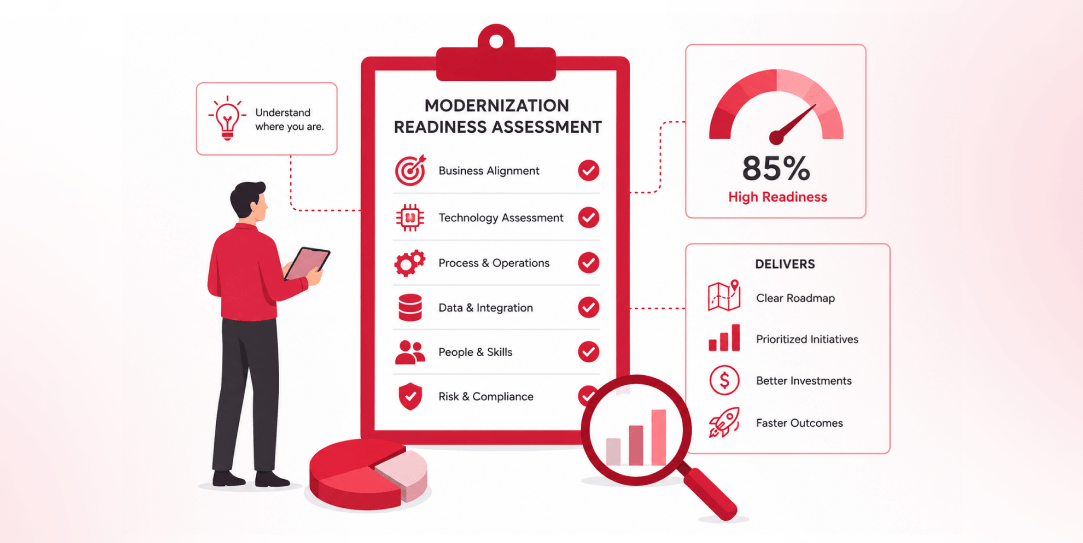
Most “audits” and “assessments” promise clarity but deliver a sales deck with language that lacks clarity. You book the call expecting evidence about your specific platform, and what shows up is a generic pitch for whichever package is easiest for the firm to sell. That’s the actual reason process transparency matters here, not because a […]
 Other
Other
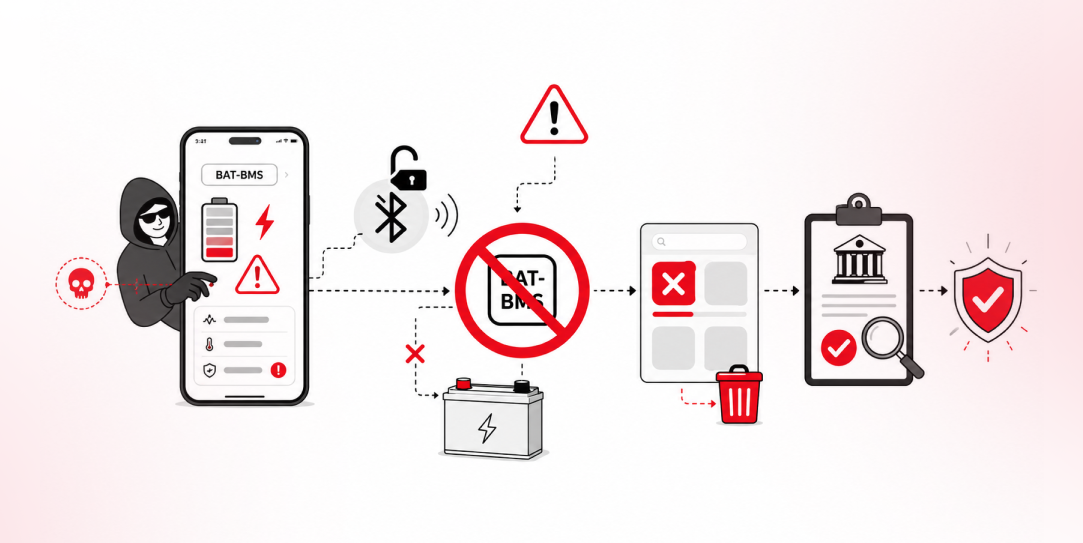
In late June and early July, videos started circulating on Instagram of people walking up to moving e-rickshaws, tapping a phone, and watching the vehicle lose power mid-ride. It spread as a prank trend before anyone fully understood the mechanism. Drivers in Patna (India) reported it first, assuming mechanical failure, until investigators traced it to […]