Why Accessibility Matters for your SEO Strategy
Khushboo Arora
·
19 Sep, 2025
Implementing accessibility features for your website may seem daunting initially, but its inclusion will benefit all your users and search engine rankings.
Many web developers don’t know that web accessibility and SEO go hand in hand. Wondering how? Accessibility features like clear navigation or descriptive alt text for images improve the overall user experience. And guess what? Search engines love websites that prioritize user experience.
By making your web pages accessible to people with disabilities, you also improve your ranking and visibility in the SERPs.
The research, which analyzed 800 websites, found that accessible websites witnessed an average 12% increase in overall traffic in just three months.
Remember, web accessibility is not something you do at the end of the process but from the beginning.
In this blog, we will understand how accessibility and SEO are crucial in creating an inclusive website and user-friendly experience.
Web accessibility refers to the process of designing a website in a way that everyone can use, irrespective of their abilities or disabilities. The primary objective of creating such a website is to ensure equal access and participation for all users.
Those looking to create an accessible website must follow particular guidelines known as the Web Content Accessibility Guidelines (WCAG). Websites that adhere to these guidelines offer the disabled community the best user experience they so rightfully deserve.
Web accessibility ensures that people with disabilities can:
Following this checklist enhances the user experience by offering equal opportunities for individuals with disabilities and allowing them to engage with online content. Non-compliance can lead to legal consequences, which can hamper your brand reputation.
Optimizing your website for accessibility and SEO is not a one-time task; it’s an ongoing process. You should start by making small changes and gradually improving your site’s functionality. So, here are a few steps that can improve your website’s accessibility and search engine optimization-
To make your website accessible for visually disabled or color blind people, it is essential that you-
Use high-contrast colors and ensure that the text is easily readable against the background
These features are usually required for people with hearing disability. Therefore, you must-
Motor accessibility is required for people with physical impairments. Here are some features that can make website navigation easy for them-
To make the website user-friendly for people with intellectual disability, you should-
Here are a few things that can be done to make your website more accessible and improve its ranking-
Use descriptive and relevant page titles that describe the content accurately. Avoid keyword stuffing, as that can confuse the reader.
Keep the titles under 60 characters. Also, ensure your title includes the primary keyword to help your reader understand the content. You can use schema markup to offer additional context for search engines and screen readers.
Using the right heading can improve both accessibility and SEO. All you need to remember is to provide a clear hierarchy of the headings, making it easier for people with disabilities to navigate the page.
For SEO, structured content and headings help search engines understand the page’s context easily and enable your content to appear in the search engines based on your target audience.
Use descriptive anchor text that clearly indicates the link’s destination. This is important for the site’s accessibility so users know what they will discover when clicking the link.
Avoid using phrases like ‘Click here,’ as users won’t know where the page will redirect. Instead, use ‘Click here to learn about SEO’ to let your users know what they are going to learn from the link. Doing this is also good for SEO, as it will give search engines clues about the content of the linked page and increase its visibility.
Breadcrumb links are a secondary navigation scheme that shows a user’s current location on a website and determines the path to the current page.
For example, Home>Clothing>Suit sets. You should position them near the top of the page and ensure they provide keyword accessibility. This provides users with an easy way to navigate all pages and helps search engines understand the website’s hierarchy.
Metadata refers to titles (discussed above) and meta descriptions. The latter is the link that appears on search engine result pages. Although it does not directly impact the website’s ranking, it does influence the click-through rate.
Meta descriptions are used mainly for SEO and enhancing a website’s accessibility, as they help users understand the content of a page before they visit it.
Readability has both direct and indirect impact on SEO. Search engines rank high-quality and easy-to-understand content as it is most likely to provide a satisfactory user experience.
Always use appropriate color contrast, fonts, and right text formatting to make the content readable. Simultaneously, clear and concise content is easier for people with disabilities to comprehend.
The objective of creating an accessible website is to enhance the user experience and increase its visibility in the SERPs. By including accessibility features, websites become user-friendly, which leads to improved SEO and reduced bounce rates.
Here are a few points that explain why web accessibility is important for SEO-
Refrain from repeating these common web accessibility mistakes that can hurt your SEO and understand how to fix them-
Low-contrast text is difficult to read for users with visual impairments. It can also increase bounce rates, negatively affecting SEO.
How to Fix: Ensure sufficient color contrast between text and background.
Many users rely on keyboard navigation due to motor impairments or personal preferences. If they cannot navigate the website using a keyboard, they are likely to leave your website. This would lead to an increased bounce rate and lower time on the page.
How to Fix: Ensure all interactive elements are keyboard accessible and add a visible focus indicator.
Autoplaying video or audio can be disorienting, particularly for screen reader users. This can lead to shorter session durations, which provide negative SEO signals.
How to Fix: Avoid auto-playing media or provide easy-to-use controls to stop playback.
Forms without appropriate labels or error handling are difficult for screen reader users to navigate. This means you’re missing out on valuable indexable content and excluding users with disabilities. Poor reader experience can lead to lower conversions, indirectly adversely affecting SEO.
How to Fix: Use proper labels, provide clear error messages, and ensure keyboard navigation works for all form elements.
Proper heading structure (H1, H2, H3, etc.) helps users navigate content logically. Plus, search engines also use headings to understand content hierarchy and topical relevance.
How to Fix: Use a single H1 for the main title, followed by an H2 heading, and in another sub-section, use an H3 heading, and so on.
Following web accessibility and SEO guidelines is a win-win for all users, not just those with disabilities.
Accessible websites are more likely to appear on the top of SERPs because they offer an improved user experience. Thus, by incorporating these accessibility features, you can improve your search engine ranking and address potential barriers that may hinder individuals from accessing your website content!
If you are unsure where to start, you can take the help of website development experts. With extensive experience building websites, these companies can easily deliver even the most complex and complicated projects in no time.
Expert developers like LN Web Works help you stay updated on the latest accessibility guidelines (like WCAG), ensuring your site remains inclusive and compliant and shields your business from legal vulnerabilities.

 Other, SaaS Development
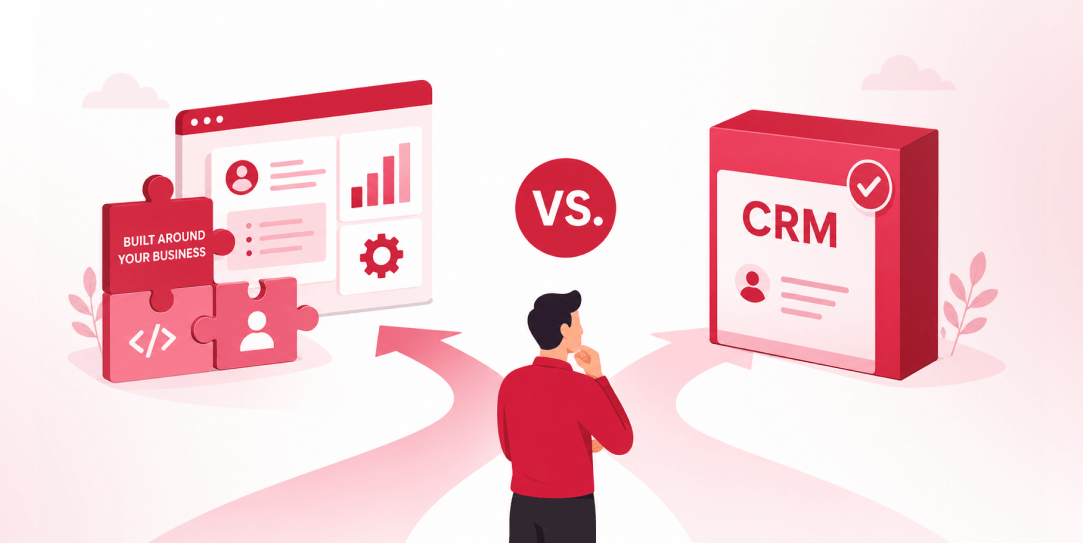
SaaS CRMs win on speed. Custom wins on fit and ownership. This isn’t a pitch for either one. Every early-stage SaaS company hits this decision within the first year, usually right after the founder realizes a spreadsheet isn’t a CRM. The default answer is almost always a SaaS CRM: HubSpot, Salesforce, Zoho, sign up in […]
 Other
Other
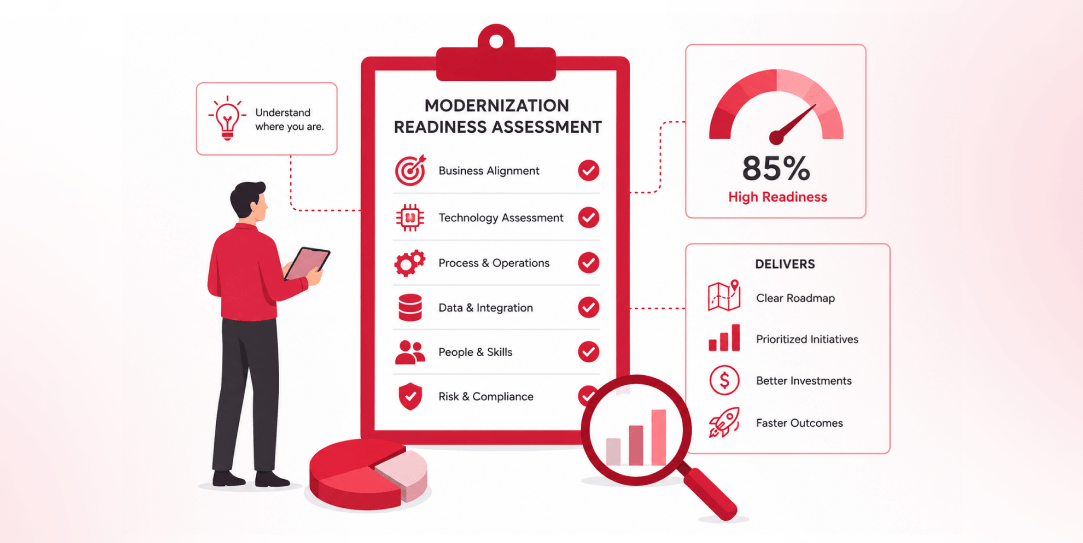
Most “audits” and “assessments” promise clarity but deliver a sales deck with language that lacks clarity. You book the call expecting evidence about your specific platform, and what shows up is a generic pitch for whichever package is easiest for the firm to sell. That’s the actual reason process transparency matters here, not because a […]
 Other
Other
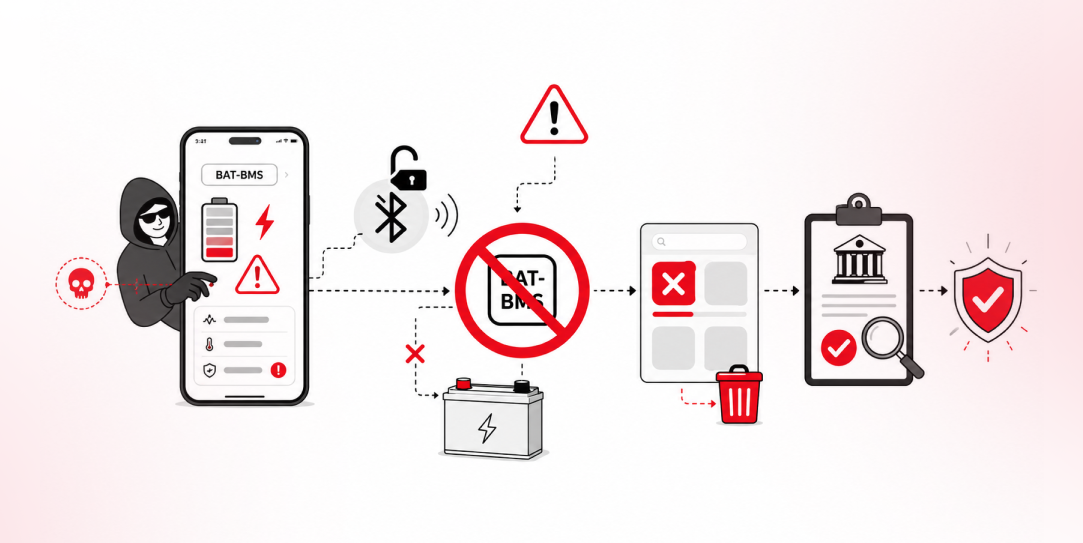
In late June and early July, videos started circulating on Instagram of people walking up to moving e-rickshaws, tapping a phone, and watching the vehicle lose power mid-ride. It spread as a prank trend before anyone fully understood the mechanism. Drivers in Patna (India) reported it first, assuming mechanical failure, until investigators traced it to […]