How to Build a Multi-Vendor eCommerce Marketplace with Shopify in 2025
 Anirudh
·
16 Sep, 2026
Anirudh
·
16 Sep, 2026
Anirudh
·
16 Sep, 2026
Anirudh
·
16 Sep, 2026
Launching a multi-vendor marketplace is one of the fastest ways to scale in today’s digital economy. With global retail eCommerce sales projected to exceed $8 trillion in 2025 (Statista), marketplaces that unite multiple sellers under one storefront are reshaping the way buyers and sellers interact online.
Shopify provides a strong foundation for these platforms thanks to its headless flexibility, mature app ecosystem, and enterprise reliability. But a marketplace’s success is not just about technology. It comes from aligning strategy, compliance, vendor experience, and growth execution.
This guide explores not only how to build a Shopify marketplace but also why some succeed while others fail, with insights from LN Webworks’ 1,100+ global projects.
A multi-vendor marketplace is a digital shopping mall where independent sellers showcase their products or services within a single storefront. The marketplace operator generates revenue through commissions, subscriptions, or listing fees.
Curious how these reasons could apply to your business?
to explore further.Marketplaces fail when growth outpaces infrastructure. Shopify Plus delivers 99.9% uptime and global scalability, but architecture design matters. LN Webworks often uses headless builds to decouple the frontend, ensuring stability during high-traffic surges such as Black Friday.
A smooth checkout for buyers and intuitive dashboards for vendors are essential. Accessibility is mandatory. More than 1.3 billion people worldwide live with disabilities, and compliance opens access while reducing legal risk. LN Webworks builds WCAG 2.1 AA-compliant platforms by default.
Shopify’s API-first ecosystem enables custom onboarding flows, role-based dashboards, and tailored workflows. Without customization, marketplaces risk becoming generic clones of competitors. Not sure if a custom build or a template-based platform fits your brand better – see our full comparison
Managing commissions, split payments, and global currencies is a complex task. Shopify Payments, Stripe, and PayPal handle basics, but LN Webworks implements automated commission workflows with transparent payout cycles to build vendor trust.
Operators must comply with GDPR, CCPA, PCI DSS, and PSD2. Shopify ensures secure hosting and SSL, while LN Webworks adds penetration testing, fraud detection, and compliance audits to minimize risk.
Use Shopify Advanced for early-stage pilots. Upgrade to Shopify Plus for automation, APIs, and enterprise integrations.
Apps like Webkul Multi-Vendor Marketplace or Shipturtle enable vendor dashboards, flexible commission structures, and scalable APIs.
A smooth onboarding flow is critical:
Across four continents and 1,100+ projects, LN Webworks has helped ambitious brands transform digital complexity into growth.
Each success reflects our guiding principles: owner-led accountability, agile transparency, and future-ready builds that empower clients to scale securely and confidently.
A multi-vendor marketplace is more than an online store; it’s an ecosystem. Building it right demands the balance of strategy, technology, and trust. That’s where LN Webworks comes in.
As a Shopify Expert and Drupal Gold Partner with a 4.9★ Clutch rating, we’ve helped organizations from startups to enterprises create platforms that launch faster, perform better, and grow stronger year after year.
If you’re ready to build a platform that can scale globally, streamline vendor operations, and future-proof your brand’s growth, let’s turn your marketplace vision into a thriving, data-driven business.
Small business builds start at $15,000–$20,000. Enterprise marketplaces with automation, compliance, and headless integrations often run $50,000–$100,000+. LN Webworks scopes costs to your growth stage and goals.
No. Shopify requires apps like Webkul or Shipturtle to add commissions, dashboards, and payouts.
You can pilot on Advanced Shopify, but serious scaling requires Shopify Plus for APIs, automation, and enterprise integrations.
Automation tools split transactions, deduct commissions, and issue payouts via Stripe, PayPal, or local gateways. Marketplace owners define payout cycles.
We conduct GDPR, WCAG, PCI, and security audits, as well as penetration testing, to ensure compliance across all geographies.
Yes. We migrate from legacy systems, such as Drupal, Magento, or WooCommerce, to Shopify while retaining SEO rankings, minimizing downtime, and enhancing scalability.
With this roadmap, you now know what marketplaces are, why they matter, how to build one on Shopify, pitfalls to avoid, and how LN Webworks ensures long-term success.
Updated October 2025.
 Other, SaaS Development
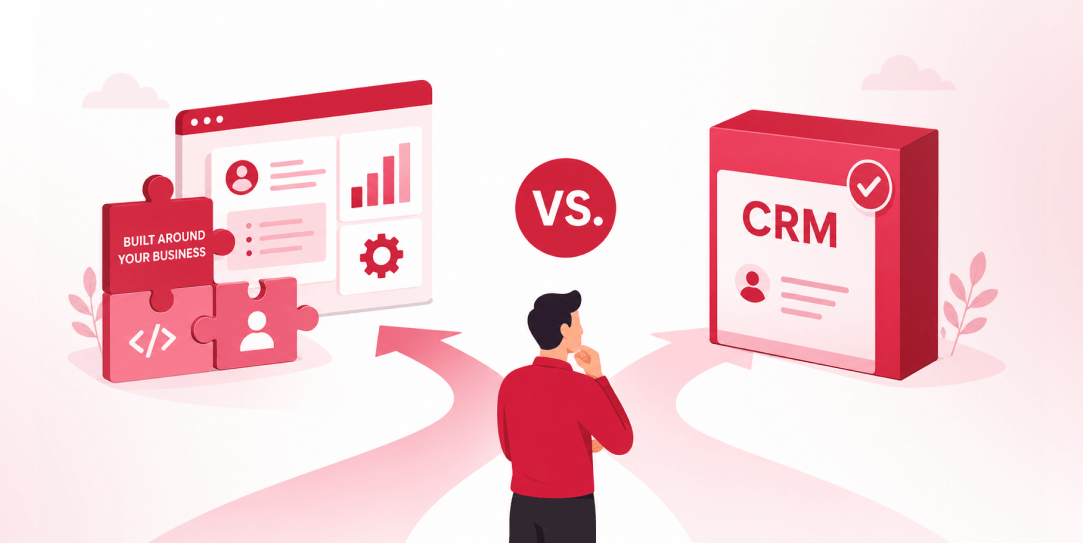
SaaS CRMs win on speed. Custom wins on fit and ownership. This isn’t a pitch for either one. Every early-stage SaaS company hits this decision within the first year, usually right after the founder realizes a spreadsheet isn’t a CRM. The default answer is almost always a SaaS CRM: HubSpot, Salesforce, Zoho, sign up in […]
 Other
Other
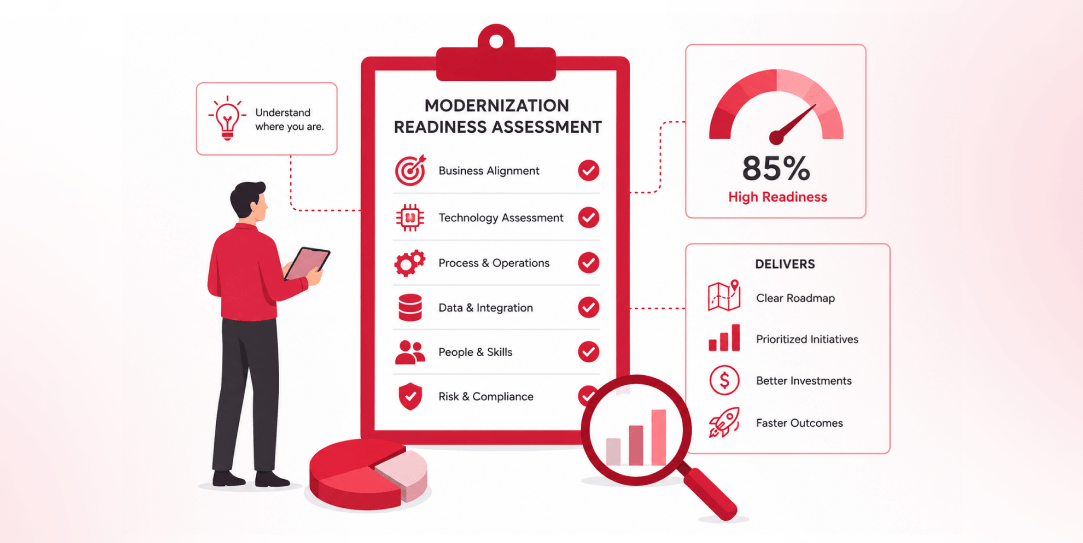
Most “audits” and “assessments” promise clarity but deliver a sales deck with language that lacks clarity. You book the call expecting evidence about your specific platform, and what shows up is a generic pitch for whichever package is easiest for the firm to sell. That’s the actual reason process transparency matters here, not because a […]
 Other
Other
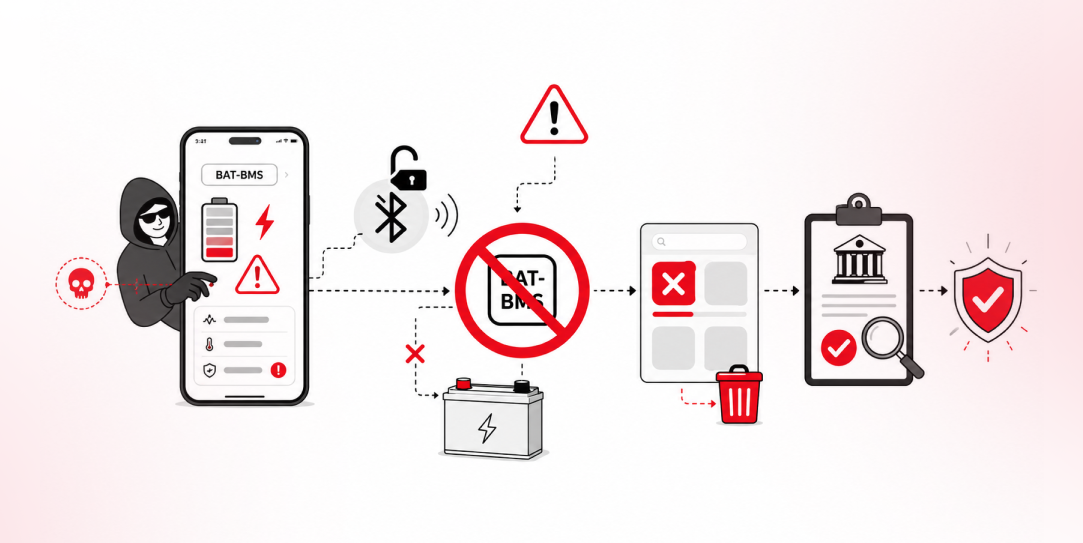
In late June and early July, videos started circulating on Instagram of people walking up to moving e-rickshaws, tapping a phone, and watching the vehicle lose power mid-ride. It spread as a prank trend before anyone fully understood the mechanism. Drivers in Patna (India) reported it first, assuming mechanical failure, until investigators traced it to […]