FreeSWITCH Installation: Step-By-Step Guide

Sunil
·
04 Sep, 2025
FreeSWITCH is an open-source telephony platform designed for building scalable communication applications. This comprehensive guide provides step-by-step instructions for installing and configuring FreeSWITCH on Ubuntu systems.
Below is the list of core capabilities of FreeSWITCH.
Let us get on about the primary applications now:
Learn more about the system requirements of FreeSwitch:
Static IP recommended
Open ports:
Discover more about installation procedure about FreeSWITCH.
Install Required Packages
“`
sudo apt install –yes build-essential pkg-config uuid-dev zlib1g-dev
libjpeg-dev libsqlite3-dev libcurl4-openssl-dev libpcre3-dev
libspeexdsp-dev libldns-dev libedit-dev libtiff5-dev yasm
libopus-dev libsndfile1-dev unzip libavformat-dev libswscale-dev
liblua5.2-dev liblua5.2-0 cmake libpq-dev unixodbc-dev autoconf
automake ntpdate libxml2-dev libpq-dev libpq5 sngrep lua5.2
lua5.2-doc libreadline-dev
Configure System Time
# Set timezone
sudo dpkg-reconfigure tzdata
Install libspandsp3
“`
cd /usr/local/src/
git clone https://github.com/freeswitch/spandsp.git
cd spandsp
run git reset –hard 67d2455efe02e7ff0d897f3fd5636fed4d54549e
sudo apt-get install ffmpeg libavcodec-dev libavutil-dev libavformat-dev libswscale-dev libavformat-dev libswscale-dev libpq-dev
/bootstrap.sh && ./configure && make && sudo make install
Install sofia-sip
cd /usr/local/src/
sudo wget “https://github.com/freeswitch/sofia-sip/archive/master.tar.gz“
sudo tar -xvf sofia-sip.tar.gz
cd sofia-sip-master
./bootstrap.sh && ./configure && make && sudo make install
Download and Extract
cd /usr/local/src/
sudo wget https://files.freeswitch.org/releases/freeswitch/freeswitch-1.10.10.-release.tar.gz
sudo tar -zxvf freeswitch-1.10.10-release.tar.gz
Compile and Install
sudo apt install
cd freeswitch-1.10.10-release
./configure –enable-core-odbc-support –enable-core-pgsql-support
make
sudo make install
sudo make cd-sounds-install
sudo make cd-moh-install
Below are the configuration steps that would help you further in shifting to FreeSWITCH.
sudo ln -s /usr/local/freeswitch/conf /etc/freeswitch
sudo ln -s /usr/local/freeswitch/bin/fs_cli /usr/bin/fs_cli
sudo ln -s /usr/local/freeswitch/bin/freeswitch /usr/sbin/freeswitch
sudo groupadd freeswitch
sudo adduser –quiet –system –home /usr/local/freeswitch
–gecos ‘FreeSWITCH open source softswitch’
–ingroup freeswitch freeswitch –disabled-password
sudo chown -R freeswitch:freeswitch /usr/local/freeswitch/
sudo chmod -R ug=rwX,o= /usr/local/freeswitch/
sudo chmod -R u=rwx,g=rx /usr/local/freeswitch/bin/*
Step-by-step guide on how to setup the service.
Create /etc/systemd/system/freeswitch.service with:
sudo nano /etc/systemd/system/freeswitch.service
[Unit]
Description=FreeSWITCH
Wants=network-online.target
Requires=network.target local-fs.target
After=network.target network-online.target local-fs.target
[Service]
Type=forking
PIDFile=/usr/local/freeswitch/run/freeswitch.pid
Environment=”DAEMON_OPTS=-nonat”
Environment=”USER=freeswitch”
Environment=”GROUP=freeswitch”
EnvironmentFile=-/etc/default/freeswitch
ExecStartPre=/bin/chown -R ${USER}:${GROUP} /usr/local/freeswitch
ExecStart=/usr/local/freeswitch/bin/freeswitch -u ${USER} -g ${GROUP} -ncwait ${DAEMON_OPTS}
TimeoutSec=45s
Restart=always
[Install]
WantedBy=multi-user.target
Save and exit:
Ctrl + O (save)
Enter (confirm)
Ctrl + X (exit)
sudo systemctl daemon-reload
sudo systemctl enable freeswitch.service
sudo systemctl start freeswitch.service
Some of the common issues you might face.
Verification Commands
# Check service status
sudo systemctl status freeswitch.service
# View logs
tail -f /usr/local/freeswitch/log/freeswitch.log
# Test FreeSWITCH CLI
fs_cli
Learn how to maintain the set up services.
With FreeSWITCH you will get a robust platform that will allow you to build advanced communication applications. In this read you will get to learn all the steps for installing, configuring and maintaining FreeSwitch.
Follow the procedures and use FreeSWITCH for many purposes such as IVR and VoIP systems. With Regular maintenance and updates you will also get optimal security and performance. The power of FreeSWITCH will upgrade your communication solutions and connect with the best community for ongoing resources and support.
At LN Webworks, we specialize in customizing FreeSWITCH implementations to meet your unique business requirements.

 Other, SaaS Development
SaaS CRMs win on speed. Custom wins on fit and ownership. This isn’t a pitch for either one. Every early-stage SaaS company hits this decision within the first year, usually right after the founder realizes a spreadsheet isn’t a CRM. The default answer is almost always a SaaS CRM: HubSpot, Salesforce, Zoho, sign up in […]
 Other
Other
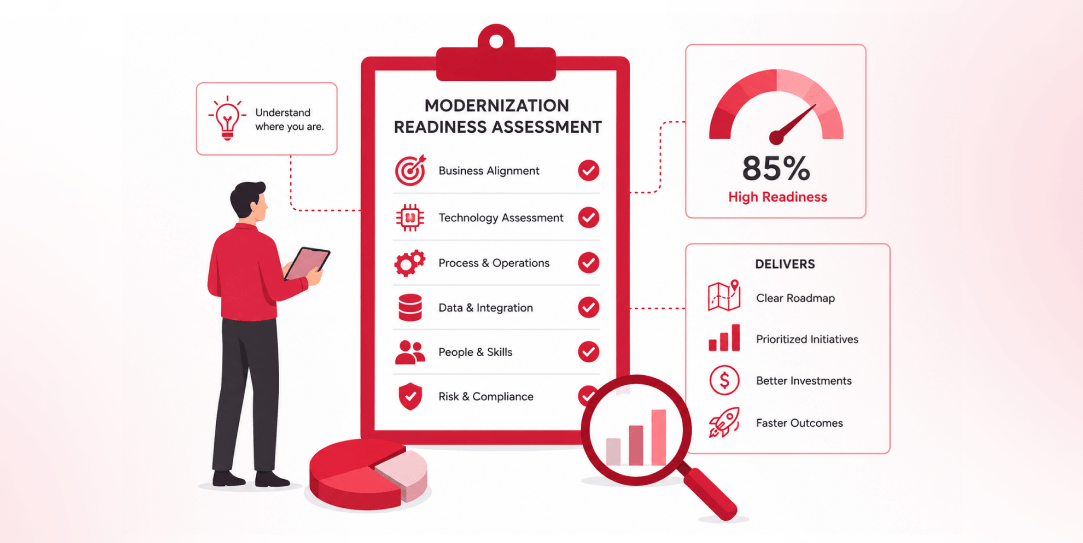
Most “audits” and “assessments” promise clarity but deliver a sales deck with language that lacks clarity. You book the call expecting evidence about your specific platform, and what shows up is a generic pitch for whichever package is easiest for the firm to sell. That’s the actual reason process transparency matters here, not because a […]
 Other
Other
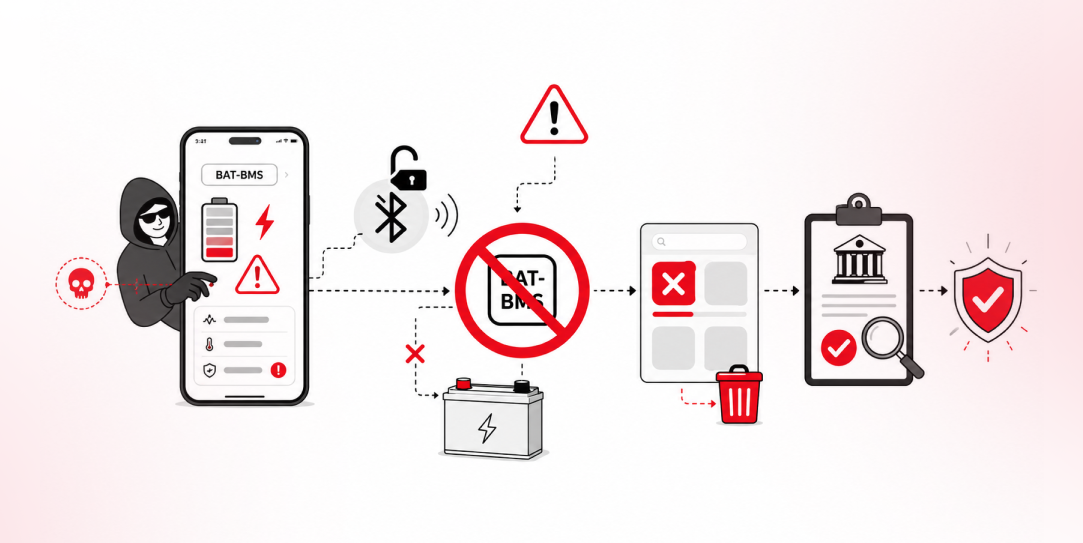
In late June and early July, videos started circulating on Instagram of people walking up to moving e-rickshaws, tapping a phone, and watching the vehicle lose power mid-ride. It spread as a prank trend before anyone fully understood the mechanism. Drivers in Patna (India) reported it first, assuming mechanical failure, until investigators traced it to […]