How To Manage Custom Drupal Migrations Using SQLBase?
 LN Webworks
·
04 Sep, 2025
LN Webworks
·
04 Sep, 2025
Drupal 9 stopped getting updates on November 1, 2023. Drupal 7 will stop getting updates by January 2025, but that’s the last extension. Drupal 10 came out in December 2022, and the latest version, 10.1.6, was released on November 1, 2023. What does this mean?
There’s a lot going right now in the drupal space and many websites are migrating to updated versions of Drupal. In fact, as of now, over 12,000 websites have already switched to Drupal 10, as per the Upgrade Status module download stats. This simply means that now is the best time for you to opt for a Drupal migration company and make the move. Let’s have a look at the various ways to migrate in Drupal, with a special focus on custom migrations using the SqlBase source plugin.
But First, What Exactly is Drupal Migration?
To put it technically, drupal migration involves transferring content, data, and settings from one content management system (CMS) or an older version of Drupal to a newer version. The process follows the Extract, Transform, and Load (ETL) steps. In Drupal, these steps are referred to as source plugins (Extract), process plugins (Transform), and destination plugins (Load). The Extract phase is where data is obtained, Transform is the processing step, and Load is where the data is placed.
When migrating from Drupal 7 to Drupal 9 or later, there are two primary methods:
Migration UI
- Usage: Ideal for straightforward migrations of the entire web application, including configurations and content.
- Characteristics: Doesn’t require in-depth knowledge of Drupal APIs.
- Considerations: Best suited for less complex sites where modules used in Drupal 7 are available in the target version (Drupal 9 or Drupal 10).
Custom Migration (Drush)
- Usage: Employed when significant architectural changes are made for a more modern and performance-centric approach.
- Characteristics: Requires creating custom migration scripts.
- Considerations: Suitable when Migration UI is not sufficient, and manual customization is needed for complex site architectures or when modules differ between versions.
Now, let’s have a closer look at the migration process using SQLBase.
Drupal Migration Using SQLBase
SqlBase migration is a direct and flexible approach to create custom SQL queries for your desired output during a Drupal migration. It follows the same principles as other Drupal migration methods.
Why Choose SQLBase Migration
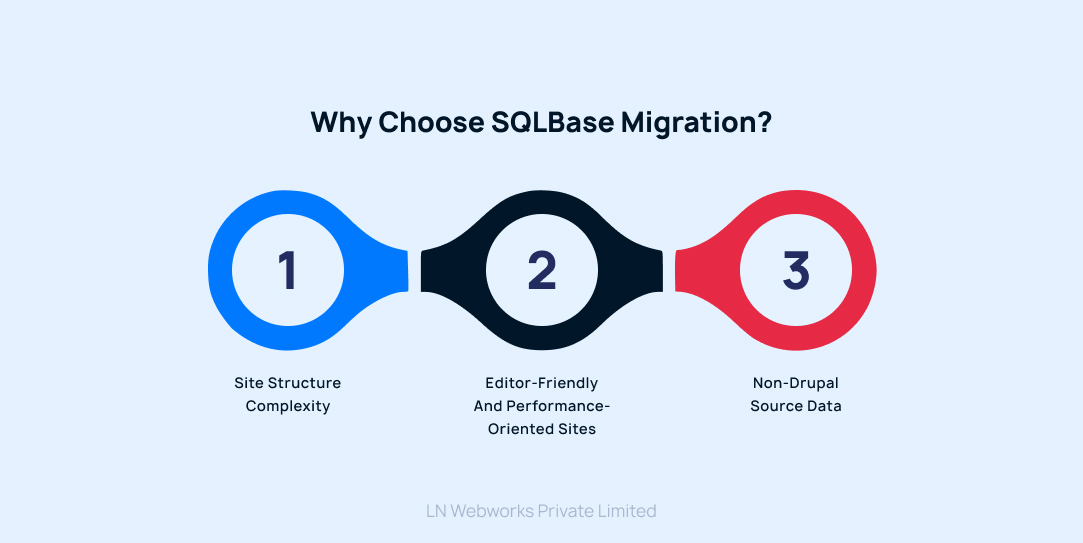
1. Site Structure Complexity
When your site has a simple field structure and content types, Drupal core migration can handle it. However, if you encounter challenges with outdated field types in Drupal 9 or need to restructure an old website with diverse content types, a more robust approach like SqlBase migration becomes necessary.
2. Editor-Friendly and Performance-Oriented Sites
For sites aiming at editor-friendly experiences and improved performance, a standard migration may not be sufficient. SqlBase migration allows you to prepare your source data for a smoother transition.
3. Non-Drupal Source Data
If your current site, on a platform other than Drupal, provides data in a database format, opting for SqlBase migration makes sense.
Benefits of SqlBase Migration
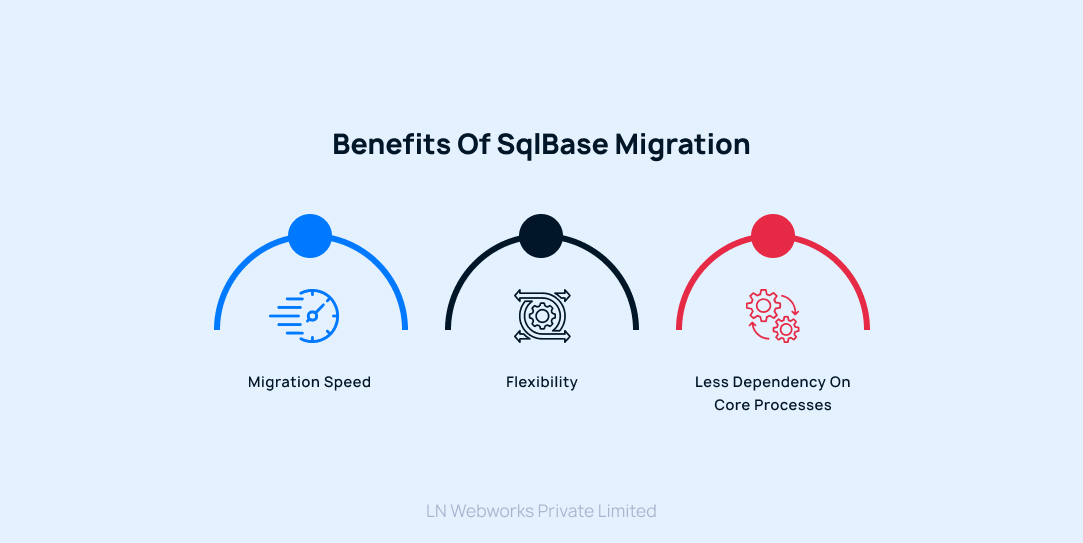
1. Migration Speed
The speed of your migration depends on how well you craft your database queries. A well-prepared query ensures a faster migration.
2. Flexibility
SqlBase migration provides flexibility in shaping and processing your data as needed.
3. Less Dependency on Core Processes
It doesn’t heavily rely on core migration processes, giving you more control over the migration process.
SqlBase Source Plugin Methods:
- query(): This method returns the SQL query for selecting data from the source database.
- fields(): Returns available fields on the source.
- getIds(): Defines the source fields that uniquely identify a source row.
Let’s go into the details of these plugins and what exactly they should contain.
query()
/**

* {@inheritdoc}

*/

public function query() {

  $query = $this->select('job_details', 'c')

    ->fields('c', [

      'id',

      'title',

      'description',

      'position',

      'company',

      'criteria',

    ]);

  return $query;

}
This function defines the SQL query to select specific fields from the ‘job_details’ table.
fields()

/**

* {@inheritdoc}

*/

public function fields() {

  $fields = [

    'id' => $this->t('Autoincrement ID'),

    'title' => $this->t('Job Title'),

    'description' => $this->t('Job Description'),

    'position' => $this->t('Job Position'),

    'company' => $this->t('Company'),

    'criteria' => $this->t('Job Criteria'),

  ];

  return $fields;

}
This function defines the human-readable names for the fields in the source.
getIds()

/**

* {@inheritdoc}

*/

public function getIds() {

  return [

    'id' => [

      'type' => 'integer',

      'alias' => 'j',

    ],

  ];

}
This function specifies the unique identifier for each row in the source data.
Let’s Wrap It Up!
As Drupal 9 reaches its End of Life and Drupal 7 bids farewell, the emergence of Drupal 10 emphasizes the urgency for smooth transitions. In this evolving landscape, our Drupal Development Company acknowledges SqlBase as an important tool for ensuring seamless and efficient migration processes. By providing the flexibility to create custom SQL queries, SqlBase plays a vital role in shaping personalized data transitions.
If you are seeking a dependable Certified Drupal migration partner and a team of experts, we are just a call away!
Author