What is a CMS and Why Should You Care?
Khushboo Arora
·
04 Sep, 2025
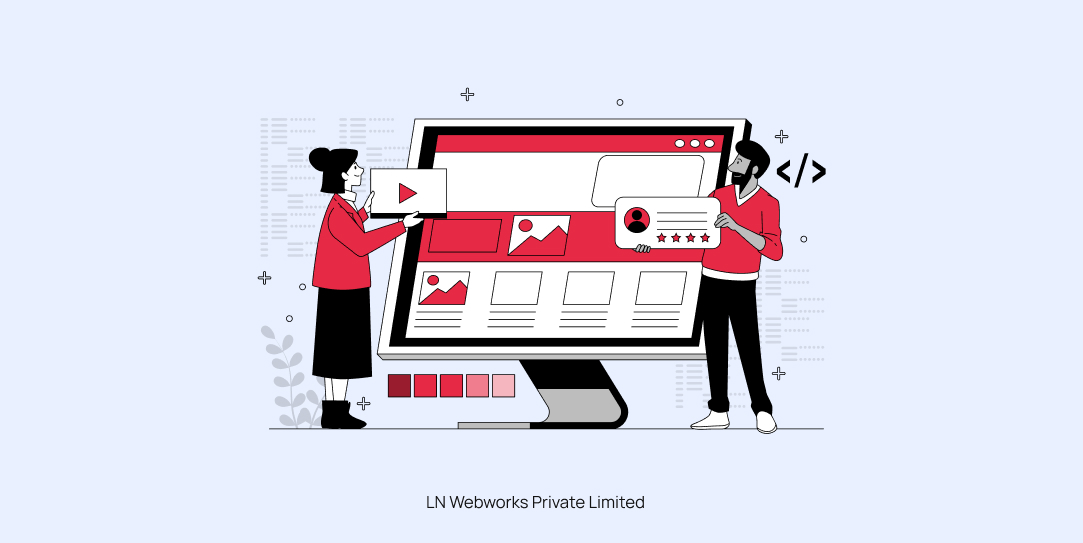
Imagine trying to organize a library without shelves. Chaos, right? That’s what managing a website without a CMS can feel like. A CMS is no less than your librarian that helps organize your content and make it easily accessible.
But what is the primary purpose of CMS? CMS (Content Management System) is a tool that allows you to build your website from scratch without requiring coding skills.
You’ll be amazed to know that more than 80 million websites are using some or the other CMS. Just because its a reliable solution that not only helps you build but manage, store and modify your digital content, using a CMS in today’s age has become a necessity.
In this blog, we will walk you through everything you need to know about CMS, including why you should use it, how it works, its types, examples, and how to select one. So, let’s dive in!
Opting for a CMS brings numerous benefits to organizations and individuals. Here are some of the major advantages of how it can simplify your website setup process, team productivity, content production and visibility online-
CMS systems have revolutionized web creation and design for non-developers. A lot of CMS platforms these days offer drag-and-drop editors and WYSIWYG (What You See Is What You Get) interfaces that make content creation straightforward and quick.
Using CMS enhances collaboration and workflow efficiency as multiple users can access and work in the back end of a CMS at the same time.
With features like real-time editing, version control, and multi-user access, a CMS facilitates a collaborative environment. It’s like having a virtual office where your team members can brainstorm, create, and publish content together!
You very well know how important SEO is for increasing your online visibility. A lot of CMS tools come with built-in SEO tools that can help in optimizing meta tags, building SEO-friendly URLs, managing sitemaps, creating 301 redirects and much more. These features can significantly boost your search engine rankings so that your audience can find you on top.
CMS platforms are just like having a personal SEO expert who works round-the-clock for your website!
Opting for a CMS can lead to significant cost savings in the long run. It eliminates the need for you to hire a dedicated web developer for every small change. Instead, you can allocate your resources more efficiently to other core areas.
Scalability and flexibility and two main features why one should opt for a content management system. As the business grows, the content requirements also extend; thus, using CMS, one can easily increase the content volume and schedule it as per their audience.
You can consider a CMS like a planting seed that grows into a mighty oak. Similarly, you can evolve your website from simple blogging to a complex e-commerce platform without much effort.
A CMS enables you to collaborate smoothly because of its built-in user roles and permissions. It allows you to control who can edit, manage content approval workflows, protect sensitive information, and more.
Primarily, you can provide each user or team member access to exactly what they need.
Before we understand the workings of a CMS, it is important first to gain insights on how to build a website from scratch-
A CMS enables you to streamline these processes. Apart from eliminating the need to code, a content management system also makes uploading content easier and faster.
Content Management Systems can be categorized based on different criteria, such as their functionality and architecture. Here are the primary types of CMS:
Traditional CMS has been the backbone of web development for years. These all-in-one systems serve as the front-end (content presentation) and back-end (content management) channels. These systems offer a user-friendly interface for creating, editing, and publishing content without needing technical skills. Some of the popular examples of traditional or open-source CMS include WordPress, Joomla, Drupal, etc.
These platforms are built on source code and allow users to modify the source code. Plus, these CMS are community-driven with extensive customization options.
On the contrary, headless CMS separate the back-end content management from the front-end presentation. These platforms focus solely on content management and delivery across various platforms like websites and mobile apps. Some popular examples of headless CMS include Contentful, Strapi, etc.
Proprietary CMS is developed and owned by companies/individuals requiring a license for use. These CMSs are exclusively available to those who have purchased a license. Unlike open-source CMS, proprietary CMS keeps the source code closed to the public. Some of the examples of this CMS include Adobe Experience Manager, Sitecore, etc.
Enterprise CMS manage vast amounts of data across multiple sites. These platforms primarily cater to the complex needs of large organizations, allowing them to create, edit, approve, publish — and otherwise manage digital content without writing code. Some popular examples of these CMS include SharePoint, Documentum, Alfresco, etc.
SaaS CMS is a complete end-to-end cloud-based solution that is easy to set up and manage. These platforms are typically subscription-based models that require no actual setup, installation, or preconfigured web hosting.
It is an ideal solution for those looking for a straightforward web presence without any of the server or web-hosting overhead. Some of its popular examples include Wix, Squarespace, etc.
With so many CMS platforms in the market, selecting the right one can be quite a challenging and tedious task. But you don’t have to worry, as here we have mentioned some of the crucial factors you need to consider when selecting a CMS-
Scalability is an essential factor, as your chosen CMS should be able to grow with your business. It should be able to accommodate increased traffic, content, and functionality without compromising the website’s performance. Consider your long-term goals and opt for a platform that enables you to add features and functionalities as needed.
Do not opt for CMS options that make it difficult to move your content elsewhere if needed. Choose a CMS that uses standard data formats and allows you to export your content easily. Consider open-source options for maximum flexibility.
Your CMS shouldn’t exist in isolation. It should integrate seamlessly with other tools you use, from analytics to CRM systems. Plus, you should also discuss with your IT team to check compatibility and security requirements. Look for API availability for custom integrations and also consider the ease of adding plugins or extensions.
A lot of CMS platforms are free to use, but if you need premium features, you will have to opt for a paid platform. You should always consider the total cost of ownership, including:
Before selecting the CMS, you need to check that the CMS’s built-in security features are up-to-date and capable of anticipating all malware types. Furthermore, check for features like two-factor authentication and also consider the CMS’s track record in handling vulnerabilities.
Undoubtedly, a CMS can significantly impact your bottom line by streamlining your digital operations. These platforms reduce development costs for website updates, minimize the need for technical expertise for content management and save time on routine tasks. This will allow your team to focus on strategic initiatives.
If you are juggling finding the best CMS options that fit your business needs, leave it on LN Web Works. With years of experience in offering the best web development services, this platform helps you design creative digital solutions without any hassle. Its expert developers allow you to build scalable, secure, and high-performance websites and applications across diverse industries.
Don’t let your business get left behind—embrace the power of CMS today!

 Other, SaaS Development
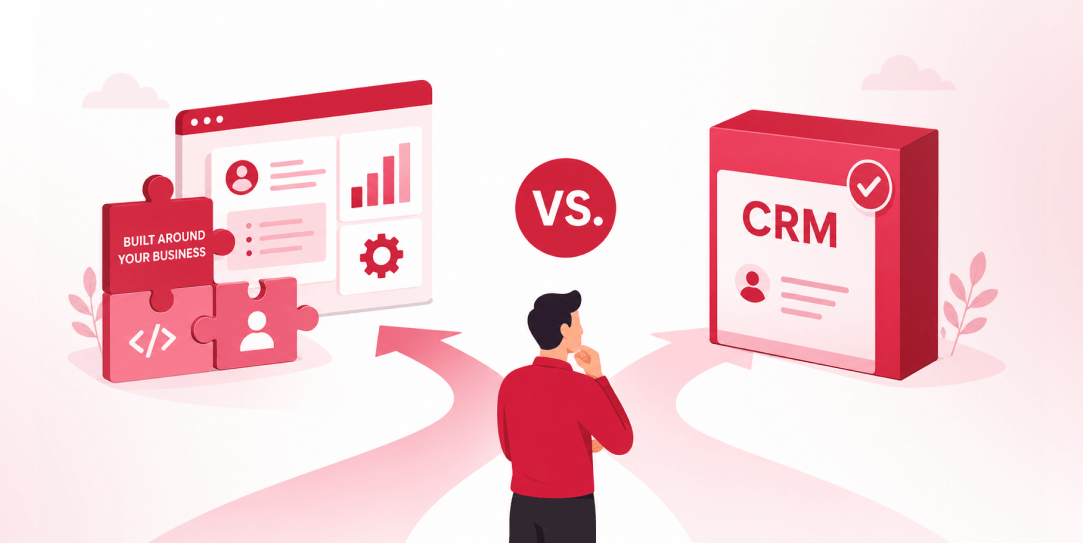
SaaS CRMs win on speed. Custom wins on fit and ownership. This isn’t a pitch for either one. Every early-stage SaaS company hits this decision within the first year, usually right after the founder realizes a spreadsheet isn’t a CRM. The default answer is almost always a SaaS CRM: HubSpot, Salesforce, Zoho, sign up in […]
 Other
Other
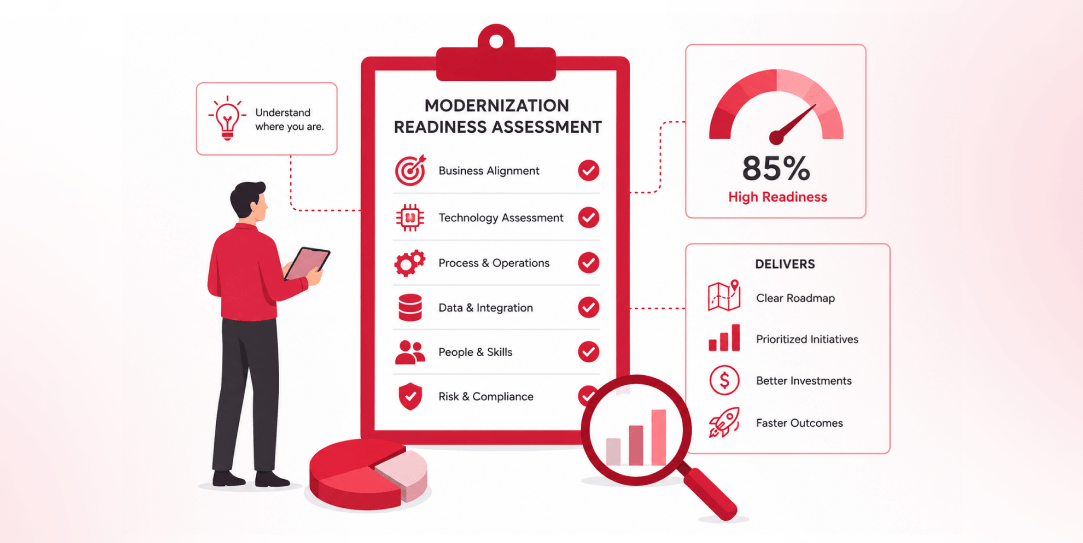
Most “audits” and “assessments” promise clarity but deliver a sales deck with language that lacks clarity. You book the call expecting evidence about your specific platform, and what shows up is a generic pitch for whichever package is easiest for the firm to sell. That’s the actual reason process transparency matters here, not because a […]
 Other
Other
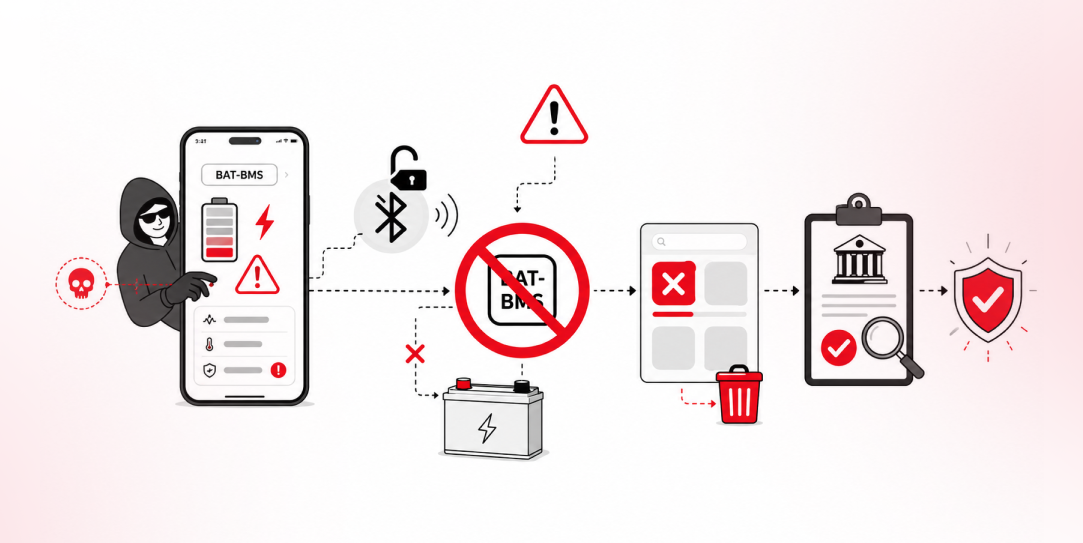
In late June and early July, videos started circulating on Instagram of people walking up to moving e-rickshaws, tapping a phone, and watching the vehicle lose power mid-ride. It spread as a prank trend before anyone fully understood the mechanism. Drivers in Patna (India) reported it first, assuming mechanical failure, until investigators traced it to […]